
Flows


Loops are one of the most powerful building blocks in automation. They allow a single process to work through lists of records, files, orders, invoices,…

Flows often need to send links. A link might be sent by SMS, email, WhatsApp, notification, or another communication channel. It might open a form,…
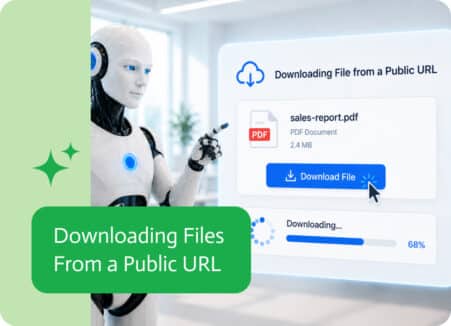
Files do not always start inside the system you are working in. Sometimes they live behind a public link, in a shared location, inside an…

SharePoint is often where important business records live. Tasks, approvals, requests, documents, cases, issues, and internal records can all sit inside SharePoint lists. But sometimes,…
Files are not always the final result of a process. Sometimes they are just one step along the way. A user uploads a document, a…

Excel spreadsheets are often where structured data lives before it enters an automated process. They might contain customer lists, financial records, operational data, or exported…