
I have three rules related to working with large systems.
The third rule states that despite my advanced age, I have only a few gray hairs but all of them are due to system integrations.
If I had known about NOCA.AI, I probably wouldn’t have any gray hairs at all! Six integrations in six days— working seamlessly, without issues, without failures. Salesforce to Priority and back, Salesforce to WhatsApp, Typeform to Salesforce, Sending messages to Slack, Long integrations and short ones— pure delight!

From Prompt to Worker:
AI Digital Workers for Business Processes
Describe your tasks and an AI Worker comes to life: it runs background jobs around the clock, processes forms and documents, collects signatures, and keeps Salesforce, NetSuite, SAP and monday.com in sync. Works with ChatGPT, Claude and Grok through the Noca MCP Server.
Schedule a Demo Watch a 1-Minute Video
Leave your tasks in the hands of a reliable Worker.
Let Noca Worker take over the background jobs you don’t have time for. It runs tasks, processes data, and keeps everything moving reliably, so you can focus on the work that actually matters.

The Real Power Behind Noca Workers
Working. Reliable. Always.
Your worker never sleeps, never pauses, and never forgets — delivering consistent output 24/7 without burnout or drop-offs.
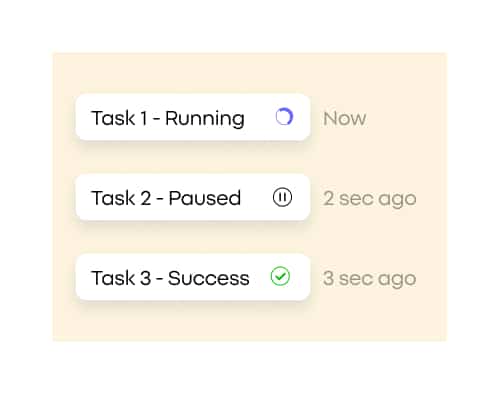
Multi-Tasking Mastery
Handles multiple tasks, channels, and workflows at the same time with zero loss of focus, speed, or quality.
Real-time Insights
Understands data in real time, uncovering improvement opportunities as they emerge.
Scales On Demand
Handles Any Workload Without Slowing Down. Whether it’s one task or thousands, your worker expands effortlessly.
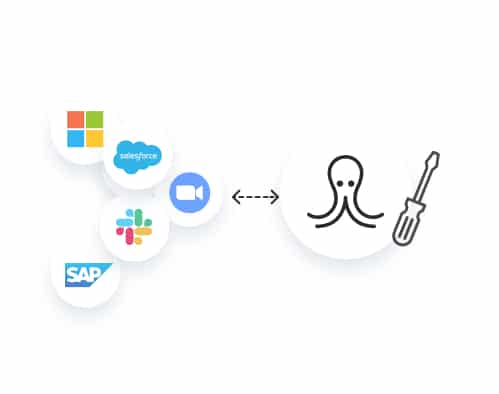
Works With Your Tools
Understands and uses real-time data from all your connected tools.
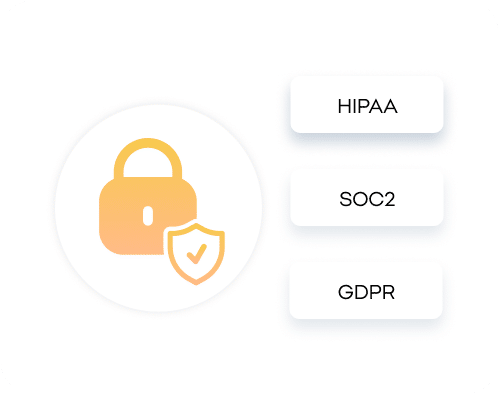
Built-In Safety
Granular permissions, audit logs, and rule-bound behavior ensure your worker always operates exactly within your boundaries.
Run Your AI Workers’ Processes From ChatGPT, Claude or Grok
AI Workers run as Noca flows, so the Noca MCP Server lets ChatGPT, Claude or Grok start them, follow them and improve them. Ask: “Run the supplier onboarding flow for Acme in NetSuite.” The assistant triggers the published flow with run_flow, follows its progress with list_runs and get_run, and, with Builder permissions, can adjust and test its steps.
Workers for Every Vertical
Discover how businesses deploy AI workers that take on real work faster than any traditional team ever could.
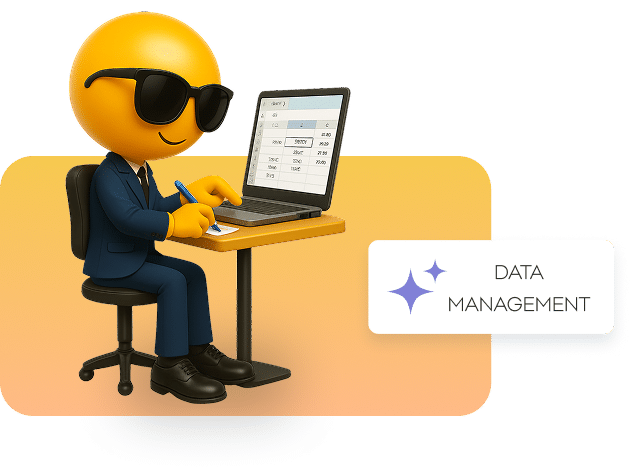
AI Workers keep your data alive
Let a worker update records, sync systems, send the right messages, and keeps every source perfectly aligned — without anyone chasing spreadsheets or fixes.
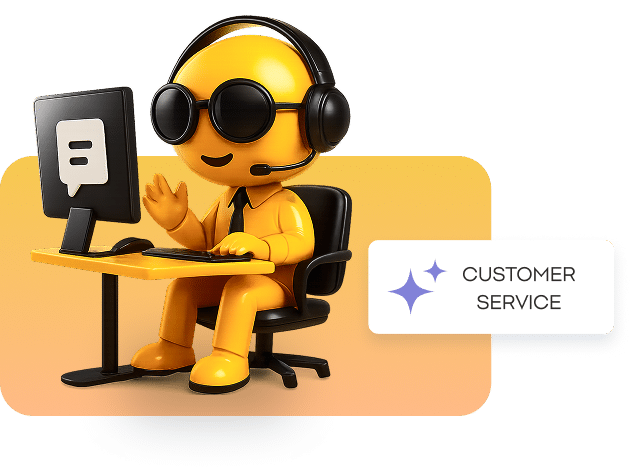
A Rep That Never Slows Down
Let a Worker resolve tickets, update accounts, follow workflows, and deliver accurate answers instantly — without queues, burnout, or missed follow-ups.
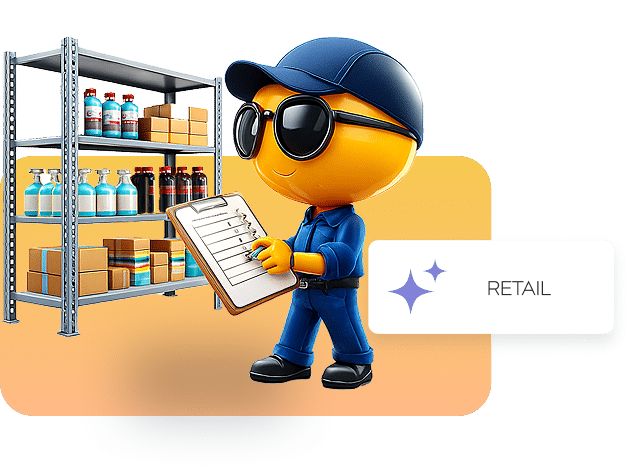
Real-Time Retail
Your Worker tracks inventory, updates product data, syncs channels, and handles order workflows automatically — keeping the entire retail engine running smoothly.
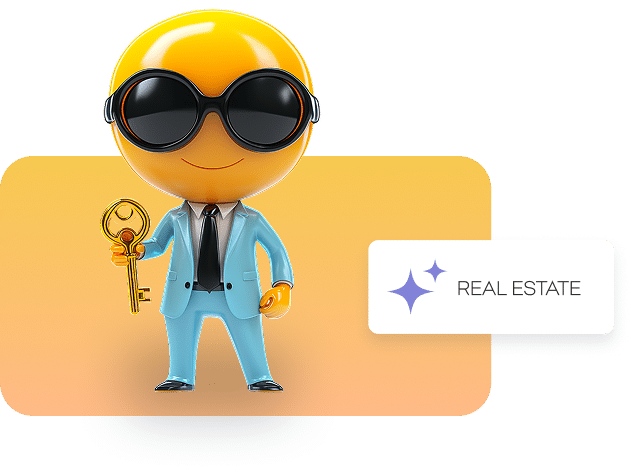
Always Leasing & Assisting
Let a Worker manage inquiries, update listings, coordinate tenant requests, and sync property data — keeping operations responsive and fully up to date.
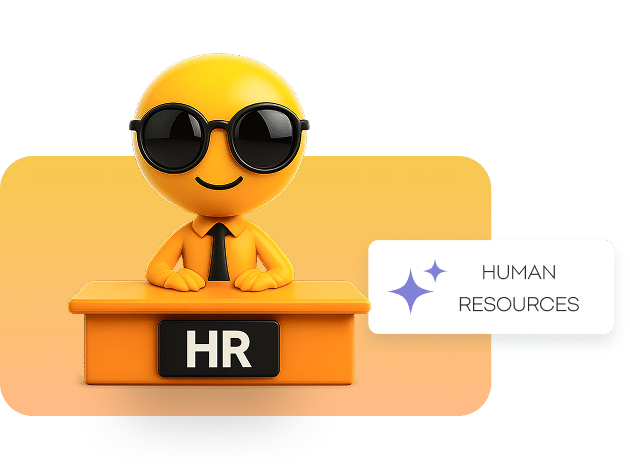
Managing other Workers
Get an AI Worker to Manage onboarding flows, verify documents, update employee records, prepare reports, and coordinate across HRIS, payroll, and internal systems automatically.
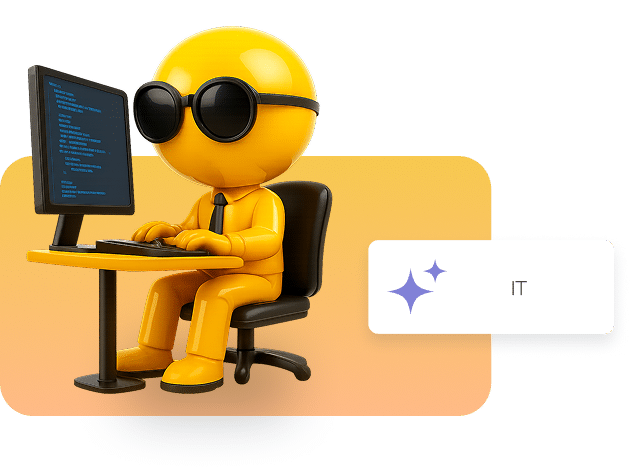
IT Ops That Take Care of Themselves
An AI Worker automates your maintenance routines, monitors your stack, and handles corrective actions instantly — no downtime, no manual intervention.




Customer Stories: AI Workers
Nirlat Embedded an AI Agent as a Digital Employee for Internal Teams
Nirlat embedded a Noca AI agent directly into its operational apps as a core assistant for internal teams. Staff run complex queries and start routine business processes in plain language, get instant operational answers, and hand repetitive administrative work to the agent.
— Yedidya F., Nirlat
Noca products: AI Agent Builder, Noca Workers, Noca Apps (AI App Builder)
Read the full Nirlat story →
Oti Supports Families and Care Teams With an AI Agent
Oti runs a Noca AI agent based on the Spiral Therapy Model that routes complex inquiries from families and care teams and delivers customized therapeutic guidance. Automated Noca Flows keep data and progress tracking in sync across core systems without manual effort.
— Liel S., Oti (Israeli Association for Autism)
Noca products: Noca Bots (AI Chatbots), AI Agent Builder, Noca Flows (Workflow Automation)
Read the full Oti story →
Discover the Impact of an AI Worker
Frequently Asked Questions
What exactly is an AI Worker?
An AI Worker is a digital employee that handles ongoing tasks, updates, decisions, and workflows for you — just like a real team member, only faster, consistent, and always available.
What is an AI Worker good for?
AI Workers excel at the work humans shouldn’t waste time on: data updates, system syncing, messaging, routing tasks, monitoring statuses, generating reports, checking conditions, and keeping every tool aligned without manual effort.
How does an AI Worker know what to do?
You simply describe the outcome you want. The Worker learns the logic, understands context across your systems, and performs the actions exactly as defined — every single time.
Does it work across the tools we already use?
Yes. AI Workers integrate with your existing stack — CRM, helpdesk, ERP, email, messaging apps, databases, APIs — and operate across all of them as one connected unit.
Can AI Workers collaborate with real employees?
Sure. They’re built for it. Workers can notify humans, request approvals, escalate issues, hand off tasks, or collect missing info — working alongside teams, not replacing them.
How reliable are AI Workers?
Very. Workers run 24/7, never forget steps, never lose context, and never get tired — delivering the same consistent execution at any scale.
Are AI Workers hard to maintain once deployed?
Not at all. They update themselves based on your instructions. You can adjust logic, add tasks, or extend responsibilities anytime — no complex setup or re-coding needed.
Can a customer choose where Noca processes its data?
Yes. Noca operates across multiple AWS regions, allowing each company to select the region that best fits its needs—such as the EU or US. This flexibility supports compliance with local regulations and ensures optimal performance for your team and customers.
What business processes can a Noca AI Worker run end to end?
A Noca AI Worker can run complete processes such as vendor onboarding, order processing and contract renewals: it reads incoming data, fills forms, generates documents, sends them for e-signature, and updates CRM and ERP systems like Salesforce, NetSuite, SAP and Priority.
Can I give tasks to a Noca AI Worker from ChatGPT, Claude or Grok?
Yes. Through the Noca MCP Server, ChatGPT, Claude, Grok and other MCP-compatible assistants can trigger and manage Noca processes, with granular permissions for building, reading, writing and administration.
How is an AI Worker different from a Zapier or Make automation?
Trigger-based tools pass data between apps. A Noca AI Worker understands the task, handles multi-step logic and exceptions, works with documents and signatures, and connects deeply to ERP and CRM systems.
What is the Noca MCP Server and how do I connect it?
The Noca MCP Server connects your Noca workspace to ChatGPT, Claude, Grok and other MCP-compatible AI assistants. Turn it on under Security & Credentials, choose the tool groups the assistant may use (Builder, Data read, Data write, Admin), copy the private server URL and add it to your assistant as a custom connector. Learn more on the Noca MCP Server page.
What can I ask ChatGPT, Claude or Grok to do with Noca AI Workers?
With Noca connected through the MCP Server, you can run the published flows behind your AI Workers (run_flow), see what they did (list_runs and get_run), and with Builder permissions update and test their steps (update_node and test_flow), for example “Process today’s purchase orders and update SAP.”
AI workers: guides, videos and tutorials
Learn more about AI workers with Noca Workers: in-depth guides, short video demos and step-by-step tutorials.
Guides
Videos
- AI Worker vs AI Employee vs Digital Worker: Key Differences
- Digital Employees: Top 10 AI Worker Platforms for 2026
- AI Workers: How Digital Employees Help Your Business Scale
- Emergent vs Sintra: Ready-Made AI Helpers or Custom AI Workers
- Recover Deleted Apps, Bots and AI Workers From Account Trash
- All Noca videos