
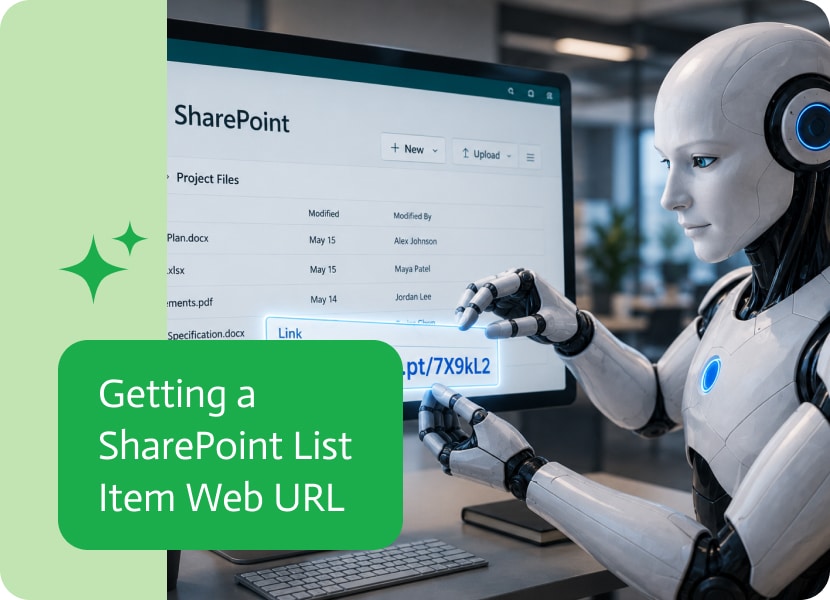

Getting a SharePoint List Item Web URL
SharePoint is often where important business records live. Tasks, approvals, requests, documents, cases, issues, and internal records can all sit inside SharePoint lists.
But sometimes, working with the record itself is not enough. A workflow may also need the direct web link to that specific list item, so people can open it, review it, share it, or come back to it later without hunting through SharePoint like it’s a treasure map designed by a committee.
Why List Item URLs Matter
A SharePoint list item is usually part of a larger process. Someone may submit a request, update a record, approve an item, or review information stored in a list.
In many cases, the next step requires a direct link to that exact item.
For example, a workflow may need to:
- Send a link to a manager for review
- Add the item URL to an email or notification
- Store the link in another system
- Reference the item in an approval process
- Include the item link in a report or audit trail
- Let users open the record later with one click
Without the web URL, users may need to search manually for the item. Which is technically possible, yes. So is walking everywhere. We invented better options for a reason.
Using the URL Later in the Workflow
When a workflow can retrieve the web URL of a SharePoint list item, that link becomes available for later steps.
It can be included in messages, saved into records, passed into another system, or used as part of a follow-up action.
For example, after creating or finding a SharePoint list item, the workflow can get its URL and send it to the right person. That person can click the link and open the exact item immediately, instead of navigating through lists, filters, folders, and mild despair.
Better Visibility and Traceability
Direct SharePoint item links are also useful for tracking and visibility.
When a process touches several systems, it helps to keep a reference back to the original SharePoint item. This makes it easier to understand where the information came from and how to get back to it.
That is especially helpful for approvals, service requests, compliance records, internal tickets, customer cases, or any workflow where people may need to review the source item later.
Less Manual Searching
Without a direct item URL, someone often needs to open SharePoint, find the right list, search for the record, apply filters, and hope they clicked the correct item.
Getting the list item URL automatically removes that step. The workflow can bring the link forward and make the exact item easy to access.
Small thing. Big reduction in “where is that record?” energy.
A Cleaner Way to Reference SharePoint Items
SharePoint list items are useful, but they become much easier to work with when workflows can reference them directly.
Getting the web URL of a list item makes it easier to open, share, store, and use the exact SharePoint record later in the process.
In simple terms: instead of telling someone where to look, the workflow can give them the link. Much better. Much less archaeological.

Google Drive is where important files go to become everyone’s problem. It is convenient, it is familiar, and it is also the easiest place to…
Role and Creation of the Product Catalog The Product Object is the core CRM object used to represent the goods or services a company sells….

In today’s fast-paced business landscape, keeping your data accurate and consistent across various systems is essential. Data synchronization ensures that everyone—whether they’re in marketing, sales,…