
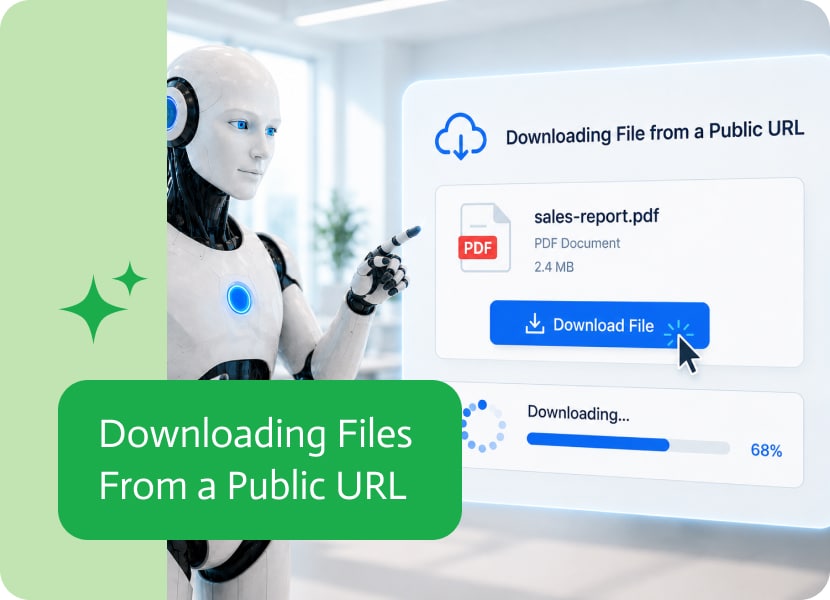
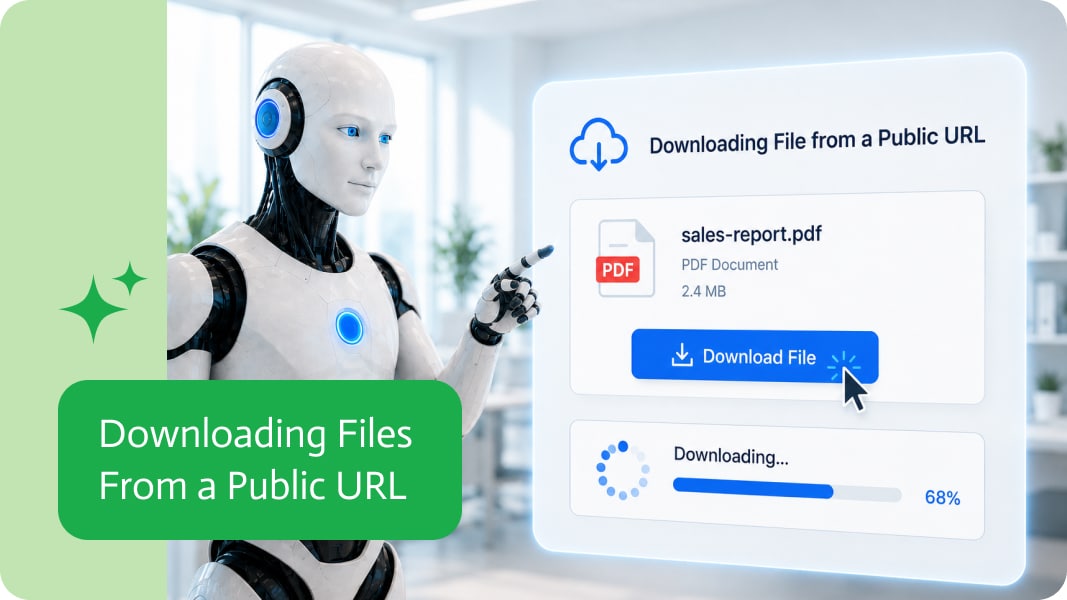
Downloading Files From a Public URL
Files do not always start inside the system you are working in. Sometimes they live behind a public link, in a shared location, inside an external tool, or as a file URL returned from another process.
That is fine, until the workflow actually needs to use the file. A link is useful for opening something, but it is not always enough when the next step needs the actual file.
That is where downloading a file from a public URL becomes useful.
Why Public File URLs Matter
Many business processes receive files as links.
For example, a workflow may get a public URL for:
- A PDF document
- An image
- A signed form
- An invoice
- A report
- A spreadsheet
- A generated export
- A file uploaded through another system
The link points to the file, but the workflow may need to download the file so it can be used in later steps.
Turning a Link Into a Usable File
Downloading a file from a public URL allows the workflow to take the file behind the link and make it available as an actual file.
Once downloaded, the file can be passed forward, attached to an email, stored in cloud storage, sent to another system, analyzed, converted, or included in another process.
For example, a workflow could receive a public PDF link, download the file, and then attach it to a customer record. Or it could download an image from a URL and use it in a generated document.
Less Manual File Handling
Without this option, someone may need to open the link, download the file manually, upload it somewhere else, and then continue the process.
A thrilling journey, if your hobby is pretending browser downloads are automation.
Downloading files directly from public URLs removes that extra manual step. The workflow can take the link, get the file, and keep moving.
Better Flow Between Systems
Different systems often share files in different ways. Some send actual files. Others send URLs. Some return links to generated exports, documents, or attachments.
Being able to download a file from a public URL helps connect those systems more cleanly. It means a workflow can work with files even when the first thing it receives is only a link.
A More Practical Way to Use External Files
Public URLs are common, but workflows usually need more than a clickable link.
Downloading the file makes it possible to use that file as part of the process, pass it into the next step, and continue without manual intervention.
In simple terms: the workflow can now take a public link, grab the file behind it, and use it like any other file. Much better than asking a human to play download-and-upload courier.

As applications become more sophisticated, the same input is often used in multiple places on a page. An input may appear in different sections, reusable…
What Is a Production Order? A Production Order in SAP is a formal instruction to manufacture a specific quantity of materials within a set timeframe….

Sales teams often receive more enquiries than they can immediately handle. Some leads are highly relevant. Others are missing important information. Some are simply looking…