
When we started looking for an automation and integration solution for our nonprofit, we needed something simple — no developers, no enterprise-level budgets. With NOCA, I managed within a few hours (completely on my own) to connect Salesforce, Gmail, and WhatsApp, and build four integrations that replaced manual processes.
I had never used the platform before — but the AI-guided interface made everything clear and accessible. And suddenly, things I thought required an entire team… just worked.
If you’re a nonprofit or social organization that needs to move fast — I highly recommend checking out NOCA.

From Prompt to App:
AI Web App Builder for Business
Describe what you want and get a fully built, fully integrated business web app: customer portals, forms, dashboards and internal tools with built-in document generation, e-signatures and automations, connected to Salesforce, NetSuite, SAP, monday.com and more. Works with ChatGPT, Claude and Grok through the Noca MCP Server.
Schedule a Demo Watch a 1-Minute Video
Cut the Middlemen —
Build the App yourself
Desert the long, costly app-development grind. Create a custom app that fits your needs — integrated with your stack, powered by your logic, and designed to match your brand, all without waiting on designers, developers, or endless back-and-forth.

The Real Power Behind Noca App
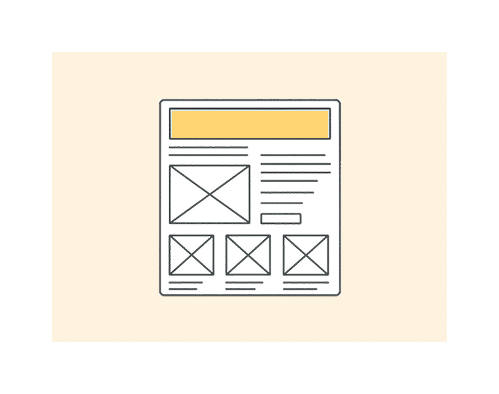
Generate Polished UI
Turn prompts into full screens, layouts, and components – clean, structured, and ready to use without hand-holding a designer.
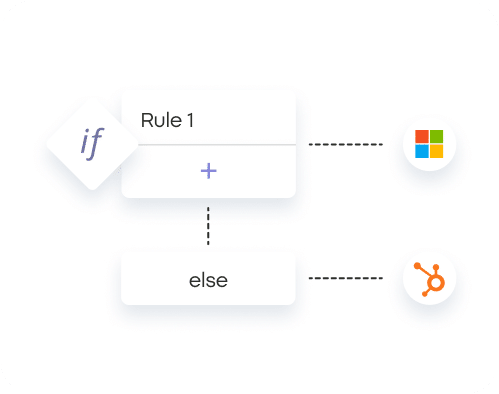
Logic That Makes Sense
Define behaviors in plain language and get real, working logic. No spaghetti, no guesswork – just predictable app behavior.
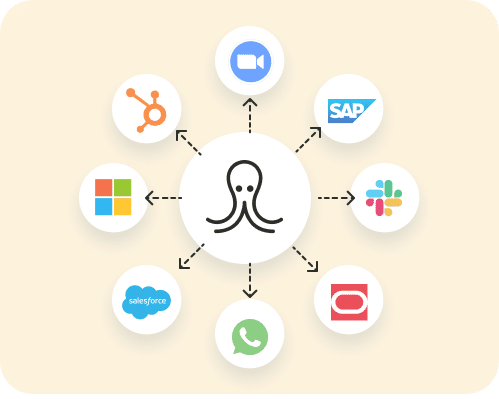
Integrations Built In
Connect your stack, APIs, and data sources directly from your prompt. Everything wires up without endless configuration.
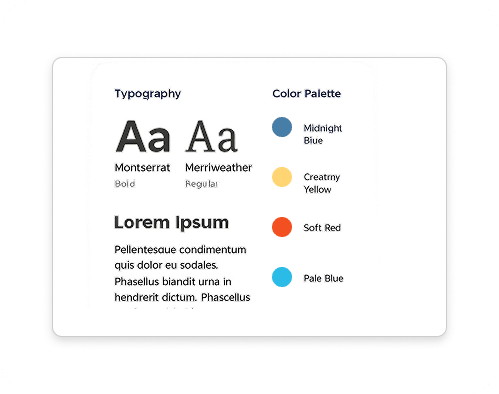
Tailored to Your Brand
Style your app your way. Colors, spacing, layout, personality – App generates it all with your brand in mind.
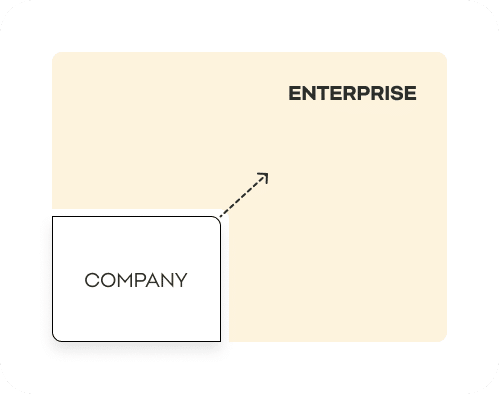
Scalable Out of the Box
Get an app that’s deployment-ready immediately. No hacks, no cleanup work – just something you can ship and grow.
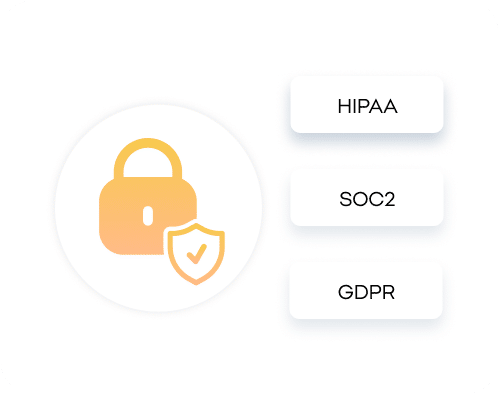
Robust Security
SOC 2, GDPR, and enterprise-grade access controls – all standard with Noca AI, protecting you from day one.

What Is Prompt to App?
Prompt to app is a way of building software by describing it in plain language. With Noca, you describe the app you need, and Noca generates the screens, data model, logic and integrations as a working business app that you can refine with more prompts and publish for your team or customers.
Example: From Prompt to Published App
Prompt: “Build a service request portal for our customers. They log in, submit a request with a category, description and photos, and see the status of their past requests. Save each request as a Case in Salesforce, notify the account owner in Slack, and generate a PDF summary when the case is closed.”
1. Describe it. Noca generates the login, request form, request list and status screens.
2. Connect your data. Pick your Salesforce connection; fields map to Case and Contact.
3. Add logic in plain language. For example, “show the photo field only for the Damage category.”
4. Automate what happens next. A Noca Flow sends the Slack alert and a Noca Docs template creates the PDF.
5. Preview, refine and publish. Change anything by prompt, then publish with your branding.
The Israel Guide Dog Center runs a portal like this on Noca Apps, connected in real time to Salesforce, for clients, volunteers and trainers.
Prompt to App vs Other Ways to Build
• Vs custom development: no sprint cycles for internal tools and portals; your team changes the app by describing the change.
• Vs general AI coding tools: Noca apps come with business integrations, forms, document generation, e-signatures, approvals and permissions built in, instead of code you have to host and connect yourself.
• Vs classic no-code builders: you start from a description instead of an empty canvas, and still keep visual control.
Apps connect to Salesforce, NetSuite, SAP, monday.com and 60+ integrations, and you can build or use them from ChatGPT, Claude or Grok through the Noca MCP Server.


Build and Use Apps From ChatGPT, Claude or Grok
With the Noca MCP Server, ChatGPT, Claude or Grok can work with your Noca apps directly. Ask: “Add an approval step to the purchase request app” or “Show me all open requests from the field-service app and assign them to Dana.” With Builder permissions, your assistant can even create and change Noca apps for you.
Apps for Every Vertical
Discover how businesses create branded, integrated apps that ship faster than traditional development ever could.
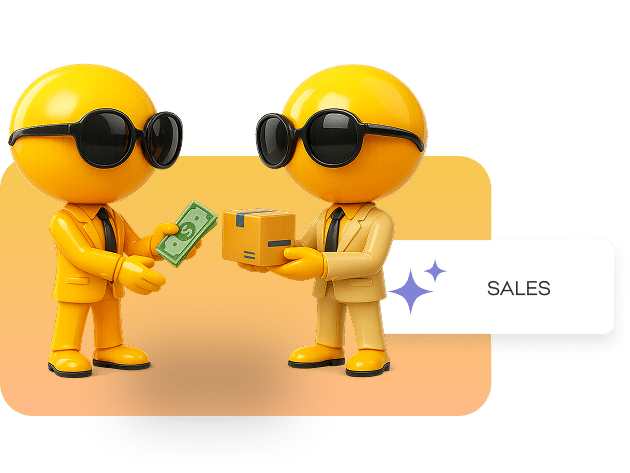
Build Tools That Close Deals Faster
Create custom sales apps that track leads, qualify prospects, automate follow-ups, and surface the right info at the right time. From pipelines to proposal generators — if it helps your reps sell, App builds it from a prompt.

Launch Campaigns With Zero Bottlenecks
Generate apps that manage campaigns, collect insights, route creative requests, schedule content, and keep assets organized. Whether it’s planning, tracking, or reporting — App builds the tools your team actually uses.
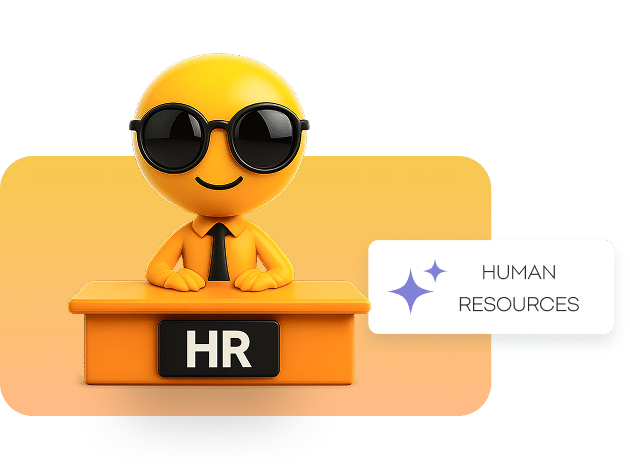
Create Tools That Make HR Run Smoothly
Build apps for onboarding, training, employee requests, policy lookup, and performance tracking. App turns HR processes into simple tools employees can actually navigate — without long forms or hidden spreadsheets.
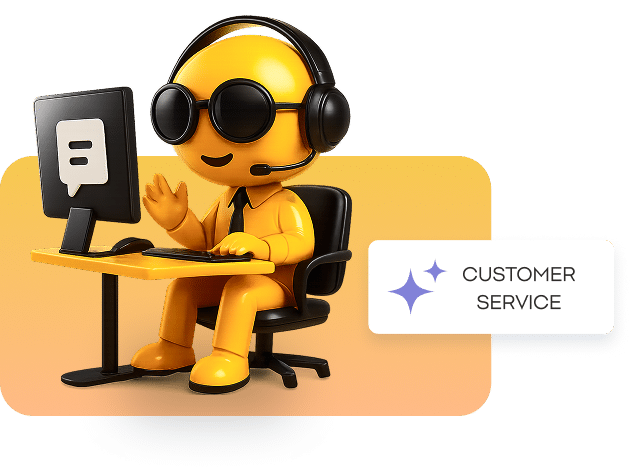
Support Teams That Move Faster
Build apps that handle ticket triage, customer histories, escalation paths, and internal knowledge lookup. App creates the workflows and dashboards your agents need to respond quickly and consistently.
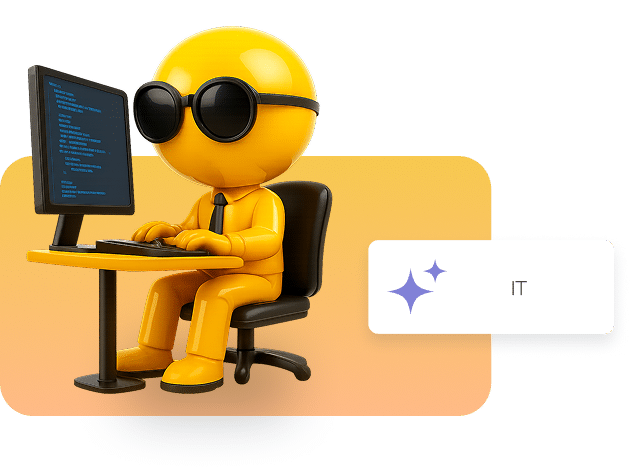
Build Internal Tools Without the Ticket Pile
Create apps for access requests, device provisioning, incident tracking, audit logs, and system checks. App generates the tools IT needs to stay organized and reduce manual overhead — no dev backlog required.




Customer Stories: AI App Builder
MASA Verifies Participant Documents With an AI App and Human-in-the-Loop Review
MASA built an AI document verification app on Noca Apps that checks entry permits, medical forms and background clearance documents. It extracts participant metadata from S3 files, validates it against Salesforce and routes only edge cases to an automated manual review queue.
— Zion, MASA
Noca products: Noca Apps (AI App Builder), AI Agent Builder, Approval Workflows
Connected systems: Amazon S3, Salesforce
Read the full MASA story →

Avney Rosha Built a Multi-Role App for Mentoring and Leadership Development
Avney Rosha built a multi-role workspace on Noca Apps for school principals, mentors, supervisors and instructors. It handles real-time meeting reporting, practicum hour approvals and leadership goal tracking, and syncs every field report to the central CRM.
— Romi Y., Avney Rosha
Noca products: Internal Tools & Portals, Noca Apps (AI App Builder), Approval Workflows
Read the full Avney Rosha story →

Israel Guide Dog Center Runs an Accessible Portal App on Salesforce
The Israel Guide Dog Center built an accessible portal app on Noca Apps, connected in real time to Salesforce CRM. Visually impaired clients, volunteers and dog trainers submit activity reports and service requests in one place.
— Menashe K., Israel Guide Dog Center
Noca products: Internal Tools & Portals, Noca Apps (AI App Builder)
Connected systems: Salesforce
Read the full Israel Guide Dog Center story →
Explore How AI-First App Building Drives Real Results

Frequently Asked Questions

How fast can I build an app with Noca?
With Noca AI, businesses typically see results from Vibe Coding in days and sometimes even hours! By describing what you want instead of building it manually, your team will do more with less resources unlocking new value in every project.
Do I need any technical background?
No. You can build fully functional, scalable applications with plain-language prompts — no coding, no design tools, no complex setup.
Can I connect my app to my existing tools?
Yes. Noca integrates natively with CRMs, databases, APIs, authentication providers, and internal systems. If your business uses it, your app can too.
Can I control how the app looks and behaves?
Absolutely. You can adjust structure, logic, design, and workflows with simple instructions. Noca adapts instantly while keeping everything consistent and production-ready.
What can I create with Noca Apps?
You can create anything from internal dashboards, internal tools and CRMs to onboarding flows, signup funnels, scheduling tools, approval systems, landing pages, Customer portals, and more. If you can describe it, Noca can build it.
Can I update my app after it’s launched?
Of course. Just tell Noca what to change — fields, flows, pages, logic, or integrations. Any edits you make after publishing are saved as a draft, and when you’re ready to replace the live version, you can publish with one click.
Noca also keeps multiple versions, so you can experiment freely and revert to any previous version whenever you want.
Are apps created with Noca secure?
Absolutely. Noca Apps is ISO 27001 certified and SOC 2 compliant, meeting the highest standards for security, privacy, and operational integrity.
Can a customer choose where Noca processes its data?
Yes. Noca operates across multiple AWS regions, allowing each company to select the region that best fits its needs—such as the EU or US. This flexibility supports compliance with local regulations and ensures optimal performance for your team and customers.
Can Noca apps include forms, document generation and e-signatures?
Yes. Noca apps can collect data with forms, generate DOCX or PDF documents from templates, capture e-signatures and trigger automations, so one app covers the whole business process.
Which systems can a Noca app connect to?
Noca apps connect natively to Salesforce, NetSuite, SAP, Priority ERP, Microsoft Dynamics, HubSpot, Zoho, monday.com, Zendesk, Jira, Slack, Google Workspace, SharePoint Excel, Box, Dropbox, Amazon S3 and Shopify, plus any REST API.
Can I build or use Noca apps from ChatGPT, Claude or Grok?
Yes. The Noca MCP Server lets ChatGPT, Claude, Grok and other MCP-compatible assistants work with your Noca workspace, including building apps and reading or writing app data, with granular permissions.
What is the Noca MCP Server and how do I connect it?
The Noca MCP Server connects your Noca workspace to ChatGPT, Claude, Grok and other MCP-compatible AI assistants. Turn it on under Security & Credentials, choose the tool groups the assistant may use (Builder, Data read, Data write, Admin), copy the private server URL and add it to your assistant as a custom connector. Learn more on the Noca MCP Server page.
What can I ask ChatGPT, Claude or Grok to do with Noca Apps?
With Noca connected through the MCP Server, your assistant can create a web app from a prompt (create_app), change its pages, fields and layout (update_app), show desktop, tablet and mobile previews (get_app_preview), test the flow behind a form or button (test_flow) and, with Admin permission, publish it (publish_app). For example: “Build a customer portal that shows open orders from NetSuite.”
AI app builder: guides, videos and tutorials
Learn more about AI app builder with Noca Apps: in-depth guides, short video demos and step-by-step tutorials.
Guides
- What Is a No-Code Mobile App Builder?
- AI Web App Builder for Enterprise Teams
- Vibe Coding Tools: How They’re Changing Modern App Creation
- Building Event Flows Without Leaving the App Builder
- How to Build a Prompt-to-App Portal for Zendesk Workflows
- Jira Interaction Built With Prompt to App
- Fast Google Sheets Apps Using AI App Generation
- Building With Prompt to App for monday.com
Videos
- What Is Vibe Coding? Build Apps From Plain-English Prompts
- No-Code App Building: What You Need to Know
- No-Code Mobile App Builder: Build an App Without Code
- Noca vs Replit: Vibe Coding Comparison for Building Web Apps
- Lovable vs v0: Full-Stack AI Apps vs Pixel-Perfect UI
- Lovable vs Windsurf: No-Code Apps vs AI-First Coding
- All Noca videos