

 Noca AI
The AI Business Automation Platform
Forms, documents, e-signatures, workflows and integrations in one platform. Run it from Noca or straight from ChatGPT, Claude or Grok.








From conversation to completed process
Just ask. Noca does the work.
“Create an agreement for Acme, send it to John for signature, and update Salesforce when it’s signed.” Say it in ChatGPT, Claude or Grok. Noca’s MCP Server does the work behind the scenes: it generates the document, gets it signed, runs the workflow and syncs your systems.
Build the entire business process. In one platform.
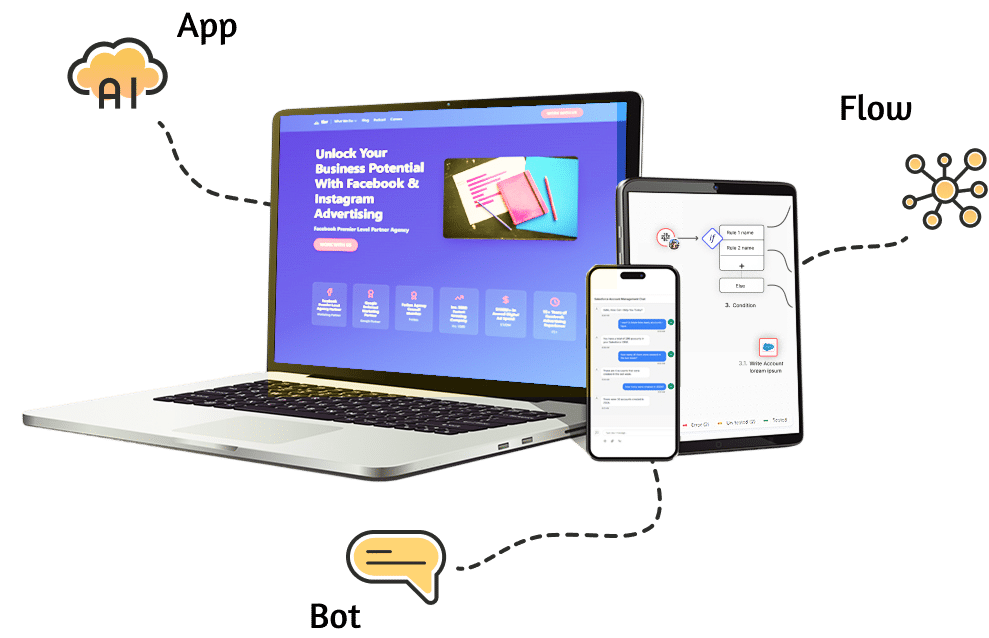
Collect data, generate documents, get them signed, automate what happens next, and keep every system in sync. No patchwork of five different tools. Request → Process → Result.
Forms & Document Generation
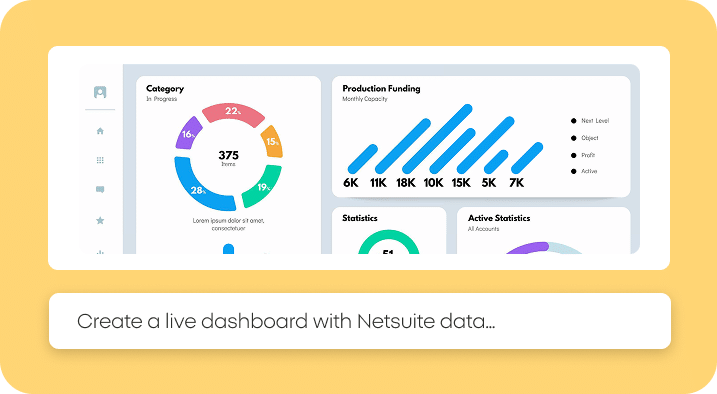
Build smart forms and turn the answers into polished Word or PDF documents (contracts, quotes, offer letters) generated automatically from your templates.
E-Signatures & Integrations
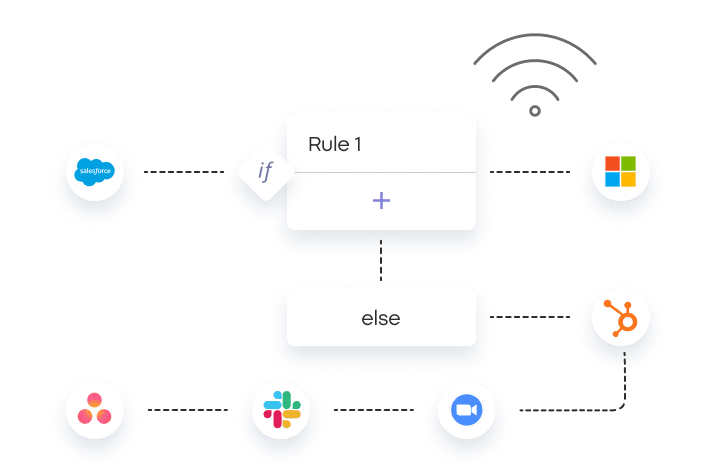
Collect legally binding signatures, then send the signed PDF and its data to Salesforce, SAP, NetSuite, Priority, Google Drive, Slack and more.
Work from the AI assistant you already use
With the Noca MCP Server, ChatGPT, Claude, Grok and other MCP clients can run your Noca processes securely. Permissions are granular (build, read, write, admin), so AI acts only where you allow it. You don’t even have to work inside Noca to use Noca. Explore the Noca MCP Server.
Online Forms
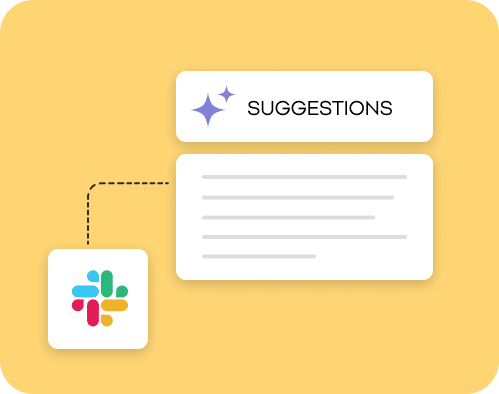
Drag-and-drop or prompt-built forms with conditional logic, validation and built-in signature capture.
Document Generation
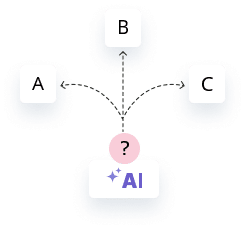
Map form and CRM data into Word templates and generate DOCX or PDF contracts, quotes and letters automatically.
Electronic Signatures
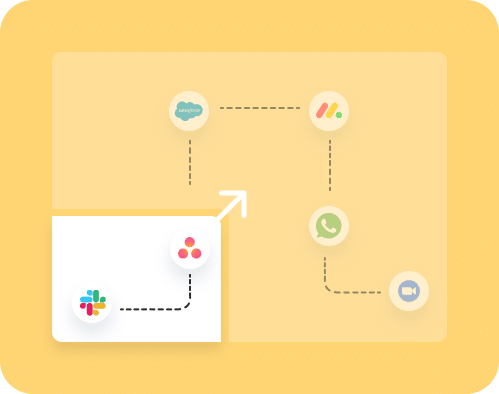
Send, sign and track documents, with the signed copy stored and synced to your systems automatically.
Workflow Automation & AI Agents
Approvals, routing, notifications and multi-step flows, built from plain English. Add AI agents that act as digital employees inside your CRM, ERP and business tools.
Enterprise Integrations, Secure by Design
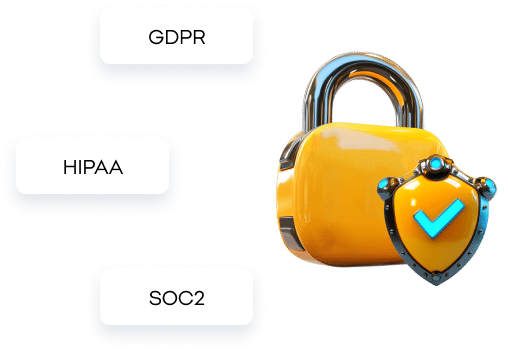
Native connectors for Salesforce, SAP, NetSuite, Priority, Microsoft, Google and any API. Every process follows our TRAPS framework – Trusted, Responsible, Auditable, Private and Secure.
One platform. Every team’s process.
End-to-end processes that combine forms, documents, signatures, automation and integrations, built from plain-English prompts or run from your AI assistant.

Customer Stories: Noca AI in Production

Nayax Automates Merchant KYC With AI Document Extraction
Nayax runs end-to-end KYC for merchant onboarding on Noca. An AI agent reads passports and ID cards stored in Amazon S3, extracts identity data and expiration dates, validates them and updates Salesforce records in real time, with zero human intervention.
— Aya N., Nayax
Noca products: AI Agent Builder, Noca Flows (Workflow Automation), Integration Platform
Connected systems: Amazon S3, Salesforce
Read the full Nayax story →

ACS Motion Control Uses Claude MCP, AI Invoice Processing and a Priority ERP App
ACS Motion Control processes high volumes of supplier invoices into Priority ERP with Noca AI document extraction. The team built the ACS FLEX Pilot app to query live delivery-plan data from Priority, and uses the Noca MCP Server so supply chain planners can work with that data from Claude.
— Sefi S., ACS Motion Control
Noca products: Noca MCP Server, Noca Apps (AI App Builder), AI Agent Builder
Connected systems: Priority ERP
Read the full ACS Motion Control story →

IFCJ Runs 10 Million+ Automated Tasks a Year on Noca
IFCJ runs an enterprise-grade integration platform on Noca Flows that executes more than 10 million automated tasks every year. It connects internal systems with Priority ERP for donation processing and aid distribution, and automates financial reconciliation, payment instructions and donor record updates.
— Danny K., International Fellowship of Christians and Jews (IFCJ)
Noca products: Integration Platform, Noca Flows (Workflow Automation)
Connected systems: Priority ERP
Read the full International Fellowship of Christians and Jews story →

vHive Syncs NetSuite and Salesforce at Scale and Extracts Purchase Orders With AI
vHive uses Noca to sync high volumes of data between NetSuite ERP and Salesforce, with rate limiting, delays and scheduled webhooks that keep 200+ record batches within API limits. Noca AI document processing reads inbound purchase order emails and PDFs, including orders from SAP Business Network, and extracts line items, buyer IDs and project WBS codes into Salesforce.
— Amos R., vHive
Noca products: Integration Platform, Noca Flows (Workflow Automation), AI Agent Builder
Connected systems: NetSuite, Salesforce, SAP
Read the full vHive story →

Latet Moved Emergency Aid Forms to the Noca AI Form Builder
Latet migrated complex assistance request forms for social workers from another form tool to Noca Forms. The forms scan uploaded documents for viruses, prevent duplicate Salesforce contacts, collect beneficiary e-signatures and route emergency relief requests directly to finance and ERP systems.
— Ahuva W., Latet
Noca products: Noca Forms (AI Form Builder), E-Signatures, Noca Flows (Workflow Automation)
Connected systems: Salesforce
Read the full Latet story →
MASA Verifies Participant Documents With an AI App and Human-in-the-Loop Review
MASA built an AI document verification app on Noca Apps that checks entry permits, medical forms and background clearance documents. It extracts participant metadata from S3 files, validates it against Salesforce and routes only edge cases to an automated manual review queue.
— Zion, MASA
Noca products: Noca Apps (AI App Builder), AI Agent Builder, Approval Workflows
Connected systems: Amazon S3, Salesforce
Read the full MASA story →
Frequently Asked Questions

What is Noca?
Noca is an AI-powered business process automation platform. It combines online forms, document generation, electronic signatures, workflow automation, AI agents and enterprise integrations. Teams build processes with natural-language prompts and can run them directly from ChatGPT, Claude, Grok or other MCP-compatible assistants through the Noca MCP Server.
What can I build with Noca?
With Noca you can build business apps and portals (Noca Apps), chatbots (Noca Bots), automated workflows (Noca Flows), AI digital workers (Noca Workers), voice agents (Noca Talks) and generated documents (Noca Docs), all from plain-language prompts and all connected to your existing systems.
Which integrations does Noca support?
Noca offers native connectors for Salesforce, NetSuite, SAP, Priority ERP, Microsoft Dynamics, HubSpot, Zoho, monday.com, Zendesk, Jira, Slack, Gmail, Google Sheets, Google Drive, Google Calendar, SharePoint Excel, Microsoft Excel, Box, Dropbox, Amazon S3, Shopify, Twilio, Mailchimp, Zoom and Tranzila, plus REST APIs and webhooks for any other system.
Does Noca integrate with Salesforce?
Yes. Noca reads and writes Salesforce objects, triggers Salesforce Flows from external systems, and generates quotes, contracts and other documents from Salesforce data. Those documents can be sent for e-signature, and the signed PDF and status are written back to Salesforce automatically.
Does Noca integrate with NetSuite?
Yes. Noca connects to Oracle NetSuite to create and update customers, vendors, sales orders, invoices and item fulfillments. Teams use it to build portals, approval workflows and AI agents on top of NetSuite data without custom SuiteScript.
Does Noca integrate with SAP and Priority ERP?
Yes. Noca includes native connectors for SAP and Priority ERP, so you can build apps, automations and AI agents that read and write ERP data, such as creating customers, suppliers and orders, without custom development.
Does Noca integrate with monday.com?
Yes. Noca creates and updates monday.com items and boards, builds dashboards and forms on top of monday.com data, and keeps monday.com in sync with your CRM and ERP.
Does Noca work with HubSpot, Microsoft Dynamics and Zoho?
Yes. Noca connects to HubSpot, Microsoft Dynamics 365 and Zoho, so you can capture leads with forms, generate documents from CRM records, and automate follow-up workflows across systems.
Can Noca generate documents?
Yes. Noca Docs maps data from forms, CRMs, ERPs and other systems into Word templates and generates DOCX or PDF documents such as contracts, quotes, offer letters and invoices automatically.
Does Noca support electronic signatures?
Yes. Signatures can be collected in Noca forms and embedded in generated PDFs. The signed documents are then stored and sent to your connected systems, such as Salesforce, Google Drive or Box.
Can Noca run a full form-to-signature process?
Yes. A typical Noca process collects data in a form, generates a document from a template, captures a signature, saves the signed PDF to Google Drive, Box or Dropbox, updates Salesforce, NetSuite or monday.com, and notifies the team in Slack, all in a single workflow.
Does Noca have an MCP server? Can I use Noca from ChatGPT, Claude or Grok?
Yes. The Noca MCP Server lets ChatGPT, Claude, Grok and other MCP-compatible assistants run your Noca apps, flows and processes conversationally. Admins set granular permissions for building, reading, writing and administration, so AI only acts where it is allowed.
Do I need to know how to code to use Noca?
No. You describe what you need in plain language, and Noca builds the app, flow, bot or document process. Developers can extend it with REST APIs, webhooks and custom logic.
How is Noca different from Zapier?
Zapier connects apps with triggers and actions. Noca builds the whole business process in one platform: forms, documents, e-signatures, apps, AI agents and automations, with deep native integrations for ERP and CRM systems such as SAP, NetSuite, Priority and Salesforce.
Is Noca secure for enterprise use?
Yes. Every Noca app and process follows the TRAPS framework (Trusted, Responsible, Auditable, Private and Secure), with role-based permissions, integration logs and controls over where data is stored.