
I recently had the opportunity to implement Noca AI’s integration platform at Enosh, and I wanted to share my experience.
After working with multiple integration platforms over the years, I was genuinely impressed by the efficiency of Noca AI.
What typically takes weeks to set up, we managed to achieve in just a few hours. By leveraging Noca AI, we successfully connected our CRM, ERP, and digital form provider, streamlining processes that previously required extensive manual effort.
A big thank you to the Noca team for their support throughout the process!

From Prompt to Flow:
AI Workflow Automation, End to End
Translate your business needs into automated workflows that connect forms, documents, e-signatures, approvals and every system you use, from Salesforce and NetSuite to Slack and Google Drive. Trigger them from Noca, an API, or ChatGPT, Claude and Grok.
Schedule a Demo Watch a 1-Minute Video
Connect everything you use into one automated flow.
Like a domino route designed to fall in perfect sequence, you can build reliable automations that run themselves. And by clearing out what slows you down — spreadsheets, tribal knowledge, scattered tools — you’re left with only the pieces that matter.
Just stack them in place. Noca makes sure every domino falls exactly the way it should.

The Real Power Behind Noca Flows
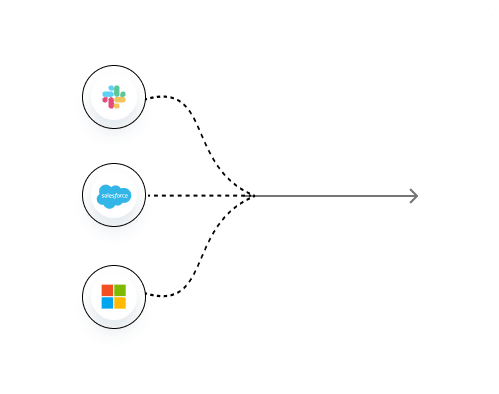
Unified Intelligence
Connects all your systems, instructions, and data into one coherent brain.
Real-Time Data Sync
Every step, action, and decision is powered by fresh, live data pulled instantly from your stack.
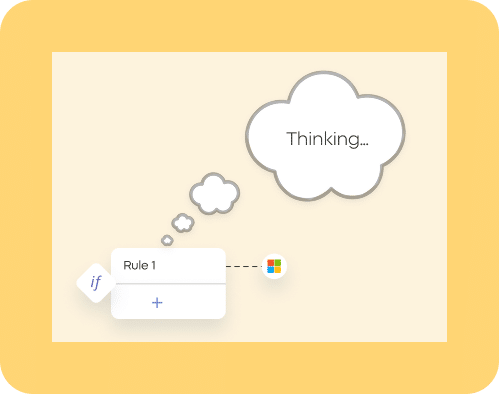
Advanced Logic Engine
Build flows that think: conditions, branching, validations, exceptions, and reasoning that adapts dynamically.
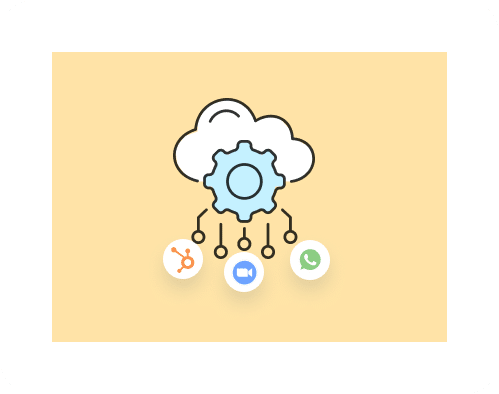
Automated Orchestration
Triggers processes across tools, teams, and APIs in perfect sequence without manual supervision.
Validated, Tested and Logged
Noca checks each flow for missing steps, connections and inputs, tests it with sample data and records every run step by step, so issues are easy to find and fix.
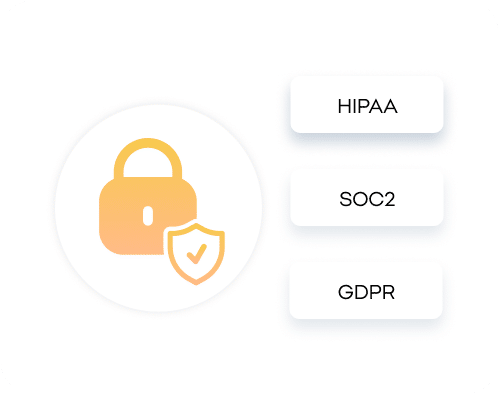
Top-Level Security
SOC 2, GDPR, full encryption, granular permissions, and execution logs keep flows safe and compliant.
Run Your Flows From ChatGPT, Claude or Grok
With the Noca MCP Server, your flows are available inside the AI assistants your team already uses. Just ask: “Start the vendor onboarding flow for Acme and notify finance in Slack.” ChatGPT, Claude or Grok triggers the Noca flow, Noca runs every step across your systems, and you control exactly which tools the assistant may use.
AI-Powered Flows for Every Vertical
Discover how teams orchestrate complex logic, merge data from multiple systems, and automate mission-critical workflows with precision.
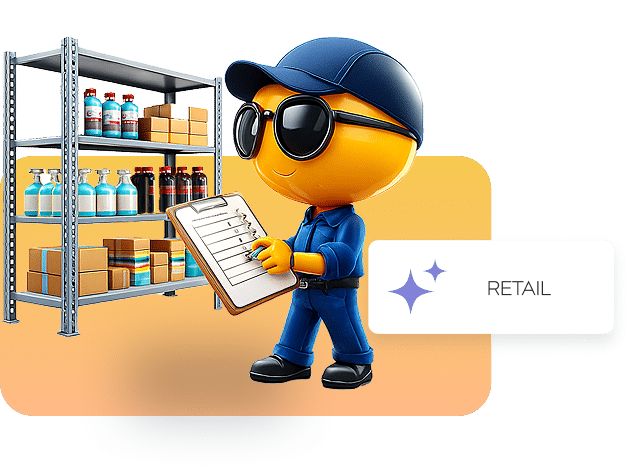
Automate Every Step From Inventory to Checkout
Flows connect inventory systems, order management, CRM, shipping providers, and payment tools — updating stock in real time, routing orders, syncing statuses, triggering notifications, and keeping your operations running without bottlenecks.
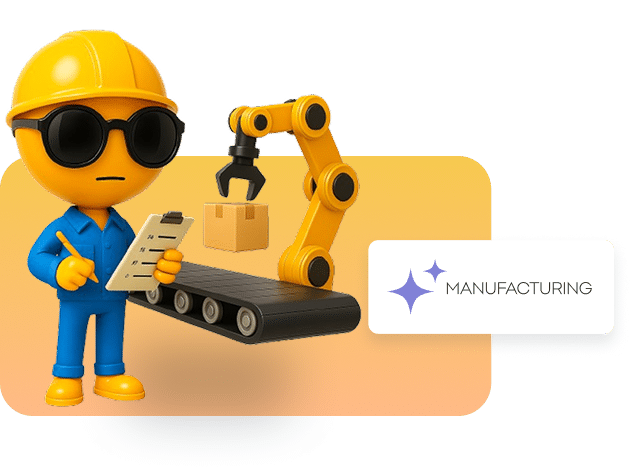
Keep Production Running With Fully Synced Workflows
Automate production requests, quality checks, machine alerts, supply chain updates, and ERP sync. Flows ensure every part of the manufacturing process stays aligned — from raw materials to finished goods.

Build Automated, Policy-Driven Financial Processes
Flows handle approvals, reporting, risk checks, data validation, client onboarding, compliance documentation, and cross-system updates — reducing human error and ensuring every step follows strict rules.

Keep Every Shipment, Route, and Update Moving Smoothly
Flows automate route planning, shipment tracking, dispatch coordination, carrier updates, warehouse sync, and delivery notifications — unifying every moving piece in real time.
Automate Care Pathways and Operational Workflows
Appointment flows, patient onboarding, reminders, lab results routing, insurance checks, and compliance workflows — all handled automatically while keeping systems and records in sync.


Customer Stories: Workflow Automation

IFCJ Runs 10 Million+ Automated Tasks a Year on Noca
IFCJ runs an enterprise-grade integration platform on Noca Flows that executes more than 10 million automated tasks every year. It connects internal systems with Priority ERP for donation processing and aid distribution, and automates financial reconciliation, payment instructions and donor record updates.
— Danny K., International Fellowship of Christians and Jews (IFCJ)
Noca products: Integration Platform, Noca Flows (Workflow Automation)
Connected systems: Priority ERP
Read the full International Fellowship of Christians and Jews story →

Brothers for Life Runs 11 Priority-Salesforce Flows and Generates Donation Receipts
Brothers for Life runs 11 bi-directional flows between Priority ERP and Salesforce on Noca Flows, syncing vendors, tax clearance certificates, budget allocations, payment requests and supplier invoices. Noca Docs generates tax-deductible donation receipts and attaches each PDF to the Salesforce record.
— Amir, Brothers for Life (Achim L’Chaim)
Noca products: Noca Flows (Workflow Automation), Noca Docs, Document Generation
Connected systems: Priority ERP, Salesforce
Read the full Brothers for Life story →
HaShomer HaChadash Runs 50 Projects on Noca With Microsoft Dynamics
HaShomer HaChadash uses Noca Flows, Noca Apps, Noca Bots and Noca Docs as its core integration engine with Microsoft Dynamics CRM, running 50 organizational projects on 300K annual credits. Teams build digital forms, internal approvals and secure data flows without code.
— Omer H., HaShomer HaChadash
Noca products: Noca Flows (Workflow Automation), Noca Apps (AI App Builder), Noca Bots (AI Chatbots), Noca Docs, Approval Workflows
Connected systems: Microsoft Dynamics 365
Read the full HaShomer HaChadash story →
See How Noca Flows streamlines operations for real enterprises

Frequently Asked Questions

How do I create a flow?
Just describe what you want in plain language. Noca translates your prompt into a complete, functioning flow with steps, logic, data handling, and integrations already wired in.
Can flows connect to my existing systems?
Yes. Flows natively integrate with CRMs, databases, APIs, spreadsheets, messaging tools, and internal systems — pulling and pushing real-time data wherever you need it.
Do flows support complex logic?
Absolutely. Conditions, branching, loops, validations, fallbacks, and multi-step reasoning all come built in. You can refine any step or let Noca generate the entire logic layer for you.
What happens if a flow fails mid-process?
Flows include automatic retries, error handling, and detailed logs. You’ll know exactly what happened, why, and how to fix it — and Noca can even patch issues for you.
Can multiple teams collaborate on flows?
Yes. You can manage permissions per flow, share versions across teams, and keep everything aligned with centralized access controls and audit trails.
How do I test changes without breaking my live flow?
Every edit is saved as a draft. You can test safely, compare versions, and publish only when ready — or revert instantly if needed.
How secure are Noca flows?
Flows are protected with enterprise-grade security: SOC 2, GDPR, encryption, audit logs, scoped tokens, and granular permissions at every step.
Which systems can a Noca flow connect?
Noca flows connect natively to Salesforce, NetSuite, SAP, Priority ERP, Microsoft Dynamics, HubSpot, Zoho, monday.com, Zendesk, Jira, Slack, Gmail, Google Sheets, Google Drive, Box Excel, Box, Dropbox, Amazon S3, Shopify, Twilio and more, plus any REST API or webhook.
Can a flow generate documents and collect e-signatures?
Yes. A single Noca flow can collect data from a form, generate a DOCX or PDF document from a template, capture an e-signature, store the signed file and update your CRM or ERP.
Can I run Noca flows from ChatGPT, Claude or Grok?
Yes. The Noca MCP Server exposes your Noca workspace to ChatGPT, Claude, Grok and other MCP-compatible assistants, so flows can be triggered conversationally with granular permissions.
How is Noca different from Zapier for workflow automation?
Zapier connects apps with simple triggers and actions. Noca builds the whole business process (forms, documents, signatures, apps, AI agents and automations) with deep native integrations for ERP and CRM systems.
What is the Noca MCP Server and how do I connect it?
The Noca MCP Server connects your Noca workspace to ChatGPT, Claude, Grok and other MCP-compatible AI assistants. Turn it on under Security & Credentials, choose the tool groups the assistant may use (Builder, Data read, Data write, Admin), copy the private server URL and add it to your assistant as a custom connector. Learn more on the Noca MCP Server page.
What can I ask ChatGPT, Claude or Grok to do with Noca Flows?
With Noca connected through the MCP Server, your assistant can build a flow step by step (create_flow_draft, add_node, update_node), check and test it (validate_flow, test_flow), run the published version (run_flow) and debug runs (list_runs, get_run). Publishing with publish_flow requires the Admin group. For example: “Run the month-end invoice flow for NetSuite.”
AI workflow automation: guides, videos and tutorials
Learn more about AI workflow automation with Noca Flows: in-depth guides, short video demos and step-by-step tutorials.
Guides
- Agents That Do the Work vs. Bots That Move Data: The Best AI Workflow Automation Tools in 2026
- Workflow Automation: Why Your Business Needs It
- A Guide to HR Workflow Automation
- Agentic Workflows Explained: Examples and How to Build Them
- Enterprise Automation Without Workato Pricing: The Best Workato Alternatives in 2026
- Automated Document Generation Software: Choosing What Works For You
- Power Automate Alternatives for Teams That Don’t Live in Microsoft (2027)
- Best Jotform Alternatives for Business Workflows (2026)
Videos
- Workflow Apps: Automate Business Processes Across Teams
- API Integration for Business: Automate Data Flow Without Code
- Speech-to-Text AI Tools for Business: Automate Transcription
- Marketing AI Agents: Automate Campaigns, Content and Leads
- AI Chatbots for Customer Support: 24/7 Help and Automation
- HR AI Agents: Automate Onboarding, Requests and HR Workflows
- All Noca videos