
When we started looking for an automation and integration solution for our nonprofit, we needed something simple — no developers, no enterprise-level budgets. With NOCA, I managed within a few hours (completely on my own) to connect Salesforce, Gmail, and WhatsApp, and build four integrations that replaced manual processes.
I had never used the platform before — but the AI-guided interface made everything clear and accessible. And suddenly, things I thought required an entire team… just worked.
If you’re a nonprofit or social organization that needs to move fast — I highly recommend checking out NOCA.

From Prompt to Talk:
AI Voice Agents That Get Work Done
Describe your needs and get a fully integrated AI voice agent that answers calls, qualifies leads, books meetings and updates Salesforce, HubSpot or monday.com in real time, as part of your Noca workflows. Works with ChatGPT, Claude and Grok through the Noca MCP Server.
Schedule a Demo Watch a 1-Minute Video
Let your users get help naturally – just by talking.
Give people a faster, simpler way to interact with you. Noca Talk listens in real time, understands intent, and responds instantly — making support easy, intuitive, and always available.

The Real Power Behind Noca Talk
Emotionally Aware
Noca Talks uses advanced TTS that understands tone and emotion — delivering responses that feel natural.

Voices & Accents
Choose from lifelike AI voices across styles, genders, and regional accents.
Speaks Every Language
With multilingual voice output, Noca Talks communicates fluently across global audiences.
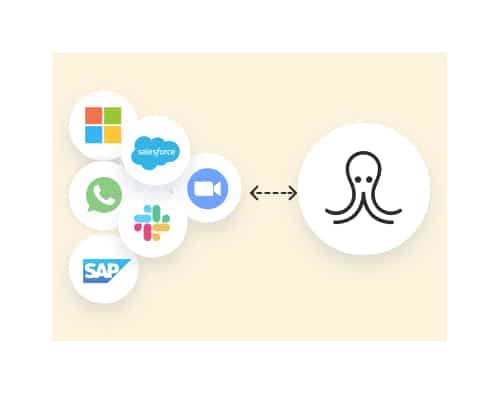
Connected to Your Stack
Every answer is grounded in live data. It reads and updates your CRM, tools, and apps.
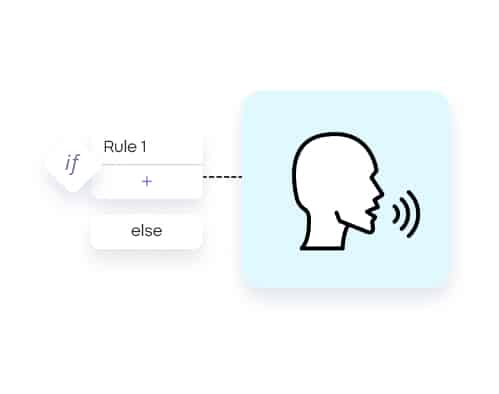
Handles Complex Logic
It only feels effortless but Noca Talks executes multi-step flows, and processes data in real time.
Sound-Proof Security
SOC 2, GDPR, and enterprise-grade access controls – all standard with Noca AI, protecting you from day one.
Manage Voice Agent Workflows From ChatGPT, Claude or Grok
Your voice agents write call outcomes into your CRM and trigger Noca flows. Through the Noca MCP Server, ChatGPT, Claude or Grok can read those records with query_records, run your published follow-up flows with run_flow, and check every run with list_runs. Ask: “Run the post-call follow-up flow for today’s Salesforce leads.”
Talks for Every Vertical
Discover how teams deploy intelligent, branded voice experiences that respond instantly, integrate deeply, and outperform traditional call workflows.
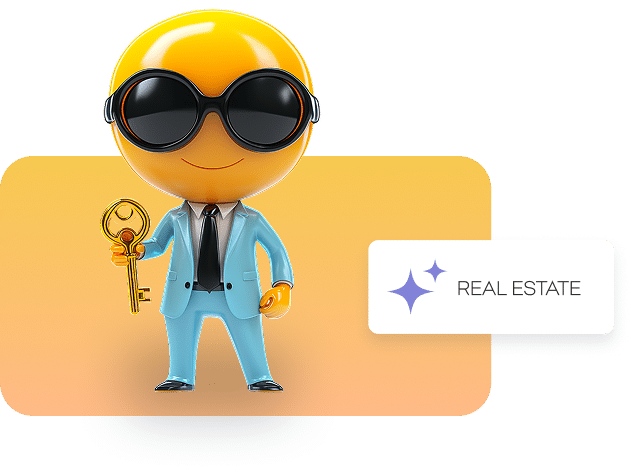
Never Miss a Lead Again
Your AI voice assistant pre-screens callers, books viewings, shares property details, and captures every lead — even after hours. No more missed opportunities or delayed responses.
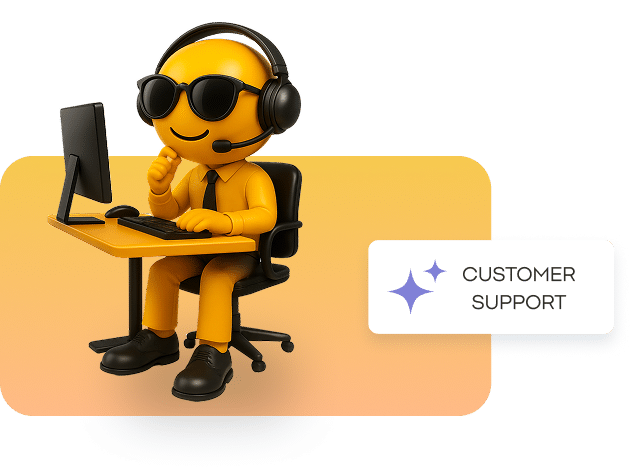
Instantly Handle Every Customer Conversation
AI voice agents answer calls, resolve questions, update records, and route issues without wait times. They stay calm, accurate, and consistent — giving customers the feeling of real, human-level service 24/7.
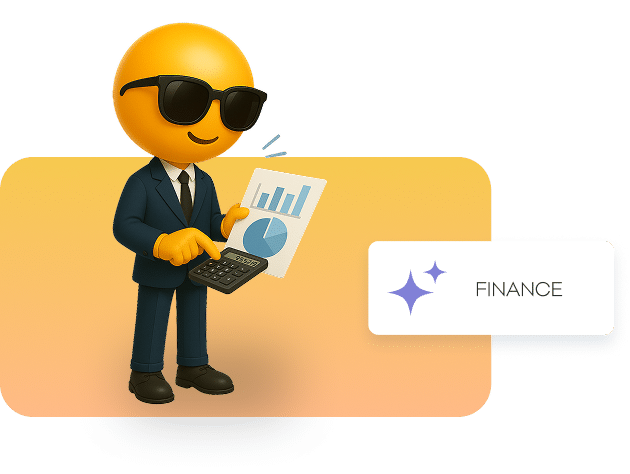
Reliable Voice Automation for Critical Client Needs
Automate balance inquiries, verification flows, loan questions, payment reminders, and more. Every interaction stays compliant, accurate, and fully logged across your systems.
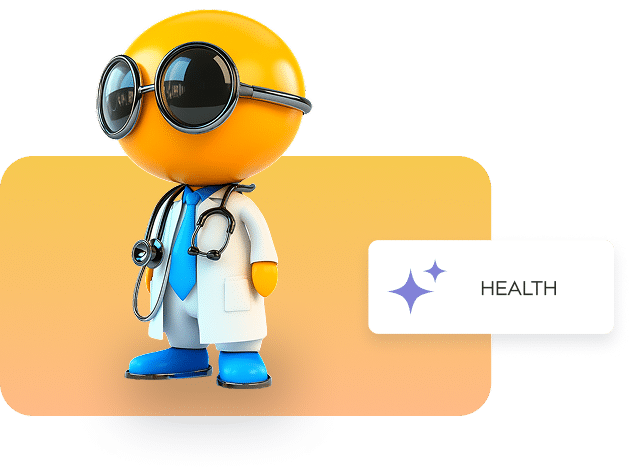
Smarter Patient Calls, Without the Backlog
Automate appointment scheduling, reminders, intake questions, and follow-ups. Noca Talks handles sensitive information securely while giving patients clear, friendly guidance anytime they call.
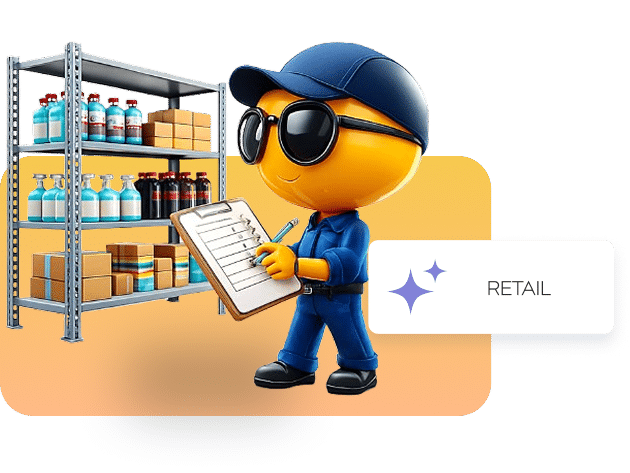
Faster, Friendlier Store & Order Support
Voice AI handles order tracking, product questions, store hours, loyalty details, exchanges, and more — freeing your team while giving customers instant answers at scale.




Explore What Noca Talks Can Do for Your Business
Frequently Asked Questions

What is Noca Talks?
Noca Talks is an AI-driven conversational engine that understands context, emotion, and intent — delivering natural, human-like voice interactions for sales, support, operations, and more.
Can it understand complex questions?
Yes. Noca Talks handles multi-step logic, nested conditions, and long-form requests, responding intelligently even when users jump topics or change direction mid-conversation.
Does it integrate with my existing tools?
Absolutely. Noca Talks connects to CRMs, ERPs, ticketing tools, databases, and custom APIs, letting voice conversations directly trigger actions and update systems in real time.
How natural do the voices sound?
Noca Talks uses advanced TTS models to produce emotionally aware, context-sensitive, multilingual voices that adapt tone, pacing, and emphasis to the situation.
Can it handle multiple languages?
Yes. Noca Talks supports multilingual speech across accents, regions, and variations — perfect for global teams and worldwide customers.
Is it secure?
Everything runs on top-tier security with data encryption, role-based access, masked sensitive info, and full audit trails, ensuring your conversations remain safe and compliant.
Can a Noca voice agent update my CRM or ERP during a call?
Yes. Noca Talks reads and writes data in connected systems such as Salesforce, HubSpot, monday.com, Zendesk, NetSuite and Priority, so callers get answers from live data and records are updated while the call happens.
Can a voice call trigger documents, forms or e-signatures?
Yes. A Noca voice agent can start any Noca workflow, for example sending the caller a form, generating a quote or agreement, and sending it for e-signature after the call.
Can I manage Noca voice agents from ChatGPT, Claude or Grok?
Yes. The Noca MCP Server lets ChatGPT, Claude, Grok and other MCP-compatible assistants work with your Noca workspace, with granular permissions for building, reading, writing and administration.
What is the Noca MCP Server and how do I connect it?
The Noca MCP Server connects your Noca workspace to ChatGPT, Claude, Grok and other MCP-compatible AI assistants. Turn it on under Security & Credentials, choose the tool groups the assistant may use (Builder, Data read, Data write, Admin), copy the private server URL and add it to your assistant as a custom connector. Learn more on the Noca MCP Server page.
What can I ask ChatGPT, Claude or Grok to do with Noca Talks?
With Noca connected through the MCP Server, you can read the CRM records your voice agents update (query_records works with Salesforce, Priority, SAP Business One, Dynamics 365 and SQL Server), run published follow-up flows such as sending a form or a quote (run_flow), and review flow runs (list_runs and get_run).
AI voice agent platform: guides, videos and tutorials
Learn more about AI voice agent platform with Noca Talks: in-depth guides, short video demos and step-by-step tutorials.
Guides
- Best AI Voice Agents for Modern Business Communication
- AI Voice Agent Platform: Picking the Best Without Losing Your Mind
- AI Voice Agent Services for Business: Boost Your Bottom Line
- AI Voice Agent 101: Not Just a Fancy Alarm Clock
- AI Voice Agents for Enterprises: When a Voice Agent Beats a Text Chatbot
- Voice AI Platform: Transforming Business Interactions
- The AI Voice Assistant Just Became Your Best Wingman in 2025
- The Voice AI Agent: Your New Best Employee
Videos
- AI Voice Bot That Reschedules Patient Appointments in Salesforce
- AI Voice Agent 101: What Modern Voice Agents Can Do
- Voice Agent Revolution: How Conversational AI Is Changing Business
- AI Voice Agent Platform: How to Pick the Right One
- Voice AI Agent: A 24/7 Customer Service Employee That Scales
- Best AI Voice Agent Platforms: Top 5 for Business Communication
- All Noca videos