
Document Generation


To notarize a document means having a notary public verify the identity of the signer and complete the required notarial process.Notarization is commonly used for…

Electronic signatures in Salesforce help businesses move documents, approvals, and agreements forward without relying on manual printing, signing, and scanning. They are commonly used for…
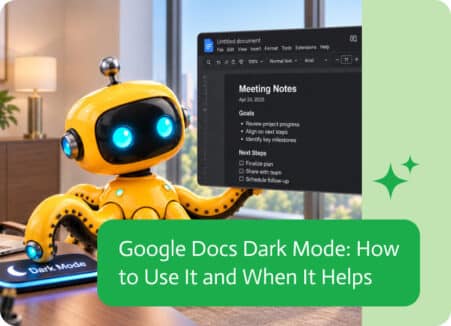
Google Docs Dark Mode changes the interface from a bright white layout to a darker appearance. For many users, this can make long writing or…

Track Changes in Microsoft Word is useful when several people are reviewing or editing the same document. It shows insertions, deletions, formatting changes, and comments…

If you work with Salesforce, you may still come across the acronym SFDC in documentation, integrations, technical discussions, or older system configurations. So what is…

When you need a document notarized, your bank may be one of the easiest places to start. Many banks and credit unions offer notary services,…