
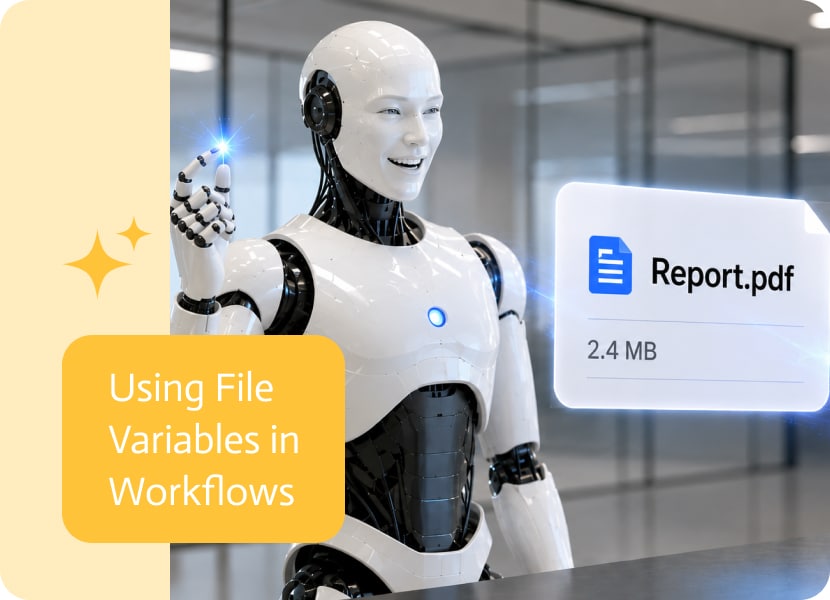
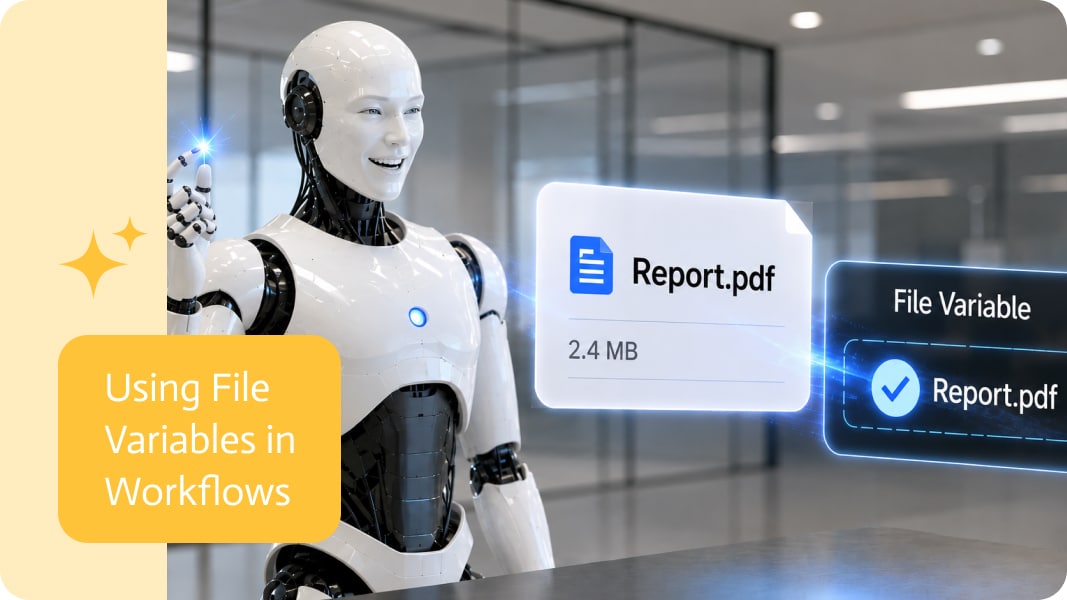
Using File Variables in Workflows
Files are not always the final result of a process. Sometimes they are just one step along the way.
A user uploads a document, a system generates a PDF, an image gets created, or a report is downloaded from another tool. Then that same file needs to be used again later. Without file variables, this usually turns into awkward file handling, duplicate uploads, or the classic “where did that attachment go?” mystery.
Why File Variables Matter
In many workflows, files need to move between steps.
For example, a file may start as an uploaded attachment, then later be sent by email, added to a CRM record, stored in cloud storage, converted to another format, or used by another action.
A file variable makes that much cleaner. Instead of treating the file as something that belongs only to one step, the file can be stored and reused later in the same workflow.
Reusing Files Without Uploading Again
he main benefit is simple: once a file is available, it can be reused.
That means a workflow can take a file from one place and pass it to another step without asking the user to upload it again or recreating it from scratch.
For example, a workflow could:
- Use an uploaded contract later in an approval step
- Send a generated PDF as an email attachment
- Store an uploaded image in a customer folder
- Pass a file from a form into another business system
- Reuse a report after it has been created
Nothing dramatic. Just less nonsense.
Making Files Part of the Flow
When files can be stored in variables, they become easier to work with inside a process.
The file is no longer just an attachment sitting inside one action. It becomes a reusable piece of information, similar to a name, email, number, or date.
That makes workflows more flexible because a file can be carried forward, referenced later, and used wherever it is needed.
Better for Uploaded and Generated Files
File variables are useful for both uploaded files and files created during a workflow.
Uploaded files may come from users, forms, portals, or apps. Generated files may come from document creation, PDF conversion, reports, exports, or other automated steps.
In both cases, the same idea applies: once the file exists, it should be easy to use again.
Because asking people to upload the same file twice is not automation. It is just bureaucracy with a progress bar.
A Cleaner Way to Handle Files
Workflows often break down when files need to move between systems. The text fields behave nicely, but files tend to act like special guests who need extra attention.
File variables help solve that. They make it easier to pass files between steps, actions, and integrations in a cleaner, more consistent way.
The result is a smoother workflow where files can move naturally through the process, from upload to use, from generation to delivery, and from one step to the next without unnecessary manual work.

Your NetSuite customer base changes constantly, but most teams do not monitor NetSuite all day just to notice new customer records. Growth, onboarding, finance ops,…

Workato is a powerful integration platform as a service (iPaaS) designed to streamline and automate workflows across diverse applications and systems. It connects both cloud-based…
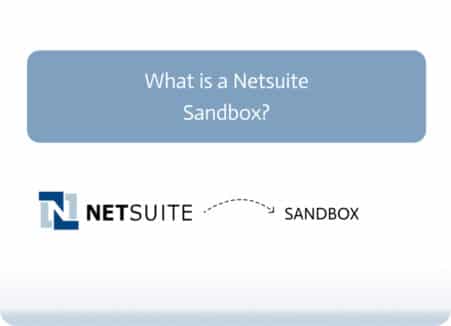
What is a Netsuite Sandbox? A Netsuite Sandbox is a trusted, isolated test environment that mirrors your production account. This tool is created to help…