
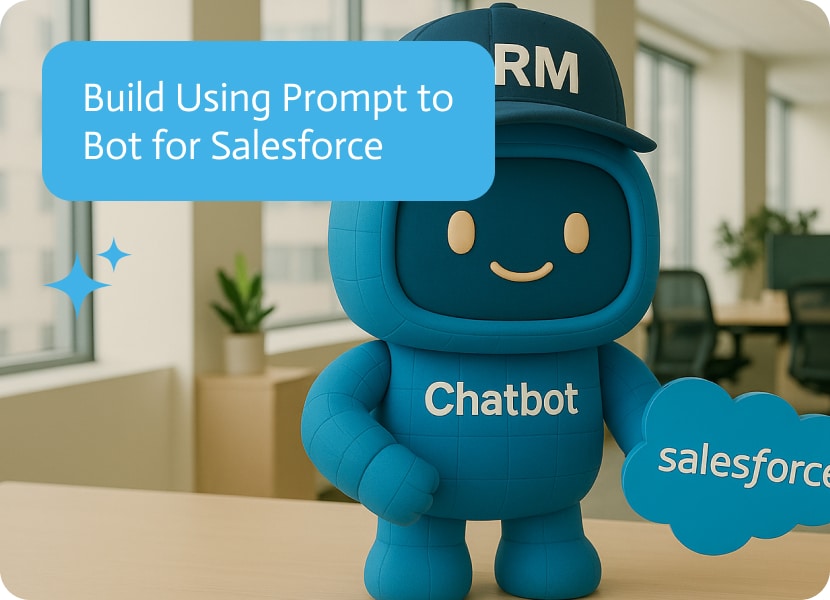

Build using prompt to bot for Salesforce
Most Salesforce workflows assume someone is sitting at a desk, clicking through records like it is 2008 and nobody has better things to do. In real operations, the work happens between meetings, on a phone, and in whatever language the day requires. An ai bot that can pull live CRM data and handle updates through conversation is not a cute interface trick, it is a way to keep Salesforce useful when people are busy and slightly allergic to tabs.
The use case is straightforward: you ask the bot questions like what opportunities are closing this month and it returns real time Salesforce data without you opening Salesforce. From there, you can drill into a specific opportunity, then make changes by typing what you want done, like updating the close date to December 15 and adding next steps such as “Need to speak with the COO.” It also supports attaching pictures, files, and documents into Salesforce from any device, which is exactly the kind of thing that is always “easy later” until later never comes. If you are searching for an ai chat bot for Salesforce, prompt to bot gives you a practical way to query, analyze, and update CRM records in plain language.
▶ Watch “AI Chatbot for Salesforce: Query and Update Opportunities by Chat” with summary and FAQ
In Noca, you can create this with prompt to bot by describing the Salesforce connected ai chat agent you want, what objects it should access, and what actions it is allowed to take. The bot’s trigger is the user message, with conditions and routing that control whether it should read data, write updates, or request confirmation for sensitive changes. Mapping matters because the bot has to translate conversational instructions into specific Salesforce fields, like close date and next steps, then send the destination action as an update to the right record. If you want more orchestration around those conversations, you can also connect the bot to prompt to flow or the visual builder to add extra routing, approvals, or downstream notifications.
The outcome is less time spent hunting through Salesforce and more time acting on what is actually in it. People get answers quickly, changes get made while the context is fresh, and Salesforce becomes something you interact with instead of something you avoid until Friday. To explore Noca, head to https://noca.ai/ and check out prompt to bot here https://noca.ai/prompt-to-bot/ .
Frequently Asked Questions
What can a Salesforce AI chat bot do?
You can ask questions like what opportunities are closing this month and get real-time Salesforce data without opening Salesforce. You can drill into an opportunity, then update the close date or add next steps by typing what you want.
Can the bot attach files to Salesforce?
Yes. The Noca bot supports attaching pictures, files and documents into Salesforce from any device, which helps when people are away from a desk and would otherwise postpone the update.
How do I create a Salesforce bot in Noca?
Use prompt to bot and describe the Salesforce-connected chat agent, which objects it should access and what actions it may take. The user message is the trigger, and conditions and routing control whether it reads, writes or asks for confirmation on sensitive changes.
Can I build and manage the bot from an AI assistant?
Yes. When Claude, ChatGPT or another AI assistant is connected to Noca through MCP, it can build and manage bots and workflows from the chat. You can also connect the bot to prompt to flow for approvals or notifications.

Mailchimp dashboards are fine until you need an answer quickly, in the middle of something else, and you do not feel like clicking through three…
Cross team communication usually fails for the least dramatic reason possible: everyone is in a different system, and nobody wants another meeting to answer a…

NetSuite is not hard to use if you live in it. The problem is that most teams do not, and they still need answers like…
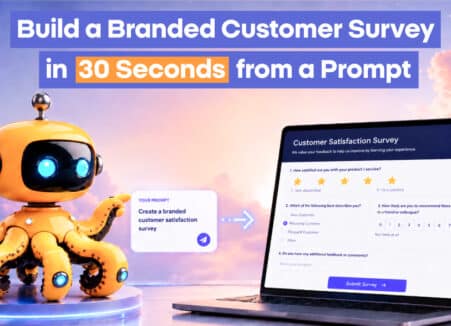
Learn how to build a branded customer survey in 30 seconds from a prompt with Noca, for lead qualification, NPS, customer health and event registration.
Zendesk is built for support agents, not for partners and external teams. Those users still need to see case status, add context, and stay aligned,…