
Salesforce
Salesforce automation, document generation, e-signature and integrations: guides, objects explained and AI workflows with Noca.
Connect it: Salesforce integration, Salesforce MCP, the Salesforce contract template and the Salesforce integration guide.


An AI contract generator creates contracts from approved templates and live CRM data, then sends them for signature. How it works and how to keep legal control.
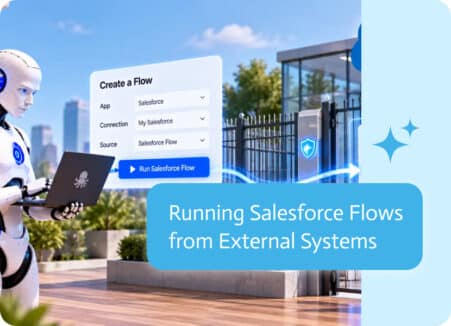
Salesforce Flow is a powerful tool for automating business processes inside Salesforce. It allows organizations to create workflows that update records,…

Business integrations make everyday work easier by allowing different systems to share information and work together.
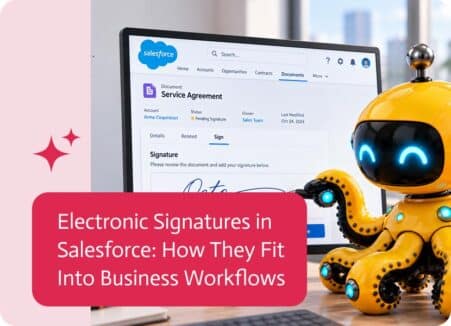
Electronic signatures in Salesforce help businesses move documents, approvals, and agreements forward without relying on manual printing, signing, and scanning. They are commonly used for…
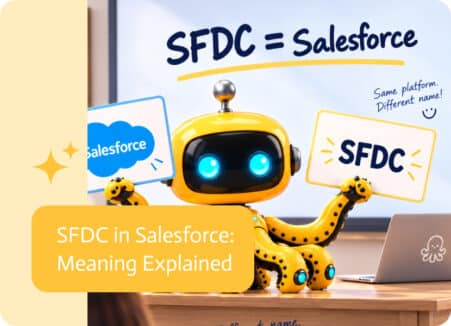
If you work with Salesforce, you may still come across the acronym SFDC in documentation, integrations, technical discussions, or older system configurations. So what is…

If you’ve ever asked a developer to “just connect to Salesforce” and gotten a confused look back, you’ve probably run into Salesforce objects. They’re the…