
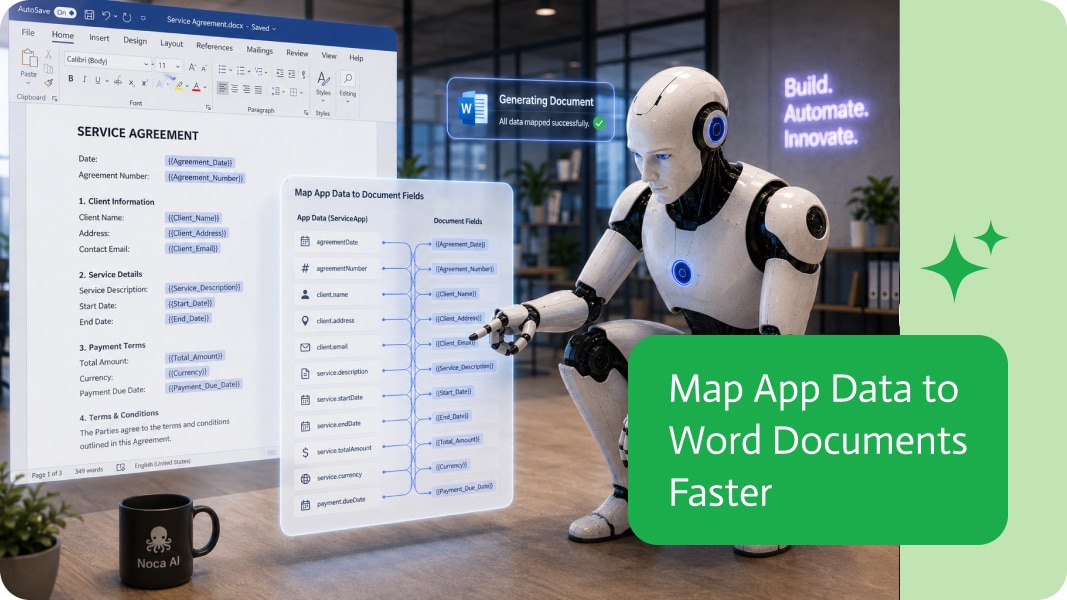
Digital Signature vs Electronic Signature: What Is the Difference?
An electronic signature is any electronic way of showing agreement, such as typing a name or drawing a signature. A digital signature is a specific type of electronic signature that uses a certificate and cryptography to prove who signed and that the document has not changed since.
Electronic signatures
- Capture intent to sign: a drawn or typed signature, a click, or a checkbox.
- Usually backed by an audit trail with timestamps and email verification.
- Fast and simple for signers.
- Suitable for most commercial agreements, forms and approvals.
Digital signatures
- Use a certificate issued by a trusted provider.
- Cryptographically bind the signature to the document, so any change is detectable.
- Often used for invoices, official records, regulated documents and documents signed by an organization rather than a person.
- Can be applied automatically by a system.
Side-by-side
- Purpose: electronic shows consent; digital proves identity and integrity.
- Technology: electronic relies on audit trails; digital relies on certificates and encryption.
- Typical signer: electronic is usually a person; digital can be a person or an organization.
- Verification: digital signatures can be validated in PDF readers.
Which one do you need?
Use electronic signatures for customer agreements, onboarding forms and internal approvals. Use digital signatures when a document must be tamper-evident or when regulations require certificate-based signing. Many businesses use both in the same workflow, for example a customer signs electronically and the company then applies a digital seal.
Both in Noca
Noca captures electronic signatures in forms and PDFs, supports DocuSign, and applies certificate-based digital signatures with GlobalSign Digital Signing Service, all inside automated document workflows.
Frequently Asked Questions

Is a digital signature the same as an electronic signature?
No. A digital signature is a certificate-based type of electronic signature that also proves the document has not been changed.
Which is more secure?
Digital signatures provide stronger proof of identity and integrity because they use certificates and cryptography.
Can a system sign documents automatically?
Yes. Noca can apply a GlobalSign digital signature to generated PDFs automatically inside a workflow.
What is a digital signature vs electronic signature?
An electronic signature is any electronic way of showing agreement, such as typing a name or drawing a signature. A digital signature is a specific type of electronic signature that uses a certificate and cryptography to prove who signed and that the document has not changed since.
What are the key elements of a digital signature vs electronic signature?
Key points include: Capture intent to sign: a drawn or typed signature, a click, or a checkbox; Usually backed by an audit trail with timestamps and email verification; Fast and simple for signers; Suitable for most commercial agreements, forms and approvals.
What else should you consider about a digital signature vs electronic signature?
Consider the following: Use a certificate issued by a trusted provider; Cryptographically bind the signature to the document, so any change is detectable; Often used for invoices, official records, regulated documents and documents signed by an organization rather than a person; Can be applied automatically by a system.
How does Noca help with a digital signature vs electronic signature?
Noca captures electronic signatures in forms and PDFs, supports DocuSign, and applies certificate-based digital signatures with GlobalSign Digital Signing Service, all inside automated document workflows.
Can I use a digital signature vs electronic signature from ChatGPT, Claude or Grok?
Yes. With the Noca MCP Server, ChatGPT, Claude, Grok and other MCP-compatible assistants can run your published Noca flows and use Noca tools for digital signature vs electronic signature, within the permission groups and per-tool approvals you set.
Does a digital signature vs electronic signature work with Salesforce, NetSuite, SAP and Priority?
Yes. Noca connects natively to Salesforce, NetSuite, SAP, SAP Business One, Priority ERP, HubSpot, monday.com and 60+ other systems, so digital signature vs electronic signature can use live data from them and update them automatically.
Do I need developers to implement a digital signature vs electronic signature?
No. In Noca you describe what you need in plain language and Noca builds the forms, apps, flows and documents. Developers can extend any process with REST APIs, OpenAPI definitions and webhooks.
How do you keep a digital signature vs electronic signature secure?
Use least-privilege permissions, require approval for sensitive actions and keep a log of every run. Noca follows the TRAPS framework (Trusted, Responsible, Auditable, Private and Secure), records every flow run in integration logs and lets you control data storage for specific flows.
How long does it take to implement a digital signature vs electronic signature?
A first working version can often be built from a prompt and tested quickly. The total time depends on how many systems, approvals and documents are involved and how much testing your team requires before publishing.
How do I measure the results of a digital signature vs electronic signature?
Compare cycle time, manual steps, error rates and adoption before and after. Noca integration logs show how often each process runs, how long it takes and where it fails.
Does Noca support digital signatures?
Yes. Noca applies certificate-based digital signatures to PDFs with GlobalSign Digital Signing Service.
What is the difference between an e-signature and a digital signature?
An e-signature shows that a person agreed. A digital signature uses a certificate to prove who signed and that the document was not changed.
Does Noca support e-signatures?
Yes. Noca collects signatures in forms and on generated PDFs, and integrates with DocuSign.
What happens after a document is signed in Noca?
The flow can store the signed PDF, update your CRM or ERP and notify the team automatically.
What is Noca?
Noca is an AI-powered business process automation platform that combines forms, document generation, e-signatures, workflow automation, AI agents and 60+ integrations, with an MCP server for ChatGPT, Claude and Grok.
Do I need to code to use Noca?
No. Noca builds apps, flows, bots and documents from plain-language prompts; developers can extend them with APIs and webhooks.
Is Noca secure?
Noca follows the TRAPS framework (Trusted, Responsible, Auditable, Private and Secure), with permissions, approvals and integration logs.

Electronic signatures in Salesforce help businesses move documents, approvals, and agreements forward without relying on manual printing, signing, and scanning. They are commonly used for…
What to look for in electronic signature software: signing experience, templates, workflow automation, digital signatures, integrations and audit trails.
The modern office is buzzing with talk of digital colleagues. From automating boring jobs to orchestrating complex business outcomes, software is rapidly taking on roles…
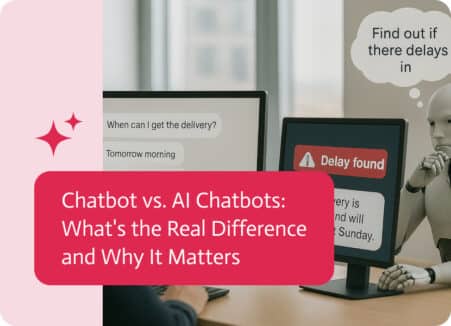
Okay, so chatbots are all over the web these days, you can’t go to a site without seeing one pop up to ask if you…

MCP and APIs both connect software, but MCP is built for AI assistants. Learn how they differ, how they work together and when to use each.