
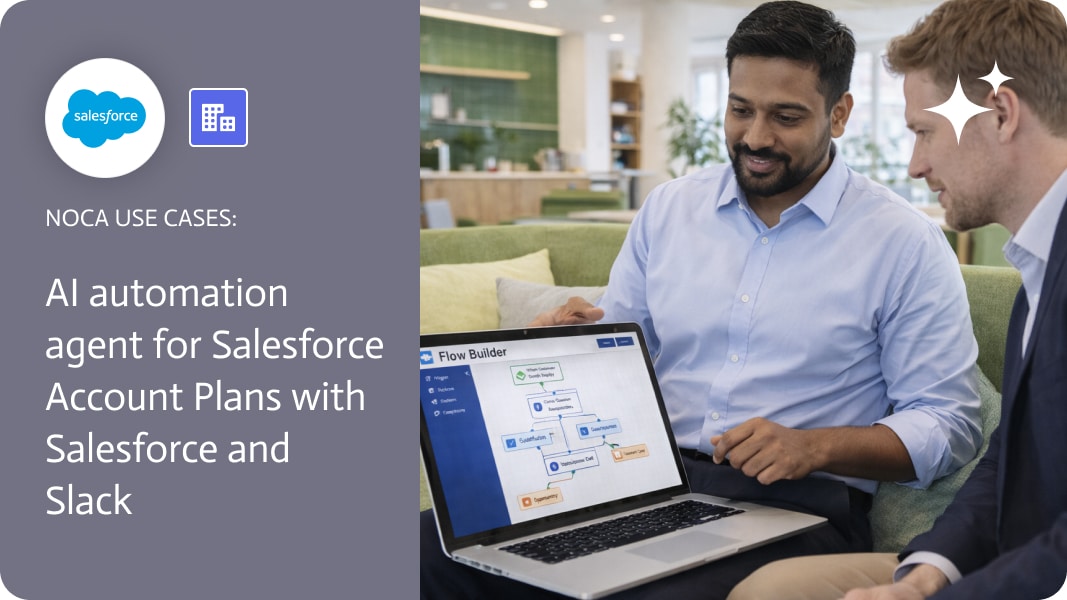
AI Automation for Salesforce Account Plans with Slack
Salesforce account plans are supposed to create clarity, but updates to an account plan can be invisible to the people who need to react. An important field changes, a status advances, an owner adds next steps, and the right person still finds out days later during a check in. That is not planning, that is archaeology.
This use case makes salesforce account plans actionable by treating account updates as signals. When an account is updated in Salesforce, an automation sends a Slack message to the account owner or to the team responsible for the next action. The message can include what changed and the account context needed to respond, such as plan status, renewal date, health indicators, priority, or any custom planning fields your org uses. The goal is simple: the next step gets triggered by the update itself, not by someone remembering to forward it.
▶ Watch “Salesforce Account Plans: Slack Alerts When Accounts Change” with summary and FAQ
In Noca, you can create this workflow using prompt to flow or build it in the ai flow builder. Select a Salesforce account updated trigger, add a condition to focus on the planning fields that matter, then route the Slack message to the owner, a channel, or both. Map the relevant account fields into the Slack message so the recipient has context without opening Salesforce. If you want the platform overview, start at https://noca.ai/. If you want the prompt driven workflow builder, use https://noca.ai/prompt-to-flow/.
The outcome is tighter account execution. Updates to the account plan become visible immediately, responsibility stays clear, and teams move faster without relying on manual notifications. This is ai automation that keeps account plans from becoming a document nobody reads.
Frequently Asked Questions
How can Noca alert people when a Salesforce account plan changes?
When an account is updated in Salesforce, Noca sends a Slack message to the account owner or the team responsible for the next action. The message can include what changed and the account context needed to respond.
What details can the Slack message include?
It can include plan status, renewal date, health indicators, priority, or any custom planning fields your org uses. Mapping the relevant account fields into the message gives the recipient the context they need without opening Salesforce.
Can I limit alerts to the planning fields that matter?
Yes. You can add a condition in the Noca workflow to focus on the planning fields that matter. Then you route the Slack message to the account owner, to a channel, or to both, so only meaningful updates trigger an alert.
Can I build this Salesforce to Slack automation from a prompt?
Yes. Noca lets you create it with Prompt to Flow or build it in the AI flow builder. The flow uses a Salesforce account updated trigger and a Slack action, and you can describe the goal in plain language first.
Account hierarchy salesforce data is where reality gets complicated fast. Parent accounts, subsidiaries, billing entities, regional branches, and internal rollups are useful, but they also…
Account engagement salesforce work often hinges on a single signal that says, this account is ready for more. It might come from Customer Success, Sales,…
Account planning in Salesforce usually fails for a boring reason: nobody turns a new account into a next action. The record exists, the fields look…
An account record being created in Salesforce does not guarantee anyone actually noticed it. Accounts can appear from manual entry, automation, integrations, or lead conversion….
Salesforce lead scoring is only useful if score changes actually influence behavior. Scores often update quietly in the background, while sales teams continue working from…