
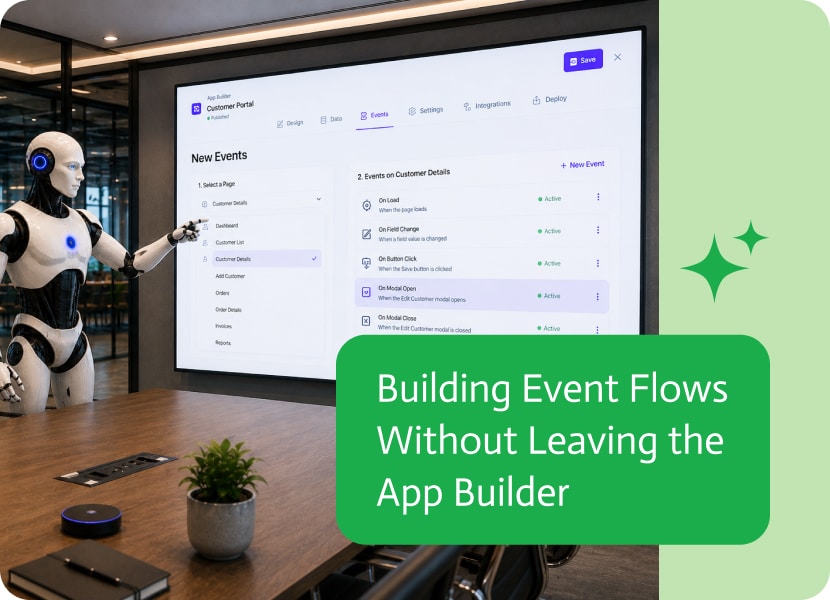

Building Event Flows Without Leaving the App Builder
Building an application is a continuous process of designing pages, configuring events, and creating the automation behind them. These tasks naturally go hand in hand, so moving between completely different workspaces can interrupt the building experience and make navigation feel less intuitive.
Keeping event creation inside the App Builder creates a smoother and more consistent workflow.
Build in One Place
When you’re designing a page and decide to add an event, your expectation is to continue working in the same environment.
Opening a separate browser tab or taking you to another workspace forces you to change context, remember where you came from, and navigate back when you’re done. Keeping the Flow Builder inside the App Builder makes the entire experience feel more connected.
Design and Automate Together
Applications are made up of both user interface and business logic.
As you add buttons, forms, or page events, you’ll often create the automation that powers them immediately afterward. Being able to move seamlessly between designing the page and building its event flow makes app development feel much more natural.
Improve Navigation and User Experience
Good builder experiences reduce unnecessary navigation.
Keeping event creation within the App Builder makes it easier to stay oriented, understand where you are in the building process, and continue working without jumping between different browser tabs or screens.
A More Seamless Building Experience
Small workflow improvements can make a big difference over time.
By creating event flows without leaving the App Builder, developers and business users can build applications in a more intuitive, streamlined, and enjoyable way.

Business integrations make everyday work easier by allowing different systems to share information and work together. But as services introduce new security requirements, connections sometimes…
In today’s fast-paced, remote-first work environment, the integration of Salesforce, a leading CRM platform, with Microsoft Teams, a widely used communication and collaboration tool, offers…

Modern applications are expected to adapt instantly to user behavior. Fields appear only when relevant, sections change based on user input, and the interface adjusts…