


Why Session Timeouts Matter for Business App Security
Business platforms give users access to apps, workflows, data, and settings. When someone signs in and then walks away from their computer, that access stays open until they come back or sign out.
An unattended session is an easy target. Anyone who sits down at the computer can see and change whatever the user had access to.
Session timeouts reduce this risk by signing users out automatically after a period of inactivity.
What Is a Session Timeout?
A session starts when a user signs in. A session timeout ends that session automatically if the user is inactive for a set amount of time, such as 20 minutes.
When the session ends, the user sees a message and returns to the sign-in page. To continue, they simply sign in again.
Why Session Timeouts Matter
- Computers left unlocked in offices or public places
- Shared workstations used by several people
- Laptops lost or stolen while signed in
- Browser tabs left open for days
- Compliance requirements for protecting sensitive data
For example, an employee might leave the office with a workflow builder open on a shared computer. Without a timeout, the next person to use the computer could access and change business processes.
What Counts as Activity?
A good session timeout considers more than mouse clicks and typing.
For example, when an AI assistant is still working on a request, such as building an app or workflow, that time should count as activity. Users shouldn’t be signed out while waiting for work they started.
Balancing Security and Convenience
| Short timeout | Long timeout | |
|---|---|---|
| Security | Higher | Lower |
| Convenience | Users sign in more often | Fewer interruptions |
| Best for | Sensitive data and shared computers | Low-risk, personal devices |
Many organizations find that around 15 to 30 minutes of inactivity strikes a good balance.
Tips for Working with Session Timeouts
- Save your work regularly
- Lock your computer when you step away
- Sign out when using shared or public computers
- Let your team know about the timeout so it isn’t a surprise
- Use a password manager or single sign-on to make signing in again quick
Secure by Default
Session timeouts are a simple, effective way to protect business systems from unattended access.
Because security shouldn’t depend on remembering to sign out.
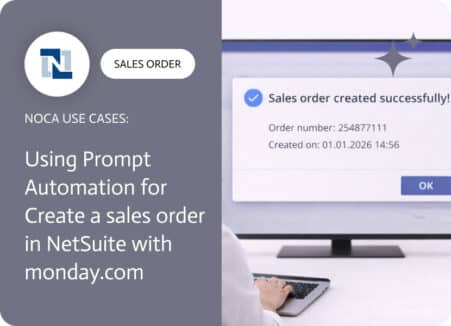
Knowing how to create a sales order in NetSuite is only half the job. The other half is making sure the moment it is created…

Introducing Make In the fast-paced world of software development, efficient workflow management is key to success. Make, formally known as Integromat, is an integration and…
A practical framework for governing AI agents in business: permissions, approvals, audit logs, testing, data controls and ownership.