
Accelerating Design: Using Vibe Coding Mailchimp for Template HTML Generation
The final layer of execution in any Mailchimp campaign is the Template. While the built-in editor offers flexibility, creating truly custom, highly responsive, and brand-compliant email designs often requires writing or modifying raw HTML and inline CSS, a significant barrier for non-developer marketers.
Vibe Coding Mailchimp is the solution, translating conversational design intent (the “vibe”) directly into the robust code structure required by modern email clients. This methodology shifts the focus from managing syntax errors to curating the design output.
The Template Architecture Challenge: Responsive HTML
Unlike web development, email development adheres to rigid, often archaic, standards dictated by clients like Outlook and Gmail. A custom Mailchimp template must be:
- Responsive: Utilizing media queries and fluid layouts to adjust seamlessly between desktop and mobile.
- Styled: Often relying on inline CSS rather than external stylesheets for maximum compatibility.
- Structured: Heavily using <table> tags for reliable layout structure.
Generating this complex, specific code structure, where a simple error in an important declaration can break the entire layout, is the ideal task for an LLM guided by Vibe Coding.
Vibe Coding the Design Intent
Vibe Coding works by providing the LLM with a high-level creative brief, not a line-by-line coding task. The prompt structure focuses on defining the aesthetic, layout, and functionality required.
1. Defining Aesthetic and Structure
The marketer defines the visual “vibe” and required structural components:
“Generate a single-column, dark-mode focused email template structure. It must include a large hero image section, a two-button CTA group centered below the header, and a legally compliant footer with required merge tags. Use a clean, professional aesthetic with minimal border lines.”
2. The Prompt Payload: Integrating Technical Constraints
To ensure the generated HTML is functional within Mailchimp and email clients, the prompt must include technical constraints:
| Constraint Type | Required Instruction |
| Compatibility | “All styles must be defined inline. Ensure cross-client compatibility.” |
| Responsiveness | “Include appropriate @media queries for mobile stackability.” |
| Content Blocks | “Define all areas (Header, Body, Footer) as Mailchimp editable content blocks.” |
| Syntax | “Use Mailchimp’s default list unsubscribe merge tag.” |
3. The Output: Structured Template Code
The LLM returns the raw, complex HTML/CSS payload, ready to be uploaded or injected via the Mailchimp API’s /templates endpoint. This immediately bypasses hours of manual coding.
Integrating Mailchimp Specific Syntax
The crucial step for Vibe Coding Mailchimp success is prompting the LLM to correctly insert the proprietary template language and merge tags.
The LLM must understand how to insert code that is processed by Mailchimp’s engine:
- Content Editing: Correctly defining areas that the marketer can modify in the drag-and-drop editor using mc:edit=”content_block_name”.
- Mandatory Tags: Inserting the *|UNSUB|* or *|LIST:ADDRESS|* merge tags as mandated by compliance rules, ensuring they are styled correctly (often smaller font size, gray text).
- Conditional Logic: Asking the LLM to include basic conditional blocks (e.g., *|IF:FNAME|*…*|ELSE|*…*|END:IF|*) to handle subscribers missing a first name.
By making these functional requirements part of the initial “vibe,” the final code is not only visually pleasing but technically validated for deployment within the platform.
Conclusion
Vibe Coding Mailchimp democratizes template design. It transforms the marketer from a tedious HTML debugger into a high-level creative director. By providing the AI with the aesthetic brief and the non-negotiable technical constraints, teams can launch complex, beautifully designed campaigns faster and dedicate their time to strategic execution rather than technical boilerplate.
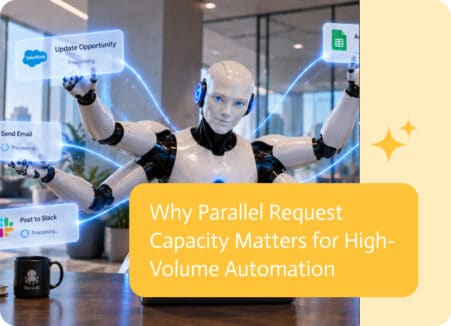
As automation grows, performance is not only about how many requests a system can handle over time. It is also about how many requests it can handle at…
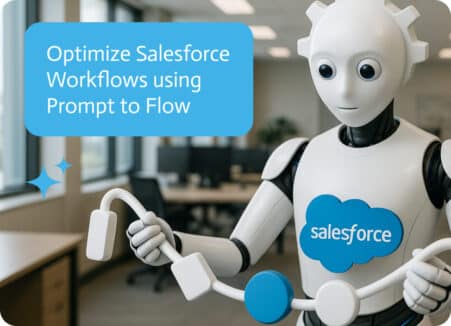
Salesforce workflows tend to look clean right up until the moment they touch finance, fulfillment, or approvals, then the “simple update” turns into three teams…

Describe a business process in one prompt and get a working app, workflow, documents and integrations. How to write the prompt and review the result.