
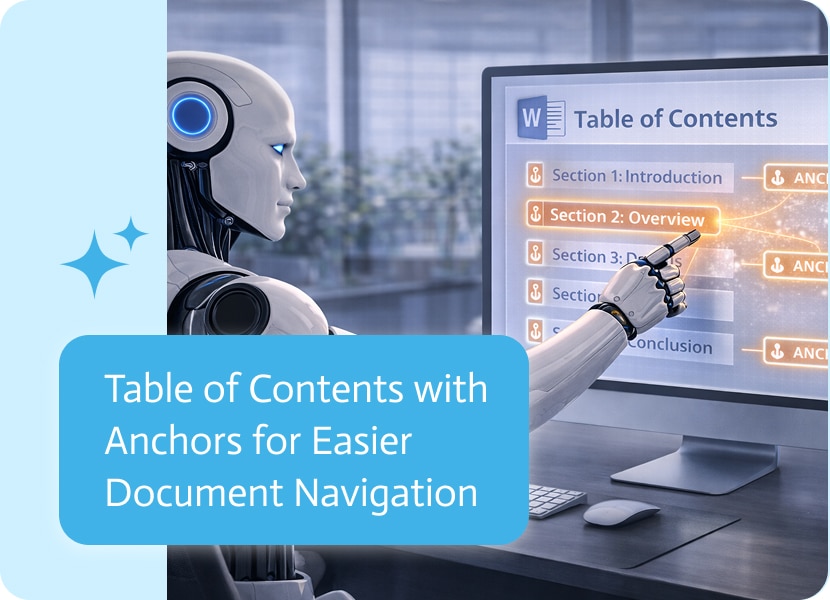

Table of Contents with Anchors for Easier Document Navigation
Some documents start simple.
A few pages, a clear structure, and a straightforward flow from beginning to end. In those cases, finding information is easy—you just scroll until you see what you need.
But not all documents stay simple.
When Structure Turns Into Scale
As documents grow, so does complexity.
More sections, more pages, more references. What was once easy to navigate can quickly become something you have to actively search through.
At that point, even well-structured content can start to feel harder to move around in.ier for organizations to focus on their mission.
The Challenge of Finding What Matters
In long, structured documents, one of the biggest challenges isn’t creating the content—it’s moving through it efficiently.
Users often need to jump between sections, reference specific pages, or locate key information quickly. Without clear navigation, even the best-structured document can slow people down.
Turning Structure Into Navigation
A new enhancement adds an automatic Table of Contents at the beginning of the document, built directly from the document’s structure.
Each section is now linked with anchors, allowing users to jump directly to specific parts of the document instead of scrolling through pages manually.
This turns structure into something interactive—making navigation just as important as the content itself.
From Linear Documents to Clickable Experiences
Instead of reading documents from top to bottom, users can now move through them freely.
Sections become accessible points rather than fixed positions, and long documents become easier to explore, reference, and use in real time.
Making Long Documents Easier to Work With
As documents continue to grow in size and complexity, navigation becomes just as important as content.
With automatic anchors and a structured table of contents, moving through long documents becomes faster, clearer, and far more intuitive.
Frequently Asked Questions
What is a table of contents with anchors in a document?
It is an automatic Table of Contents added at the beginning of the document and built from the document structure. Each section is linked with anchors, so users can jump directly to specific parts instead of scrolling through pages manually.
Why do long documents need better navigation?
As documents grow, they gain more sections, pages and references, and finding information becomes harder. Users often need to jump between sections or locate key information quickly, and without clear navigation even well-structured content slows people down.
Does Noca generate a table of contents automatically?
Yes. Noca document generation includes an enhancement that adds an automatic Table of Contents built from the document structure, with anchored section links. Long documents become clickable experiences that are easier to explore and reference.
Can I automate document generation with AI agents through Noca?
Noca supports document generation as part of its platform, alongside apps and workflows. AI assistants such as Claude and ChatGPT can connect through the Noca MCP server and build and manage workflows from the chat, including document-related processes.
A user experience often needs to respond as information changes. A selected option, loaded value, or updated parameter may affect what users should see,…

Not every user needs to see the same information when a form opens. Sometimes, what appears on the page should depend on data that already…

Multi-step forms make long processes easier by dividing them into clear, manageable stages. But moving from one step to another does not always mean simply…

Bots are more useful when they can access accurate, up-to-date business information. Connecting a bot to Shopify allows it to work with store data such as…