


AI Automation for Salesforce Opportunity Updates
Noca Flows: AI workflow automation you can set up from a plain-language prompt, connected to your CRM, ERP and other systems. Free plan available.
The Salesforce opportunity object is where deal reality lives: stage, amount, close date, ownership, and all the little changes that indicate whether a deal is heating up or quietly dying. The problem is that stage changes are easy to miss when they happen inside a record update. If the team only notices changes during pipeline review, you’ve already accepted unnecessary delay.
This use case makes the salesforce opportunity object more operational by turning stage changes into real-time alerts. When an opportunity is updated and the stage changes, an automation sends a Slack message either to the opportunity owner or to a designated team channel. The message can include the previous stage, the new stage, and essential opportunity details (amount, close date, account, next step) so the update is immediately understandable, not just “FYI something changed.”
▶ Watch “Salesforce Opportunity Stage Updates in Slack, Automated” with summary and FAQ
Noca supports this workflow using an ai automation agent that listens for Salesforce opportunity update events and detects stage changes. Teams can generate the flow using a prompt to flow experience or build it visually with the ai flow builder, defining which stage transitions should trigger a Slack message and whether the recipient is the owner, a team, or both. For the broader platform context, visit https://noca.ai/. If you want the fastest path from “I want this workflow” to a running automation, see https://noca.ai/prompt-to-flow/. The result is cleaner opportunity management: stage movement becomes visible where collaboration actually happens, and the opportunity object stops being a passive database entry. It’s practical ai automation that keeps pipeline motion from becoming a surprise.
Frequently Asked Questions
How can Noca alert my team when a Salesforce opportunity stage changes?
When an opportunity is updated and its stage changes, a Noca automation sends a Slack message to the opportunity owner or a designated team channel. The AI automation agent listens for opportunity update events and detects the stage change before sending the message.
What details can the stage change message include?
The message can include the previous stage, the new stage, and essential opportunity details such as amount, close date, account, and next step. That makes the update immediately understandable instead of just a note that something changed.
Can I choose which stage transitions trigger a message?
Yes. When building the flow, you define which stage transitions should trigger a Slack message and whether the recipient is the owner, a team, or both. This keeps notifications focused on the changes your team cares about.
Do I need to write code to build this?
No. In Noca you can generate the automation with Prompt to Flow from a plain description, or build it visually with the AI flow builder. Salesforce remains where the opportunity data lives, and Slack is where the alert appears.

Most opportunity management in Salesforce is really about one question: what happens the moment a deal becomes real. “Closed Won” is not just a stage…
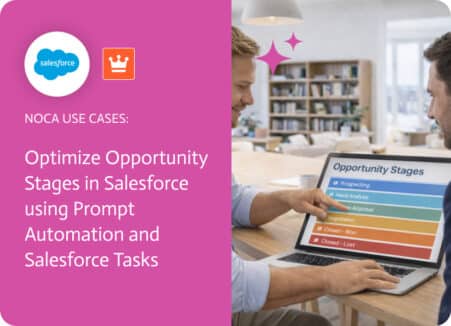
Opportunity stages in Salesforce are supposed to tell you where a deal stands, but stages don’t do anything on their own. A brand-new opportunity can…

Salesforce opportunity management is full of “small” moments that decide whether a deal moves forward or stalls. Creating an opportunity is one of those moments:…
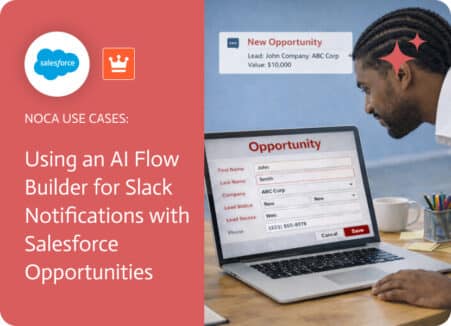
Creating an opportunity in Salesforce is a critical moment in the sales process because it signals that a deal has real potential. While the opportunity…
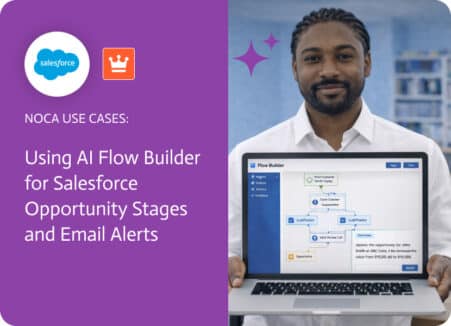
Salesforce opportunity stages are the language of your pipeline, but they’re also a frequent source of “when did that happen?” moments. Stage changes can occur…