
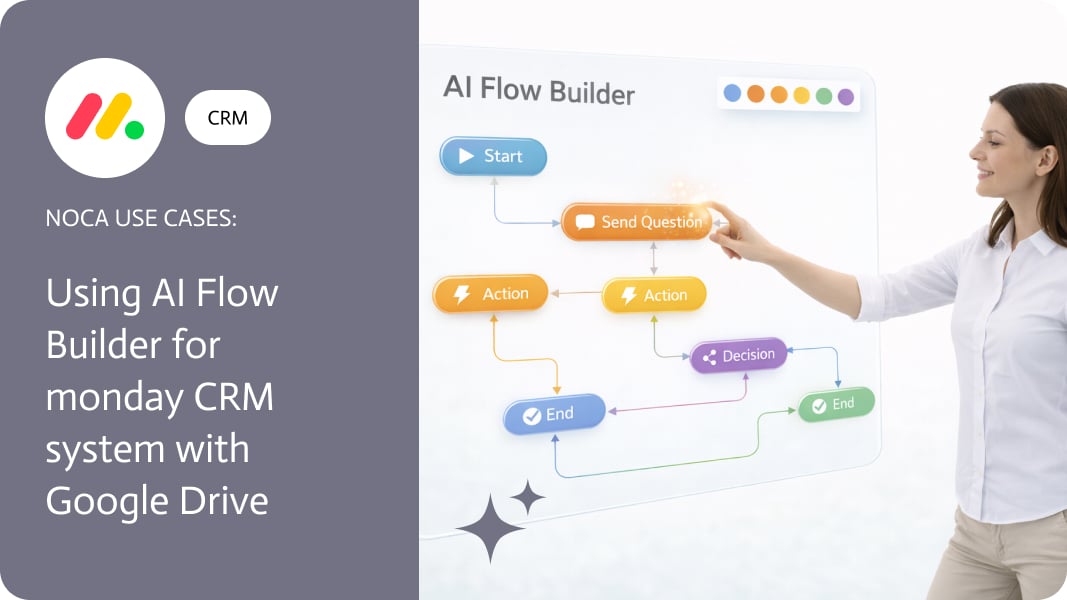
Lead Enrichment Automation With AI
Lead enrichment automation adds missing information to new leads, such as company size, industry, website insights and contact details, and uses it to score and route each lead automatically.
Why enrich leads automatically
- Forms ask for little information to keep conversion high.
- Reps waste time researching before the first call.
- Routing rules need data like industry and size.
- Better data improves reporting and targeting.
An automated enrichment flow
- A new lead arrives from a form, chatbot or import.
- AI research gathers company details from external sources and the company website.
- The lead is scored against your ideal customer profile.
- High-fit leads are assigned to the right rep with a summary.
- Low-fit leads go to nurture campaigns.
Before meetings
The same approach can prepare reps for meetings by researching attendees and summarizing what matters.
With Noca
Noca includes AI steps for lead generation, data enrichment and meeting preparation, writes results to Salesforce, HubSpot or Zoho CRM, notifies reps in Slack and adds contacts to Mailchimp audiences.
Frequently Asked Questions

What is lead enrichment?
It is adding missing data to leads, such as company details and context, to improve scoring and routing.
Can AI enrich leads automatically?
Yes. Noca AI steps research leads and enrich them with data from external sources.
Where does enriched data go?
Into your CRM, such as Salesforce, HubSpot or Zoho CRM, with notifications to the assigned rep.
What is lead enrichment automation?
Lead enrichment automation adds missing information to new leads, such as company size, industry, website insights and contact details, and uses it to score and route each lead automatically.
What are the key elements of lead enrichment automation?
Key points include: Forms ask for little information to keep conversion high; Reps waste time researching before the first call; Routing rules need data like industry and size; Better data improves reporting and targeting.
How do you get started with lead enrichment automation?
1) A new lead arrives from a form, chatbot or import 2) AI research gathers company details from external sources and the company website 3) The lead is scored against your ideal customer profile 4) High-fit leads are assigned to the right rep with a summary 5) Low-fit leads go to nurture campaigns.
How does Noca help with lead enrichment automation?
Noca includes AI steps for lead generation, data enrichment and meeting preparation, writes results to Salesforce, HubSpot or Zoho CRM, notifies reps in Slack and adds contacts to Mailchimp audiences.
Can I use lead enrichment automation from ChatGPT, Claude or Grok?
Yes. With the Noca MCP Server, ChatGPT, Claude, Grok and other MCP-compatible assistants can run your published Noca flows and use Noca tools for lead enrichment automation, within the permission groups and per-tool approvals you set.
Does lead enrichment automation work with Salesforce, NetSuite, SAP and Priority?
Yes. Noca connects natively to Salesforce, NetSuite, SAP, SAP Business One, Priority ERP, HubSpot, monday.com and 60+ other systems, so lead enrichment automation can use live data from them and update them automatically.
Do I need developers to implement lead enrichment automation?
No. In Noca you describe what you need in plain language and Noca builds the forms, apps, flows and documents. Developers can extend any process with REST APIs, OpenAPI definitions and webhooks.
How do you keep lead enrichment automation secure?
Use least-privilege permissions, require approval for sensitive actions and keep a log of every run. Noca follows the TRAPS framework (Trusted, Responsible, Auditable, Private and Secure), records every flow run in integration logs and lets you control data storage for specific flows.
How long does it take to implement lead enrichment automation?
A first working version can often be built from a prompt and tested quickly. The total time depends on how many systems, approvals and documents are involved and how much testing your team requires before publishing.
How do I measure the results of lead enrichment automation?
Compare cycle time, manual steps, error rates and adoption before and after. Noca integration logs show how often each process runs, how long it takes and where it fails.
Can Noca automate workflows?
Yes. Noca Flows include triggers, conditions, loops, approvals, documents, signatures and AI steps.
What can trigger a Noca flow?
Can I see what each automation did?
Yes. Every flow run is recorded in integration logs with status, timing, errors and the step where it stopped.
What is Noca?
Noca is an AI-powered business process automation platform that combines forms, document generation, e-signatures, workflow automation, AI agents and 60+ integrations, with an MCP server for ChatGPT, Claude and Grok.
Do I need to code to use Noca?
No. Noca builds apps, flows, bots and documents from plain-language prompts; developers can extend them with APIs and webhooks.
Is Noca secure?
Noca follows the TRAPS framework (Trusted, Responsible, Auditable, Private and Secure), with permissions, approvals and integration logs.
How is Noca different from Zapier?
Zapier connects apps with triggers and actions. Noca builds complete business processes, including forms, documents, signatures, apps and AI agents, with deep CRM and ERP integrations.
Group changes in monday.com are usually a handoff signal. Something moved from intake to qualification, from qualification to onboarding, or from “someone should look at…
Salesforce lead scoring is only useful if score changes actually influence behavior. Scores often update quietly in the background, while sales teams continue working from…
Salesforce Lead Generation Salesforce lead generation is often measured by volume, but value is determined by how quickly a lead can be understood and acted…
Lead scoring in Salesforce is meant to signal priority, but those signals are easy to miss when they live only inside the CRM. A score…
Lead Conversion Salesforce Lead conversion in Salesforce is usually thought of as a downstream event, something that happens after qualification. In practice, many teams begin…