
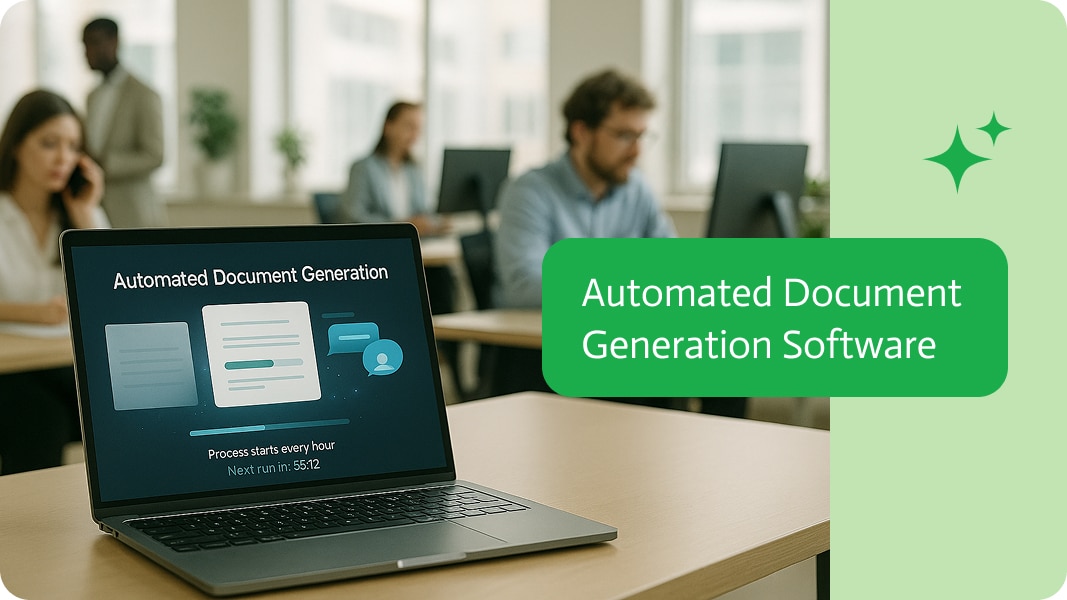
Digital Signature Automation for Finance Teams
Digital signature automation lets finance teams sign invoices, statements, confirmations and reports with a certificate automatically, as part of generating and sending them.
Finance documents to sign digitally
- Customer invoices and credit notes.
- Account statements.
- Balance and payment confirmations.
- Audit and regulatory reports.
The automated flow
- Data comes from NetSuite, SAP, SAP Business One or Priority.
- The PDF is generated from a template.
- A GlobalSign digital signature is applied.
- The document is emailed and archived.
- The ERP record is updated.
Controls and audit
- One certificate per legal entity.
- Signing only happens in approved workflows.
- Signed originals are archived with retention rules.
- Every signing run is logged.
With Noca
Noca automates this with GlobalSign, document generation and ERP connectors such as NetSuite. See digitally signing invoices.
Frequently Asked Questions

Which finance documents should be digitally signed?
Invoices, credit notes, statements, confirmations and official reports.
Can digital signing run automatically?
Yes. Noca applies GlobalSign signatures as a workflow step.
How is digital signing audited?
Every signing run is logged, and signed originals are archived.
What is digital signature automation?
Digital signature automation lets finance teams sign invoices, statements, confirmations and reports with a certificate automatically, as part of generating and sending them.
What are the key elements of digital signature automation?
Key points include: Customer invoices and credit notes; Account statements; Balance and payment confirmations; Audit and regulatory reports.
How do you get started with digital signature automation?
1) Data comes from NetSuite, SAP, SAP Business One or Priority 2) The PDF is generated from a template 3) A GlobalSign digital signature is applied 4) The document is emailed and archived 5) The ERP record is updated.
What else should you consider about digital signature automation?
Consider the following: One certificate per legal entity; Signing only happens in approved workflows; Signed originals are archived with retention rules; Every signing run is logged.
How does Noca help with digital signature automation?
Noca automates this with GlobalSign, document generation and ERP connectors such as NetSuite. See digitally signing invoices.
Can I use digital signature automation from ChatGPT, Claude or Grok?
Yes. With the Noca MCP Server, ChatGPT, Claude, Grok and other MCP-compatible assistants can run your published Noca flows and use Noca tools for digital signature automation, within the permission groups and per-tool approvals you set.
Does digital signature automation work with Salesforce, NetSuite, SAP and Priority?
Yes. Noca connects natively to Salesforce, NetSuite, SAP, SAP Business One, Priority ERP, HubSpot, monday.com and 60+ other systems, so digital signature automation can use live data from them and update them automatically.
Do I need developers to implement digital signature automation?
How do you keep digital signature automation secure?
Use least-privilege permissions, require approval for sensitive actions and keep a log of every run. Noca follows the TRAPS framework (Trusted, Responsible, Auditable, Private and Secure), records every flow run in integration logs and lets you control data storage for specific flows.
How long does it take to implement digital signature automation?
A first working version can often be built from a prompt and tested quickly. The total time depends on how many systems, approvals and documents are involved and how much testing your team requires before publishing.
How do I measure the results of digital signature automation?
Compare cycle time, manual steps, error rates and adoption before and after. Noca integration logs show how often each process runs, how long it takes and where it fails.
Does Noca support digital signatures?
Yes. Noca applies certificate-based digital signatures to PDFs with GlobalSign Digital Signing Service.
What is the difference between an e-signature and a digital signature?
An e-signature shows that a person agreed. A digital signature uses a certificate to prove who signed and that the document was not changed.
Does Noca support e-signatures?
Yes. Noca collects signatures in forms and on generated PDFs, and integrates with DocuSign.
What happens after a document is signed in Noca?
The flow can store the signed PDF, update your CRM or ERP and notify the team automatically.
Can Noca automate workflows?
Yes. Noca Flows include triggers, conditions, loops, approvals, documents, signatures and AI steps.
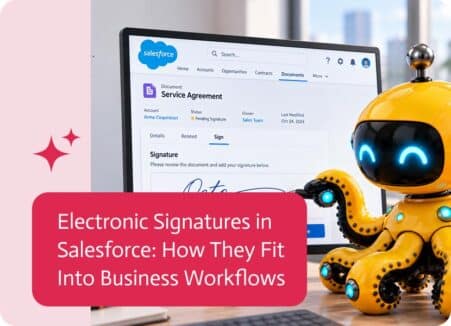
Electronic signatures in Salesforce help businesses move documents, approvals, and agreements forward without relying on manual printing, signing, and scanning. They are commonly used for…
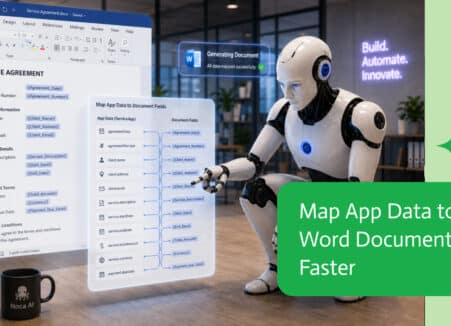
Electronic signatures show intent to sign; digital signatures use certificates to prove identity and integrity. Learn the differences and when to use each.

Add AI-driven e-signature workflows to Salesforce: generate documents from records, send for signature, track status and update opportunities automatically.

Run a complete form-to-document-to-signature process from ChatGPT: collect data, generate the contract, get it signed and update your systems.
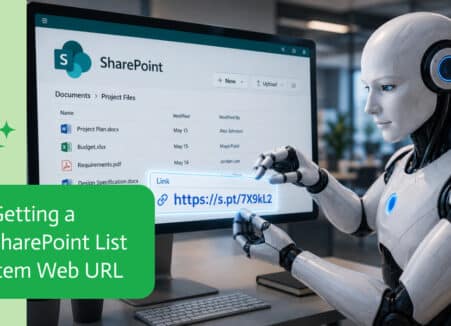
Use Claude to build a complete form-to-signature workflow: the form, the document template, the signing step and the system updates.