
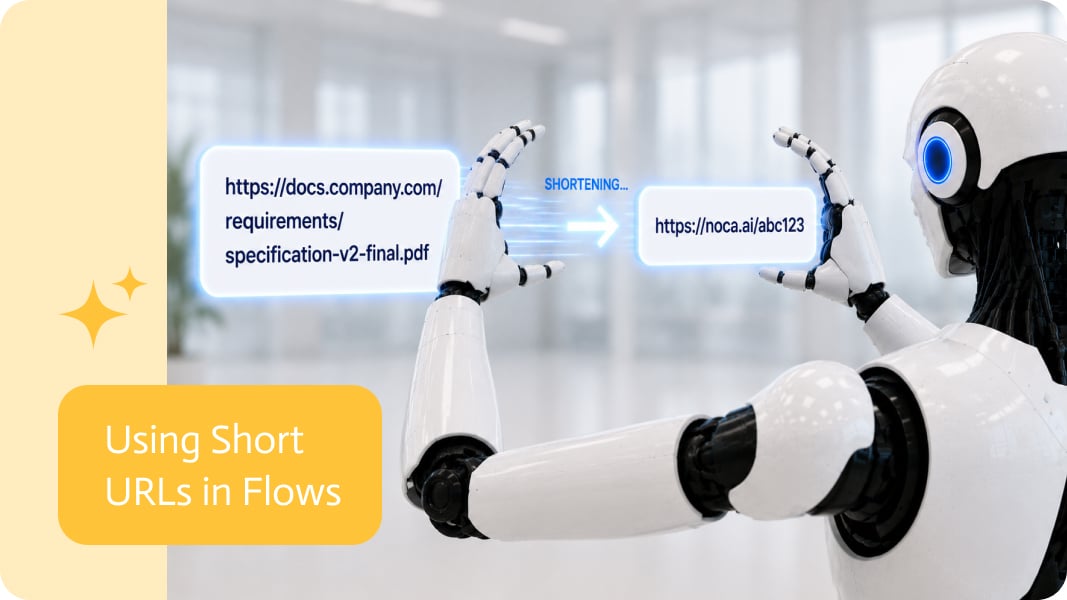
Accounts Payable Automation With AI and OCR
Accounts payable (AP) automation captures supplier invoices, extracts their data, routes them for approval and posts them to the ERP with minimal manual entry. AI and OCR now handle the hardest part: reading invoices that arrive in every format.
The automated AP process
- Capture: invoices arrive by email, upload or SFTP.
- Extract: OCR and AI read supplier, invoice number, dates, totals, taxes and line items.
- Validate: check the supplier exists, detect duplicates and compare against purchase orders.
- Approve: route by amount, department or exception.
- Post: create the bill in NetSuite, SAP, SAP Business One or Priority.
- Archive: store the original and link it to the ERP record.
What AI adds
- Reading invoices with varied layouts without a template per supplier.
- Classifying documents and detecting credit notes or receipts.
- Explaining mismatches to approvers in plain language.
- Learning from corrections over time through improved rules and prompts.
Controls that matter
- Duplicate invoice detection.
- Separation between invoice approval and payment.
- Change logs for supplier bank details.
- Complete audit trail of every step.
AP automation with Noca
Noca captures invoices from Gmail, Microsoft 365 email or SFTP, extracts data with Amazon Textract or Google Vision, routes approvals in flows, and posts to NetSuite, SAP or Priority, with every run logged.
Frequently Asked Questions

What is accounts payable automation?
It is the automation of capturing, extracting, approving and posting supplier invoices into the ERP.
How does OCR help with invoices?
OCR reads text and tables from scanned or PDF invoices so data does not have to be typed manually; AI adds understanding of different layouts.
Can AP automation detect duplicate invoices?
Yes. A validation step can check invoice numbers and amounts against existing bills before posting.
What are the key elements of accounts payable automation?
Key points include: Reading invoices with varied layouts without a template per supplier; Classifying documents and detecting credit notes or receipts; Explaining mismatches to approvers in plain language; Learning from corrections over time through improved rules and prompts.
How do you get started with accounts payable automation?
1) Capture: invoices arrive by email, upload or SFTP 2) Extract: OCR and AI read supplier, invoice number, dates, totals, taxes and line items 3) Validate: check the supplier exists, detect duplicates and compare against purchase orders 4) Approve: route by amount, department or exception 5) Post: create the bill in NetSuite, SAP, SAP Business One or Priority.
What else should you consider about accounts payable automation?
Consider the following: Duplicate invoice detection; Separation between invoice approval and payment; Change logs for supplier bank details; Complete audit trail of every step.
How does Noca help with accounts payable automation?
Noca captures invoices from Gmail, Microsoft 365 email or SFTP, extracts data with Amazon Textract or Google Vision, routes approvals in flows, and posts to NetSuite, SAP or Priority, with every run logged.
Can I use accounts payable automation from ChatGPT, Claude or Grok?
Yes. With the Noca MCP Server, ChatGPT, Claude, Grok and other MCP-compatible assistants can run your published Noca flows and use Noca tools for accounts payable automation, within the permission groups and per-tool approvals you set.
Does accounts payable automation work with Salesforce, NetSuite, SAP and Priority?
Yes. Noca connects natively to Salesforce, NetSuite, SAP, SAP Business One, Priority ERP, HubSpot, monday.com and 60+ other systems, so accounts payable automation can use live data from them and update them automatically.
Do I need developers to implement accounts payable automation?
How do you keep accounts payable automation secure?
Use least-privilege permissions, require approval for sensitive actions and keep a log of every run. Noca follows the TRAPS framework (Trusted, Responsible, Auditable, Private and Secure), records every flow run in integration logs and lets you control data storage for specific flows.
How long does it take to implement accounts payable automation?
A first working version can often be built from a prompt and tested quickly. The total time depends on how many systems, approvals and documents are involved and how much testing your team requires before publishing.
How do I measure the results of accounts payable automation?
Compare cycle time, manual steps, error rates and adoption before and after. Noca integration logs show how often each process runs, how long it takes and where it fails.
Can Noca automate workflows?
Yes. Noca Flows include triggers, conditions, loops, approvals, documents, signatures and AI steps.
What can trigger a Noca flow?
Can I see what each automation did?
Yes. Every flow run is recorded in integration logs with status, timing, errors and the step where it stopped.
What is Noca?
Noca is an AI-powered business process automation platform that combines forms, document generation, e-signatures, workflow automation, AI agents and 60+ integrations, with an MCP server for ChatGPT, Claude and Grok.
Do I need to code to use Noca?
No. Noca builds apps, flows, bots and documents from plain-language prompts; developers can extend them with APIs and webhooks.
Is Noca secure?
Noca follows the TRAPS framework (Trusted, Responsible, Auditable, Private and Secure), with permissions, approvals and integration logs.
How is Noca different from Zapier?
Zapier connects apps with triggers and actions. Noca builds complete business processes, including forms, documents, signatures, apps and AI agents, with deep CRM and ERP integrations.
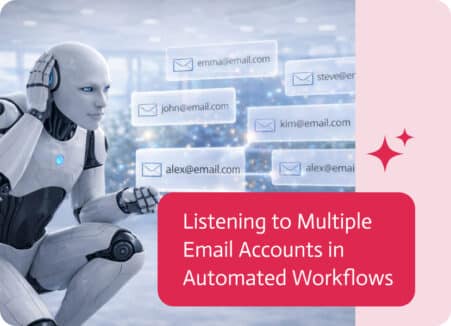
Email is still a central part of many business processes, especially when communication happens across teams rather than through a single account.
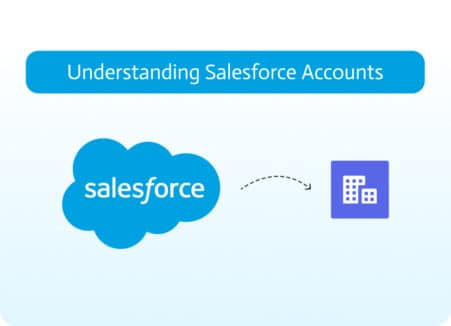
Account management is essential for all companies, as it maintains customer relationships, records business interactions, and organizes sales cycles. In Salesforce, accounts are defined as…