
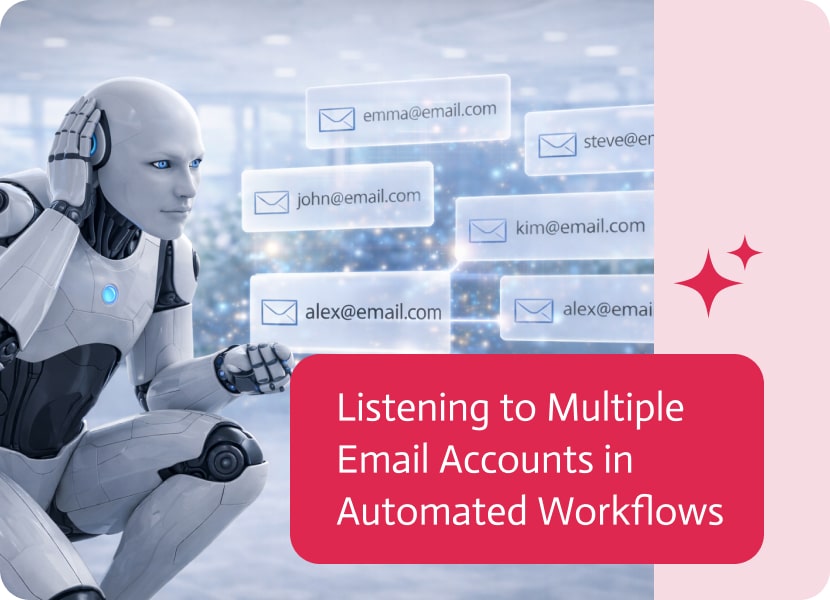

Listening to Multiple Email Accounts in Automated Workflows
Email is still a central part of many business processes, especially when communication happens across teams rather than through a single account. As workflows become more automated, there is a growing need to respond not just to one inbox, but to activity across multiple email accounts.
Moving Beyond a Single Inbox
In many systems, automated actions are triggered by events in a single email account. While useful, this approach can be limiting when work is shared across a team, and important messages may arrive in different inboxes.
A more flexible approach allows workflows to monitor and respond to multiple email accounts at once.
Capturing Activity Across Multiple Accounts
Instead of relying on one inbox, multiple email accounts can be grouped together as part of a single workflow trigger.
This means that when an email is received in any of the selected accounts, the same process can be activated automatically. Whether messages are distributed across a few inboxes or many, they can all feed into one unified flow.
Why This Matters
Handling email activity across multiple accounts brings several advantages:
- Better coverage of team-wide communication
- No need to centralize everything into a single inbox
- Faster response to incoming messages
- Simplified automation for shared responsibilities
A More Scalable Way to Handle Email
By allowing workflows to listen to multiple inboxes, email-driven processes become more aligned with how teams actually work. Instead of adapting workflows to fit a single account, workflows can now reflect real-world collaboration—making automation more effective and easier to scale.
Data-driven decision-making is a cornerstone of successful business management. Salesforce simplifies this process through its Report object, which allows users to generate, manage, and analyze…

These computer programs make use of AI and its subdivisions, particularly machine learning, to transform an audio stream into written output. They make use of…

Integration-Platform-as-a-Service (iPaaS) is the cloud-hosted glue that snaps SaaS apps, on-prem systems, files, APIs, streams, you-name-it into a single, well-behaved ecosystem, no custom spaghetti code…