
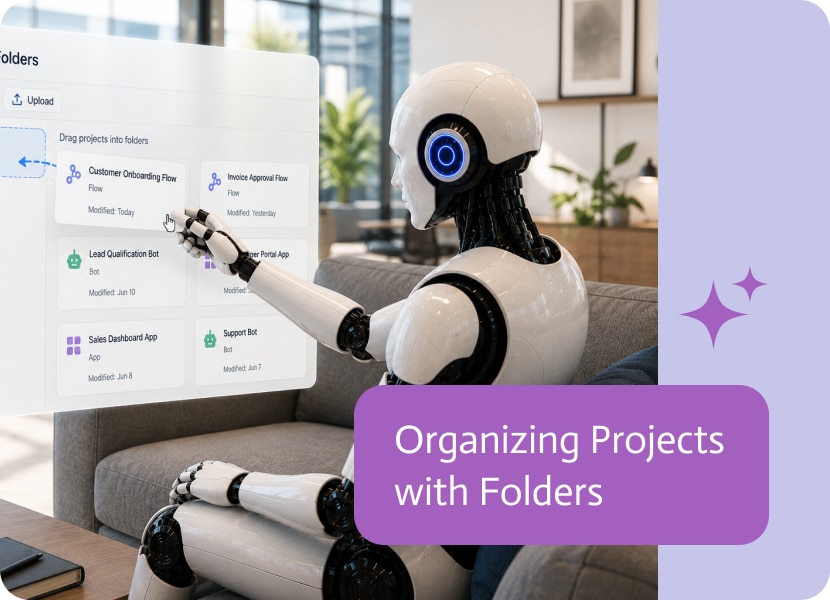

Organizing Projects with Folders
As automation projects grow, so does the number of apps, bots, flows, and other resources. Without a clear structure, it becomes increasingly difficult to locate related assets, understand dependencies, and keep projects organized.
Using folders provides a simple way to keep everything grouped in a logical and manageable structure.
▶ Watch “Organize Apps, Bots and Flows With Folders” with summary and FAQ
Organize Resources by Project
Folders make it easier to group related resources together.
For example, you might create separate folders for each customer, department, business process, or project. Keeping apps, bots, and flows together helps builders quickly find what they’re looking for and keeps the workspace organized as it grows.
Keep Related Resources Together
Modern business solutions often consist of multiple components working together.
An app may trigger several flows, while a bot may rely on automations running behind the scenes. Keeping these connected resources in the same folder makes it much easier to understand how the solution is built and where each component belongs.
Simplify Navigation and Maintenance
A well-organized workspace saves time.
Instead of searching through long lists of resources, builders can navigate directly to the relevant folder and find everything associated with a particular solution. This becomes especially valuable when maintaining existing projects or onboarding new team members.
Scale Without the Clutter
As the number of applications and automations increases, organization becomes just as important as functionality.
Grouping related resources into folders creates a cleaner workspace, improves visibility across projects, and makes complex automation solutions much easier to manage over time.
Frequently Asked Questions
Why should I organize automation projects with folders?
Folders keep apps, bots, flows and other resources grouped in a logical structure, so builders can find related assets quickly as a workspace grows. They also make it easier to understand dependencies, maintain existing projects and onboard new team members without searching through long lists.
How should I structure folders for my projects?
You can create separate folders for each customer, department, business process or project. Keeping the apps, bots and flows that belong to the same solution together makes it clear how the solution is built and where each component belongs.
Can I keep apps, bots and flows together in Noca?
Yes. Noca solutions often combine several components, such as an app that triggers several flows or a bot that relies on automations running behind the scenes. Grouping those connected resources in one folder makes complex automation solutions easier to understand and manage over time.
How do folders help with Noca AI agents and bots?
AI agents built as Noca bots often depend on flows running behind the scenes. Placing a bot and its related flows in the same folder gives builders one place to review everything the agent relies on, which simplifies navigation and maintenance as the number of automations increases.

SAP Business One is at the heart of many organizations, managing customers, sales, purchasing, inventory, finance, and other core business operations.

As automation projects grow, it’s common to manage dozens or even hundreds of flows. Some are standalone automations, while others are created as part of…

SFTP is one of the most common ways businesses exchange files between systems. From invoices and reports to customer data and inventory updates, many…

Many business applications eventually need to collect a payment. Whether it’s paying an invoice, completing a purchase, registering for a service, or…