
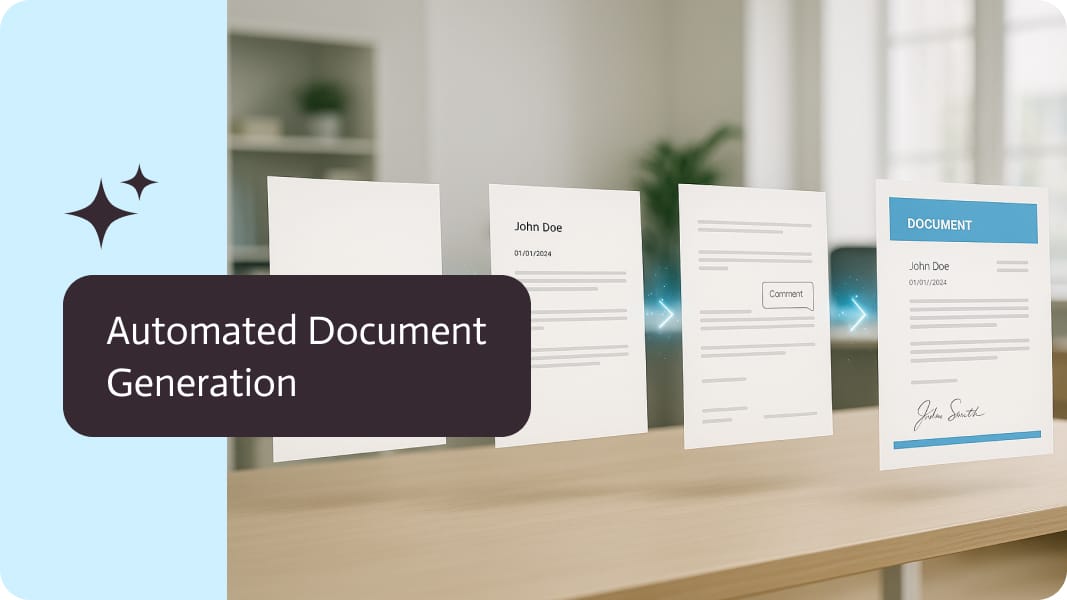
Digital Signatures for PDFs: Automated With GlobalSign
A digital signature on a PDF is a certificate-based signature that proves who signed the document and that its content has not changed since signing. With GlobalSign Digital Signing Service, digital signatures can be applied to generated PDFs automatically, without anyone opening the file.
How a PDF digital signature works
- A hash (fingerprint) of the PDF is created.
- The hash is signed with a private key tied to a certificate from a trusted provider.
- The signature and certificate are embedded in the PDF.
- PDF readers verify the signature and show whether the document was changed after signing.
When to use digital signatures
- Invoices and financial documents that must be tamper-evident.
- Certificates, official letters and confirmations issued by your organization.
- Documents signed by a system rather than a person.
- Adding a company seal after a customer has signed electronically.
Automating digital signatures
The value comes from automation: a workflow generates the PDF from your data, applies the digital signature, then stores and sends it. No manual signing step, no risk of forgetting.
With Noca
Noca includes a digital signature step that applies a cryptographic signature to a PDF using GlobalSign DSS. Combine it with document generation, PDF merging and Bates numbering in flows, and trigger it from ChatGPT, Claude or Grok through the Noca MCP Server. Read also digital vs electronic signatures.
Frequently Asked Questions

What is a digital signature on a PDF?
It is a certificate-based signature embedded in the PDF that proves the signer identity and that the content has not changed.
Can digital signatures be applied automatically?
Yes. Noca applies GlobalSign digital signatures to PDFs as a workflow step.
How do I check a digitally signed PDF?
Open it in a PDF reader that validates signatures; it shows whether the signature is valid and the document unchanged.
What is digital signature PDF?
A digital signature on a PDF is a certificate-based signature that proves who signed the document and that its content has not changed since signing.
What are the key elements of digital signature PDF?
Key points include: Invoices and financial documents that must be tamper-evident; Certificates, official letters and confirmations issued by your organization; Documents signed by a system rather than a person; Adding a company seal after a customer has signed electronically.
How do you get started with digital signature PDF?
1) A hash (fingerprint) of the PDF is created 2) The hash is signed with a private key tied to a certificate from a trusted provider 3) The signature and certificate are embedded in the PDF 4) PDF readers verify the signature and show whether the document was changed after signing.
How does Noca help with digital signature PDF?
Noca includes a digital signature step that applies a cryptographic signature to a PDF using GlobalSign DSS. Combine it with document generation, PDF merging and Bates numbering in flows, and trigger it from ChatGPT, Claude or Grok through the Noca MCP Server. Read also digital vs electronic signatures.
Can I use digital signature PDF from ChatGPT, Claude or Grok?
Yes. With the Noca MCP Server, ChatGPT, Claude, Grok and other MCP-compatible assistants can run your published Noca flows and use Noca tools for digital signature PDF, within the permission groups and per-tool approvals you set.
Does digital signature PDF work with Salesforce, NetSuite, SAP and Priority?
Yes. Noca connects natively to Salesforce, NetSuite, SAP, SAP Business One, Priority ERP, HubSpot, monday.com and 60+ other systems, so digital signature PDF can use live data from them and update them automatically.
Do I need developers to implement digital signature PDF?
How do you keep digital signature PDF secure?
Use least-privilege permissions, require approval for sensitive actions and keep a log of every run. Noca follows the TRAPS framework (Trusted, Responsible, Auditable, Private and Secure), records every flow run in integration logs and lets you control data storage for specific flows.
How long does it take to implement digital signature PDF?
A first working version can often be built from a prompt and tested quickly. The total time depends on how many systems, approvals and documents are involved and how much testing your team requires before publishing.
How do I measure the results of digital signature PDF?
Compare cycle time, manual steps, error rates and adoption before and after. Noca integration logs show how often each process runs, how long it takes and where it fails.
Can Noca generate documents?
Yes. Noca document generation fills Word templates and PDFs with live data, or creates an AI-generated PDF layout, and outputs DOCX or PDF files.
Can Noca use my existing Word templates?
Yes. Noca maps placeholders and sample values in your Word documents to data fields automatically.
Can Noca extract data from documents?
Yes. Noca uses Amazon Textract and Google Vision to extract text, key-value pairs, tables and signatures from documents.
Does Noca support digital signatures?
Yes. Noca applies certificate-based digital signatures to PDFs with GlobalSign Digital Signing Service.
What is the difference between an e-signature and a digital signature?
An e-signature shows that a person agreed. A digital signature uses a certificate to prove who signed and that the document was not changed.
Does Noca support e-signatures?
Yes. Noca collects signatures in forms and on generated PDFs, and integrates with DocuSign.
What happens after a document is signed in Noca?
The flow can store the signed PDF, update your CRM or ERP and notify the team automatically.
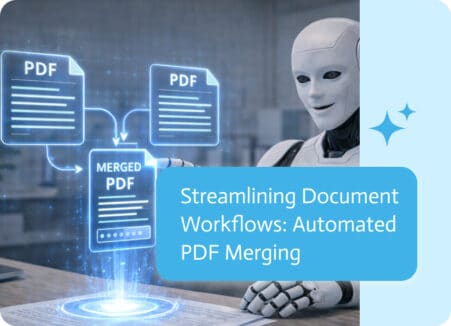
Managing multiple documents is a common challenge in any automated workflow. Whether you are collecting receipts, compiling reports, or organizing legal filings, fragmented files can…
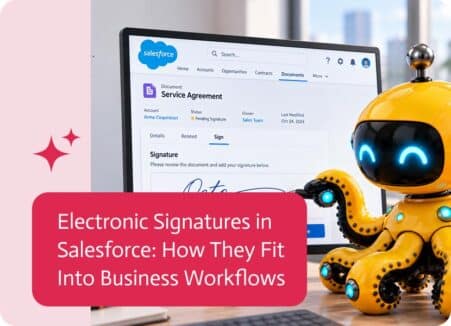
Electronic signatures in Salesforce help businesses move documents, approvals, and agreements forward without relying on manual printing, signing, and scanning. They are commonly used for…

Salesforce lead management is often well defined, but Salesforce lead notifications do not always match how modern sales teams actually work. In many organizations, lead…
Inventory management rarely grabs headlines, but the ability to precisely track, efficiently move, and promptly replenish goods directly affects a company’s success. In today’s hyper…

Sales teams everywhere face the same headache: too many leads, too little time. Not every name on a list is worth chasing, but the process…