
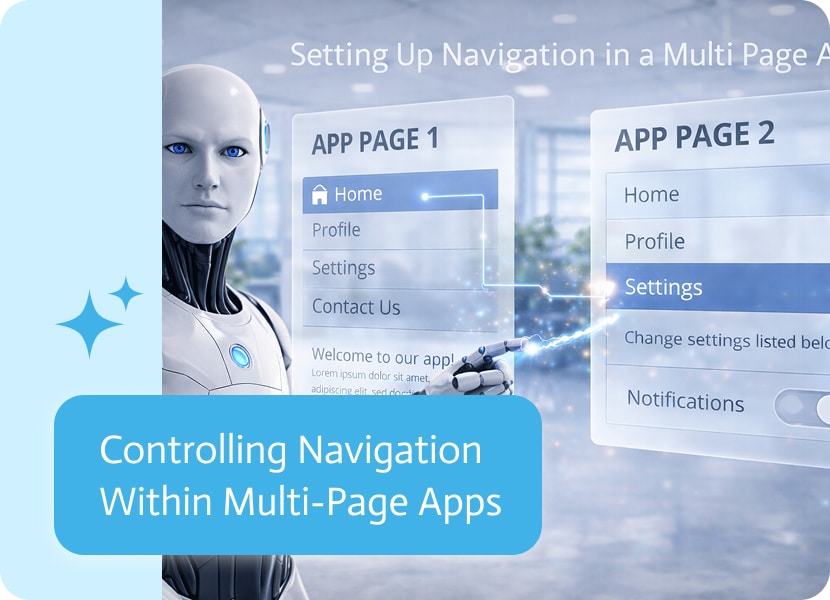
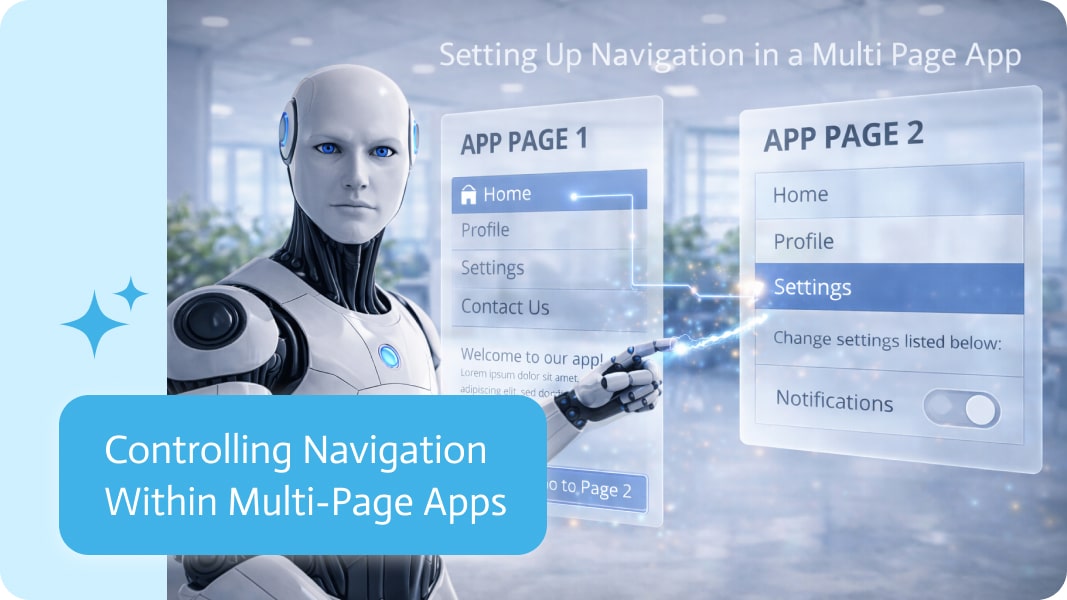
Controlling Navigation Within Multi-Page Apps
In multi-page applications, navigation isn’t just about moving between screens—it’s about guiding users through the right flow at the right time. The way users are directed from one page to another can make the difference between a smooth experience and a confusing one.
Moving Beyond Fixed Page Links
In many applications, navigation between pages is predefined. A button leads to a specific page, regardless of context or user behavior. While simple, this approach can feel rigid and doesn’t always reflect what the user actually needs next.
A more flexible approach allows navigation between pages within the app to adapt dynamically.
Redirecting Within the App Based on Actions
Instead of relying on fixed links, actions inside the application can trigger redirects to different internal pages based on context.
This means that when a user completes an action—such as submitting a form, making a selection, or progressing through a flow—they can be guided to the most relevant next page within the app itself.
These redirects stay entirely within the application, creating a continuous and connected experience without sending users elsewhere.
Why This Matters
Dynamic internal redirects help create more intuitive and efficient user journeys:
- Users are guided to the right page based on their actions
- Navigation flows can adapt without duplicating pages
- Less reliance on hardcoded page paths
- A more seamless, in-app experience
A More Natural Flow Between Pages
When navigation is driven by logic rather than fixed links, moving between pages feels more natural. Each step leads smoothly to the next, helping users stay focused and oriented within the application.
By keeping redirects internal and context-aware, multi-page apps can offer experiences that feel more cohesive, responsive, and easy to follow.
When you need a document notarized, your bank may be one of the easiest places to start. Many banks and credit unions offer notary services,…
For decades, commercial voice experience has been stuck in a funk of robotic menus and hold music that sounds like it was recorded in a…
These computer programs make use of AI and its subdivisions, particularly machine learning, to transform an audio stream into written output. They make use of…