

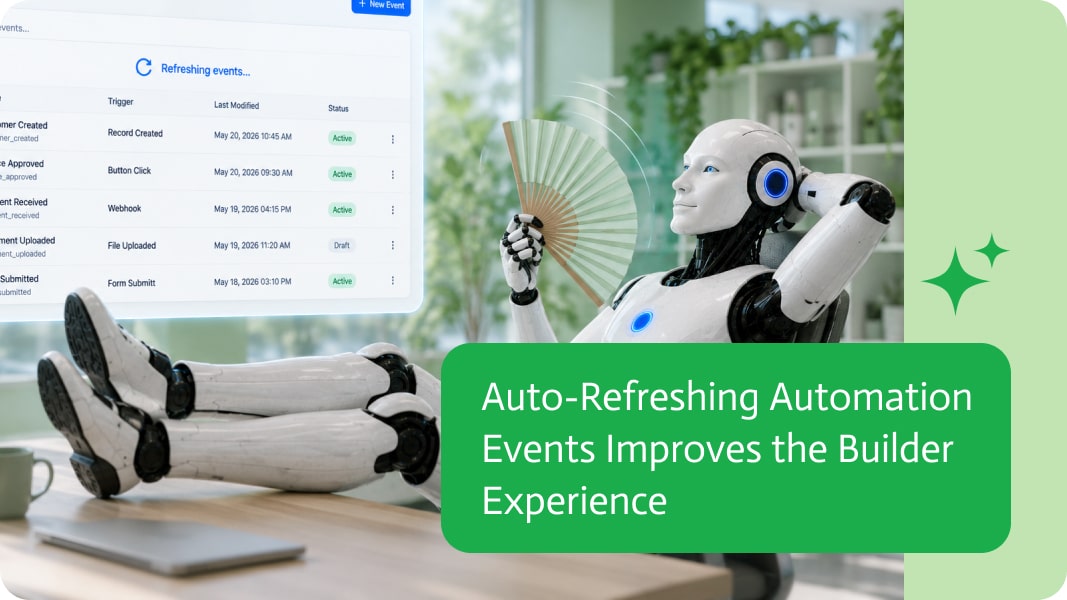
Auto-Refreshing Automation Events Improves the Builder Experience
When building automations, developers and business users often rely on event lists to monitor available triggers, newly created events, or changes coming from connected systems.
Having to manually refresh those lists every time you open the page interrupts your workflow and adds unnecessary friction.
Automatically refreshing event lists ensures you’re always working with the latest information from the moment you start building.
Always See the Latest Triggers
Modern business systems evolve constantly.
New events may become available, existing ones may change, or integrations may expose additional triggers as systems are configured. An automatically refreshed event list helps ensure you’re selecting from the most current set of available events without having to think about refreshing the page.ers and every character has a cost. Long links can also look unprofessional, confusing, and easier for users to break if they copy or edit them.
Remove Unnecessary Steps
Building automations often involves moving between different pages, integrations, and configuration screens.
When you return to the Events page, the last thing you want to do is remember whether the information is current. Automatically refreshing the list removes that extra step and keeps the focus on building rather than managing the interface.
Reduce Configuration Mistakes
Working from outdated information can lead to confusion, especially when multiple people are configuring integrations or adding new event sources.
Displaying the latest available events every time the page opens helps reduce mistakes and ensures builders are working with the most accurate information available.
Build Without Breaking Your Flow
The best builder experiences are the ones users barely notice.
Instead of asking users to refresh data manually, modern tools keep information up to date automatically. It creates a smoother workflow, reduces interruptions, and lets builders stay focused on creating automations instead of maintaining the interface.
Small Improvements That Save Time
Auto-refreshing an event list may seem like a minor enhancement, but these small improvements compound over time.
Removing repetitive actions, keeping information current, and reducing unnecessary clicks all contribute to a faster and more enjoyable automation-building experience.
iPaaS, or Integration Platform as a Service, is a way to link different apps, data, processes, and systems using cloud-based software, like the brain that…
In today’s competitive e-commerce landscape, businesses need efficient systems to scale and meet customer demands. One of the most effective ways to streamline operations is…

Customer NetSuite records change for reasons that matter, even when the change looks small. A terms update can affect billing, a status change can affect…