
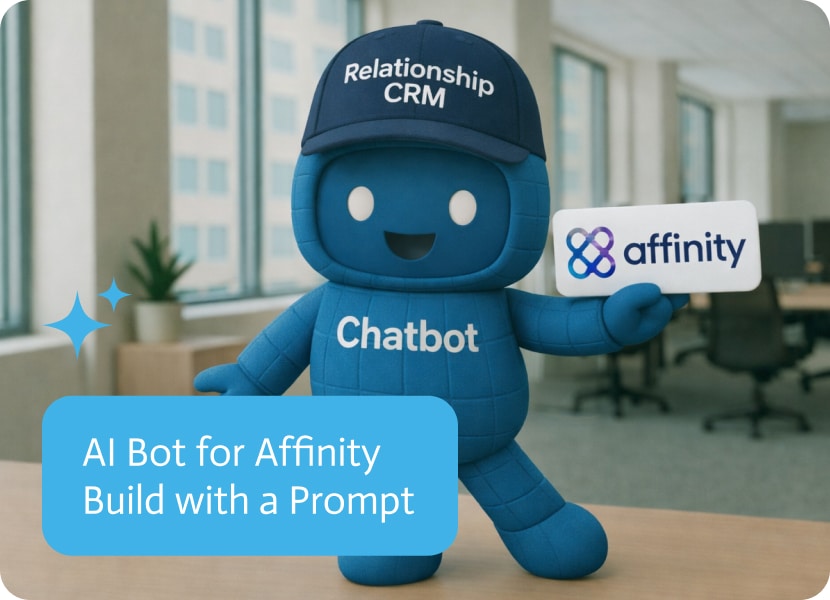

AI Bot for Affinity Built With a Prompt
Noca Bots: AI bot builder you can set up from a plain-language prompt, connected to your CRM, ERP and other systems. Free plan available.
Affinity is easy to keep updated and strangely tedious to interrogate on demand, especially for people who do not live inside the CRM. Someone asks for the latest organization, basic details, or recent activity, and the answer turns into a mini research task or a ping to the one person who knows where everything is. A prompt to bot approach fixes that by giving users a conversational way to pull Affinity data in real time, without making CRM access a licensing project.
The use case is an ai chat bot connected to Affinity that can answer queries like “Show me details for the most recent organization created.” In the demo, the user asks that exact question, and the bot returns the details for the newest organization immediately. The bot only surfaces the data you allow it to access, which makes it usable for internal teams and also for external users like partners or volunteers who need visibility but not full CRM access. If you are searching for an Affinity ai bot, an ai chat agent for CRM search, or prompt to bot workflows that surface organization details fast, this is the direct pattern.
▶ Watch “Affinity CRM AI Chatbot Built With a Prompt” with summary and FAQ
In Noca, you build this with prompt to bot by describing what the ai bot should be able to read from Affinity, what entities it should cover, and what fields it should return for common questions. The trigger is the user’s message, with conditions that detect intent like “latest organization” versus “find by name,” and routing that decides whether to answer, ask for clarification, or return a link for context. Mapping translates conversational language into the right Affinity objects and fields, then the destination action runs the lookup and formats the response so it is actually usable. If you want the bot to kick off follow up work, you can pair it with prompt to flow or the visual builder to add triggers, conditions, mapping, destination actions, and routing, like posting a Slack alert when a certain organization appears or creating a task when a record is incomplete.
The outcome is faster access to CRM context without turning every question into a manual lookup or a license decision. Teams get answers immediately, external collaborators get controlled visibility, and Affinity becomes easier to use without changing how it stores data. To explore Noca, visit https://noca.ai/ and learn more about prompt to bot at https://noca.ai/prompt-to-bot/ .
Frequently Asked Questions
Can I ask an AI bot questions about my Affinity data?
Yes. A bot built in Noca and connected to Affinity can answer queries like show me details for the most recent organization created. It pulls Affinity data in real time and returns the details immediately, so no one has to run a manual lookup.
Can partners or volunteers use an Affinity bot without full CRM access?
Yes. The bot only surfaces the data you allow it to access, which makes it usable for internal teams and for external users like partners or volunteers who need visibility but not full CRM access.
How does Noca build an Affinity bot?
You use prompt to bot and describe what the bot should read from Affinity, which entities it should cover and which fields it should return for common questions. Noca maps conversational language to the right Affinity objects and fields and formats the response.
Can the Affinity bot start follow-up work?
Yes. You can pair it with prompt to flow or the visual builder to add actions, like posting a Slack alert when a certain organization appears or creating a task when a record is incomplete. An AI assistant connected through the Noca MCP server can help build these.
Partners want a simple way to update leads, and you want those updates captured in Affinity without turning licensing and onboarding into a side quest….

Jira is not confusing, it is just optimized for people who enjoy Jira. Everyone else wants a small set of actions, see issues, update status,…
Affinity can be doing its job perfectly and you still miss the moment. A new organization gets created, the team meant to follow up, and…
Businesses are continuously seeking ways to better their processes and at the same time, build on their overall efficiency. Businesses have to rapidly meet the…
NetSuite is not hard to use if you live in it. The problem is that most teams do not, and they still need answers like…