
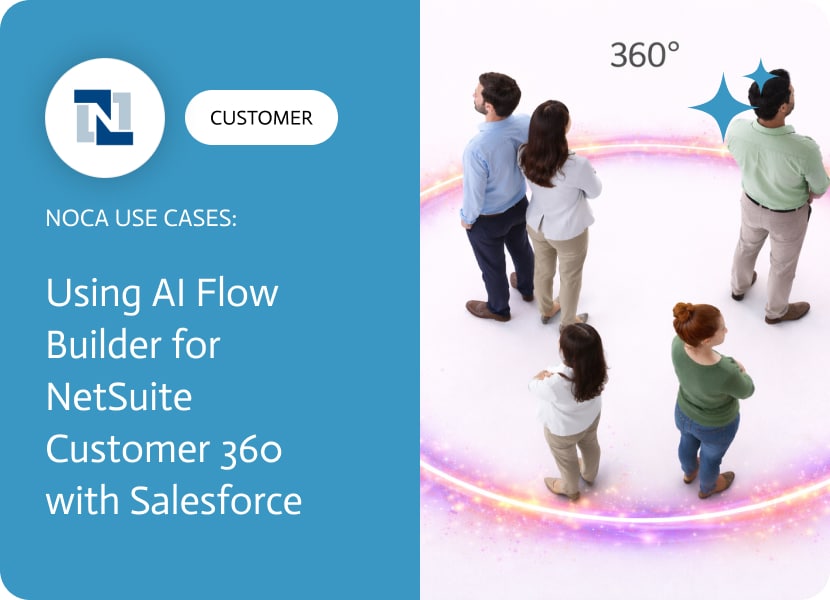

Using AI Flow Builder for NetSuite Customer 360 with Salesforce
NetSuite Customer 360 is where finance reality is defined, which is why it is awkward when the rest of the company lives somewhere else. If a customer is created in NetSuite for billing and finance, but Sales and Customer Success operate in Salesforce, then Customer 360 breaks the moment those records drift. The real requirement is simple: customer creation in NetSuite should immediately show up as an account in Salesforce.
This use case connects NetSuite customer creation to Salesforce account creation automatically. When a new customer is created in NetSuite, Noca creates a corresponding account in Salesforce and maps key fields such as customer name, billing address, phone, email, region, subsidiary, entity, segment, and external IDs. This keeps CRM and ERP aligned and reduces duplicate entry, while preserving NetSuite as the source of truth.
In Noca, the workflow can be built with prompt to flow or assembled in the ai flow builder. Choose a NetSuite customer created trigger, then add a Salesforce create account action and map NetSuite fields into Salesforce account fields, including any unique identifiers needed for reliable matching later. This ai automation agent approach avoids brittle custom code and supports a clean NetSuite to Salesforce sync for customer master data. Platform details are at https://noca.ai/ and the prompt driven workflow builder is at https://noca.ai/prompt-to-flow/.
The result is a practical Customer 360 pattern: NetSuite creates the customer, Salesforce gets the account immediately, and teams work from consistent data across ERP and CRM. Less confusion, fewer duplicates, and far fewer arguments about which system is correct.

ERP systems promise order, visibility, and control, but the reality, though, can often feel like an IKEA wardrobe you bought for your oddly shaped bedroom,…
In simple terms, it’s a tool that takes what you’ve written by hand on paper, tablet, whiteboard, napkin, or whatever and converts it into editable,…

Let’s get to the point: comparing Cursor vs. V0 is like comparing a bike to a car. Both are great tools for getting you to…