
Working with File Objects in Priority ERP
Business processes often involve more than structured data. Customer records, sales orders, service calls, and many other business objects can include files such as contracts, invoices, images, certificates, and signed documents.
Being able to work with these file objects as part of your automations helps create more complete business workflows.
Files Are Part of Your Business Data
Many ERP systems allow business objects to store files alongside their records.
For example, a customer record might include signed agreements or identification documents, while a service call could contain photos, reports, or inspection documents. Accessing these file objects gives automations the full business context instead of working with record data alone.
Automate File-Based Processes
Supporting file objects opens the door to many automation scenarios.
A flow can retrieve files attached to a customer, archive documents, synchronize attachments with a document management system, send supporting files for approval, or include them in customer onboarding and service processes.
This allows files to become a natural part of end-to-end business automations.
Connect Files to Business Objects
Files are most valuable when they’re associated with the records they belong to.
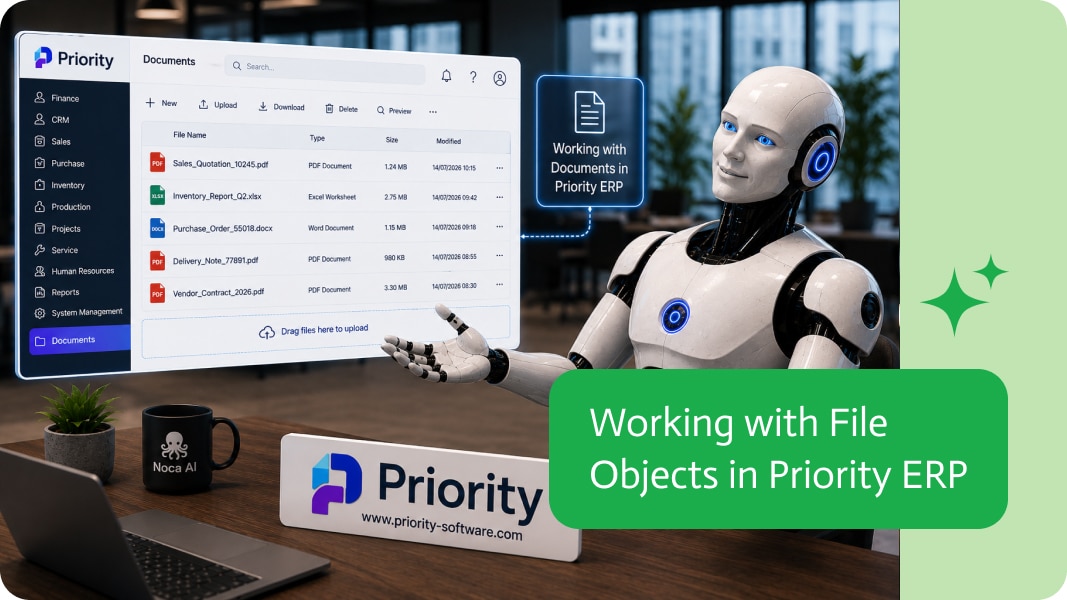
For example, Priority ERP includes file-enabled objects such as Customer Documents, along with other business objects that support attachments. Working directly with these file objects makes it easy to build automations that process both business data and its related files together.
Build Richer ERP Automations
Modern business processes depend on both structured data and supporting documents.
By working directly with file objects in Priority ERP, you can build richer automations that include documents, images, and attachments as an integral part of your business processes.
Good news, flow builders – this version is for you!We’ve added some new capabilities, improved a few existing ones, and cleared out a handful of…

Monday sales CRM is popular for a simple reason: teams can move fast without waiting on admins, page layouts, or permissions debates. The downside is…
The process of connecting all the software programs and systems that a business uses to enable effortless communication is known as business software integration. The…