
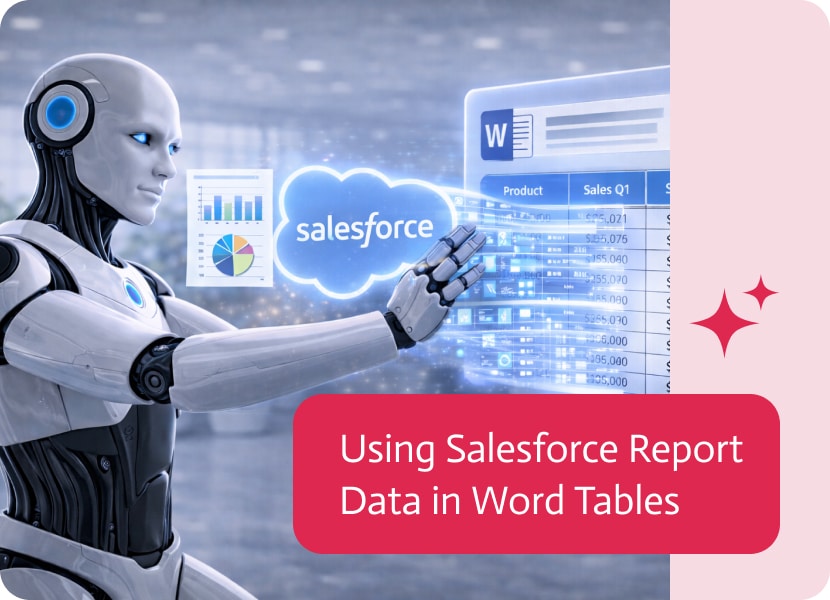

Using Salesforce Report Data in Word Tables
Many business documents are generated from Word templates that automatically produce structured, dynamic outputs. In these cases, accurate and up-to-date data is essential to ensure the final document reflects real business information.
Until now, working with report data often required exporting or manually adapting it before it could be used in a Word template.
Bringing Report Data into Word Tables
With support for Salesforce reports, data can now be pulled directly from report outputs and inserted into structured tables in Word documents.
This means that instead of manually transferring report data into Word, documents can reflect the results of a live report at the moment they are created.
Turning Reports into Dynamic Word Tables
Report data can now be transformed into structured tables directly inside Word. This allows information from Salesforce reports—such as records, summaries, or grouped data—to be presented clearly and consistently in document format.
As a result, Word documents are no longer static representations of data, but accurate reflections of current report results.
Why This Matters
Connecting Salesforce report data to Word template generation provides several key benefits:
- Word templates always use the latest report data
- No manual export or preparation required
- More consistent and reliable document outputs
- Faster generation of dynamic, data-driven documents
A More Direct Link Between Reports and Word Templates
By using Salesforce report data directly in document tables, reporting and documentation become part of the same continuous process. This ensures that every generated document is aligned with the most recent business data, making reporting workflows more efficient and dependable.
Keeping track of important meetings and other events is crucial for ensuring your business runs smoothly. The Salesforce Event object represents scheduled calendar events such…

AI has changed numerous industries over the last couple of years, and animation is no exception. AI-powered animation video generators are transforming content creators, marketers,…

Picture this, it’s 4:47 PM on a Friday, and you’ve just realized you need to send out 50 personalized proposals by end of day. You’re…