
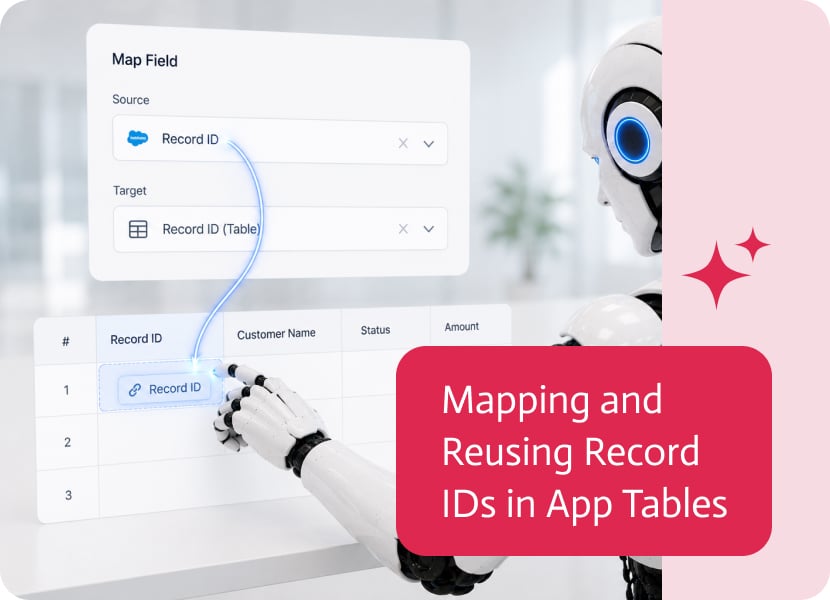
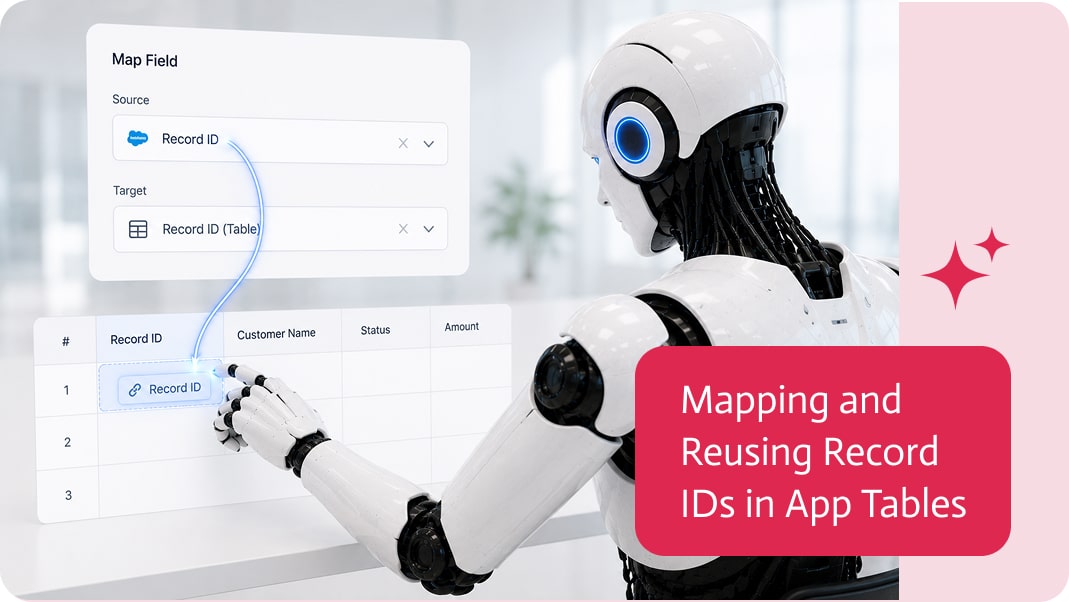
Mapping and Reusing Record IDs in App Tables
Tables are one of the most useful ways to display business data inside an app.
They can show customers, opportunities, invoices, orders, tasks, service calls, products, or almost any list of records users need to review and work with.
But displaying a row is only part of the story.
In many apps, the user does not just look at a row. They select it, open more details, trigger an action, move to another page, or continue a process based on that specific record.
For that to work properly, the app needs more than the visible row data. It often needs the record ID.
Why Record IDs Matter
A record ID is usually the hidden identifier that tells the app exactly which record is being used.
The table might show friendly information like customer name, opportunity amount, invoice date, or status.
But behind the scenes, the app may need the actual ID of that record so it can load more details, update the right record, trigger the right action, or pass the right context to another page.
Without the record ID, the app may know what the user saw, but not exactly which record should be used next.
Very elegant. Like recognizing someone’s face but forgetting their name, address, and entire identity.
Mapping IDs Into Table Rows
When business data is mapped into an app table, visible columns are usually the obvious part.
For example, a table might display:
- Opportunity name
- Account name
- Stage
- Amount
- Close date
But the opportunity ID may also need to be mapped into the table, even if it is not shown to the user as a visible column.
That ID can travel with the row and be used later in the app.
This makes the table much more useful because each row carries both the information users need to see and the technical context the app needs to continue the process.
Reusing IDs Later in the App
Once the record ID is available from the table row, it can be reused in other parts of the app.
For example, an app may display Salesforce opportunities in a table. When the user selects one opportunity, the opportunity ID can be passed together with the row details to another page.
That second page can then show the full opportunity details, trigger a follow-up action, update the opportunity, or use the ID in another process.
The same idea applies to many other objects and records, not just opportunities.
- A selected customer can open a customer details page.
- A selected invoice can trigger a payment process.
- A selected order can load order details.
- A selected service call can open a work report.
The table becomes the starting point for a connected app experience.
Better Context Between Pages
Many apps include more than one page.
A user starts with a list, chooses a record, and then moves to a detail page or action page.
In that flow, the record ID is what keeps the context intact.
The second page should not need to guess which record the user selected. It should receive the ID directly from the table row and use it to load or update the correct data.
This helps create smoother app flows, especially when working with connected systems like CRMs, ERPs, service platforms, or internal databases.
Cleaner Actions and Fewer Mistakes
When record IDs are mapped and reused properly, actions become more reliable.
- The app can update the correct record.
- The right detail page can open.
- The correct follow-up process can run.
- The selected row can be passed forward without confusion.
This reduces the risk of using the wrong record or losing context between steps.
And in business apps, “wrong record” is not a cute little issue. It is the kind of thing that creates meetings.
A More Connected Table Experience
Tables should not only display data. They should help users act on that data.
Mapping and reusing record IDs allows app tables to become part of a larger flow, where selecting a row can lead to details, actions, updates, approvals, documents, or follow-up processes.
The user sees a simple table.
The app keeps the important record context behind the scenes.
That is exactly how it should be: clear for the user, useful for the process, and far less dependent on someone manually figuring out which record is which.
This version is about making things easier to find, easier to pass forward, and easier to understand. You can now pull files from public URLs…

As companies adopt more cloud services, the need to integrate both cloud-to-cloud and cloud-to-on-premise applications has become crucial. SAP Cloud Integration provides a powerful solution…
Priority Xpert acts as the official support hub for those using Priority Software. It provides the user quick access to key support features, services, apps,…