
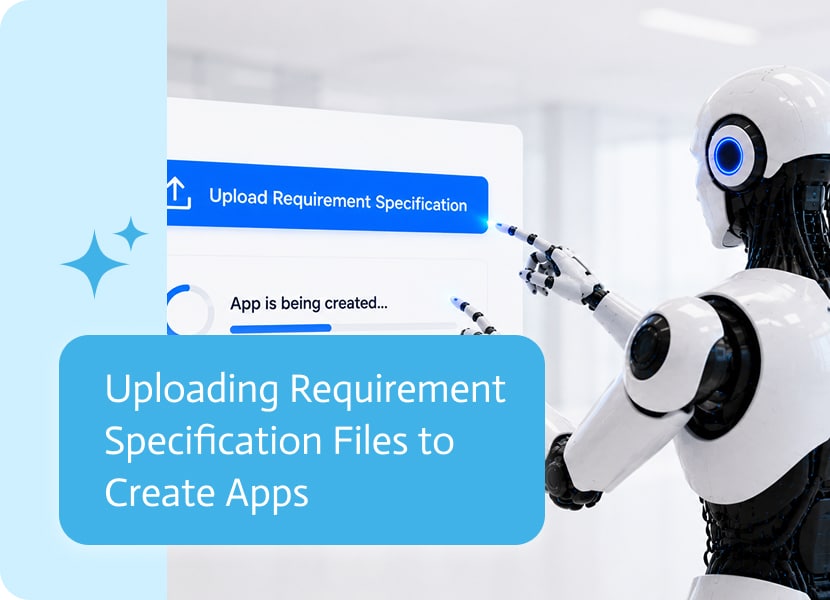
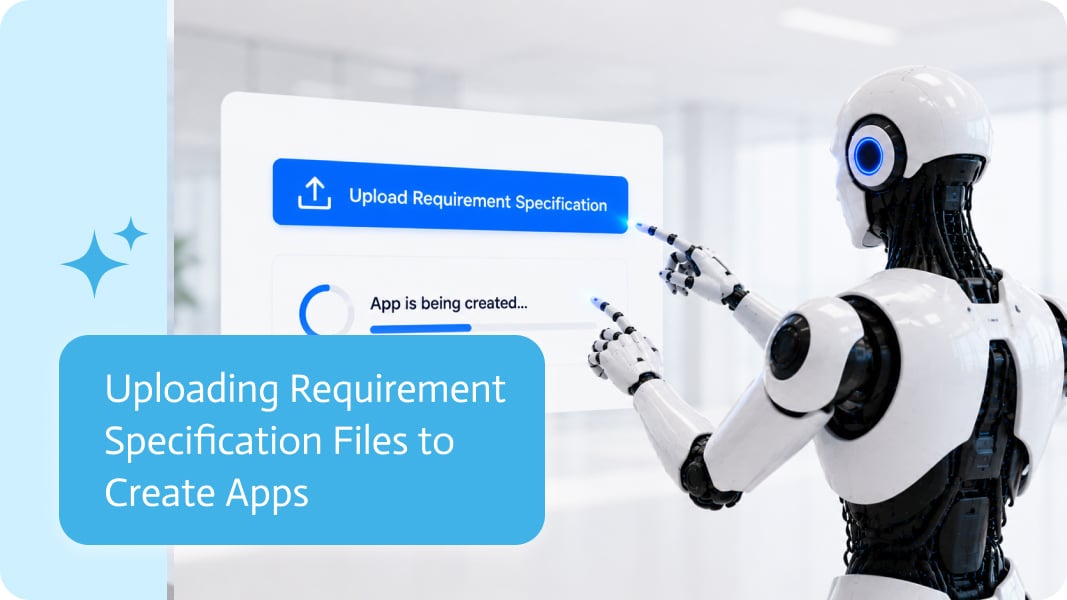
Uploading Requirement Specification Files to Create Apps
Creating a business app often starts with a requirement document.
It might be a product specification, an internal process document, a customer brief, a form description, or a Word file someone has been updating for three weeks while pretending the final version is actually final.
These documents usually contain the exact details needed to build the app: pages, fields, validations, user roles, business rules, required documents, approval steps, and process logic.
Instead of starting from a blank prompt or manually copying every detail, uploading a requirement specification file gives the app creation process much richer context from the beginning.
Requirements Already Contain the App Logic
A good requirement file often describes the app before the app exists.
It may include the screens users need, the information they should enter, the actions they should perform, and the rules the app should follow.
For example, a requirement file might explain that an onboarding app needs employee details, document uploads, manager approval, HR review, and a final confirmation step.
That is not just text. That is the structure of the app.
When the requirement file is used as part of app creation, the process can better understand what needs to be built and how the pieces should fit together.
Supporting Common Business File Formats
Requirement specifications are usually shared in formats that business teams already use every day.
PDF files are common when requirements are finalized or shared externally.
Word documents are common when requirements are still being written, reviewed, commented on, and updated.
Supporting both formats makes the app creation process more natural. Users can work with the document they already have instead of converting files, copying sections, or recreating the same information in a different format just to get started.
Very noble work, converting files before building anything. Also completely unnecessary when the system can just understand the file.
Less Manual Copying
A short prompt can be useful, but it rarely includes every important detail.
“Create a supplier onboarding app” is a good starting point, but it does not explain which fields are required, which documents suppliers need to upload, who should approve the request, or what should happen after submission.
A requirement specification file can include all of that.
With more context, the first version of the app can be much closer to the real business need. That means fewer missing fields, fewer misunderstood flows, and less back-and-forth after generation.
Useful for Real Business Apps
Requirement specification files are especially useful for apps that involve structured processes.
Examples include:
- Customer intake forms
- Supplier onboarding apps
- Employee onboarding flows
- Approval processes
- Service request portals
- Field work apps
- Document collection apps
- Internal operations tools
These are exactly the kinds of apps where the details matter. A missing field, unclear validation, or forgotten approval step can create real problems later.
Using the requirement file from the start helps reduce that risk.
A More Natural Way to Build
Most business apps do not begin as perfectly written prompts.
They begin as documents, conversations, requirements, examples, and messy notes that slowly become a real process.
Uploading requirement specification files makes app creation fit that reality better.
The user can bring the document they already have, add a short instruction, and start turning the requirement into a working app.
Less copying. Less converting. Less rebuilding the same explanation in five different places.
Just use the requirement file and start from there. life.

This month is packed with improvements across Noca Apps, Flows, Bots, Docs, and the Platform. We’ve focused on making everyday building faster and more intuitive—from…

Google Sheets is flexible enough to run half a company and informal enough to break the other half. The moment a sheet becomes a shared…

You’ve finally hired that new employee. Cheers, confetti and cake for you. After the celebration is over, though, the real work starts. Setting them up,…