
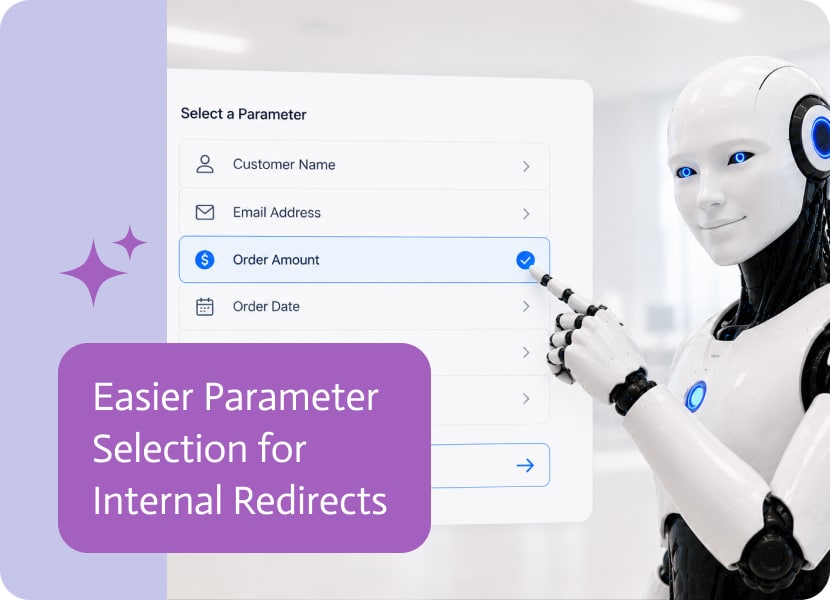
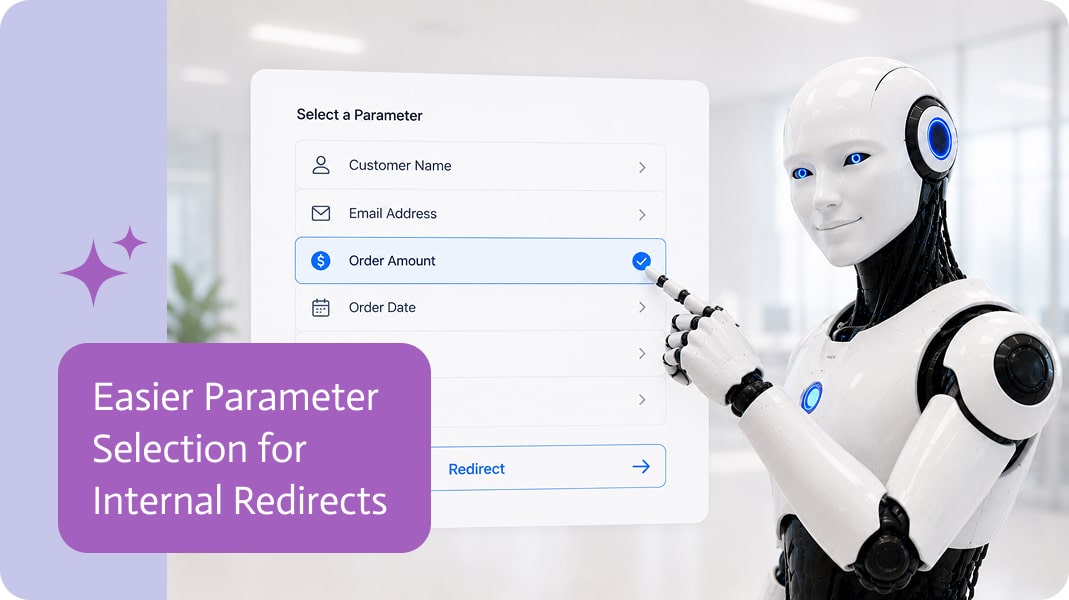
Easier Parameter Selection for Internal Redirects
Internal redirects are useful when an app needs to send users from one place to another.
A user might start on one page, click a button, and continue to another page inside the same app. Or they might move from one app to another app as part of a larger process.
That sounds simple: click here, go there.
But in real business apps, redirects usually need context.
Redirects Often Need Parameters
When users move between pages or apps, the destination often needs to know something about where they came from.
For example:
- Which customer is being viewed?
- Which record should be opened?
- Which request was selected?
- Which step should load first?
- Which user or account should the next page use?
That information is usually passed through parameters.
Without the right parameter, the destination page may open, but it may not know what data to show or what context to use.
Very helpful, in the same way opening a file cabinet and not knowing which folder you need is helpful.
Why Parameters Can Be Confusing
Parameters are powerful, but they can also be easy to miss during setup.
A builder may understand that the redirect should go to another page, but not immediately know where to add the required parameter or which parameter already exists in the app.
This creates unnecessary guesswork.
The redirect target is selected, but the context is not connected clearly enough.
That is usually where setup becomes slower, more confusing, and more likely to break later.
Selecting Parameters Inside the Redirect Setup
A better experience is to make parameters available directly while the redirect is being configured.
After selecting the target app or page, the builder should be able to choose from the available parameters right there in the redirect setup.
This makes the process much more intuitive.
The builder does not need to leave the redirect configuration, search somewhere else, or remember parameter names manually. The relevant options are shown in the right place, at the right time.
Radical idea: show the thing where the user needs the thing.
Better Context Between Pages and Apps
When parameters are easier to select, redirects become easier to configure correctly.
- A page can open with the right record.
- An app can receive the right context.
- A selected item can be passed forward.
- A follow-up page can know what it should display.
This is especially important in apps with detail pages, multi-step processes, approval flows, customer portals, internal tools, and apps that work with records from connected systems.
Fewer Setup Mistakes
Manual parameter setup can lead to small mistakes that cause annoying problems.
- A missing parameter may result in an empty page.
- A wrong parameter may show the wrong data.
- A typo may break the redirect.
- A builder may not realize a parameter is needed until testing the app later.
Making parameters selectable from the redirect setup helps reduce these issues.
It turns parameter configuration from something hidden and easy to forget into a visible part of the redirect flow.
A Smoother Builder Experience
Internal redirects should feel simple to configure, even when they pass important context behind the scenes.
Choosing the target and selecting the needed parameters in the same place creates a cleaner builder experience.
The redirect becomes easier to understand, easier to test, and easier to maintain.
Less guessing. Fewer broken redirects. Slightly fewer moments where someone says, “Why is this page empty?” and everyone quietly looks away.

Software development has always been about solving problems faster, smarter, and with fewer bugs. Over the past few years, though, a quiet revolution has snuck…

Customer Service Integration (CSI) entails connecting customer service platforms with various business systems and tools via Zapier’s Zaps to enhance customer interactions and streamline support…
Netsuite item Overview In NetSuite, an item represents anything your business buys, sells or monitors. Items are organized into flexible rankings of up to three…