
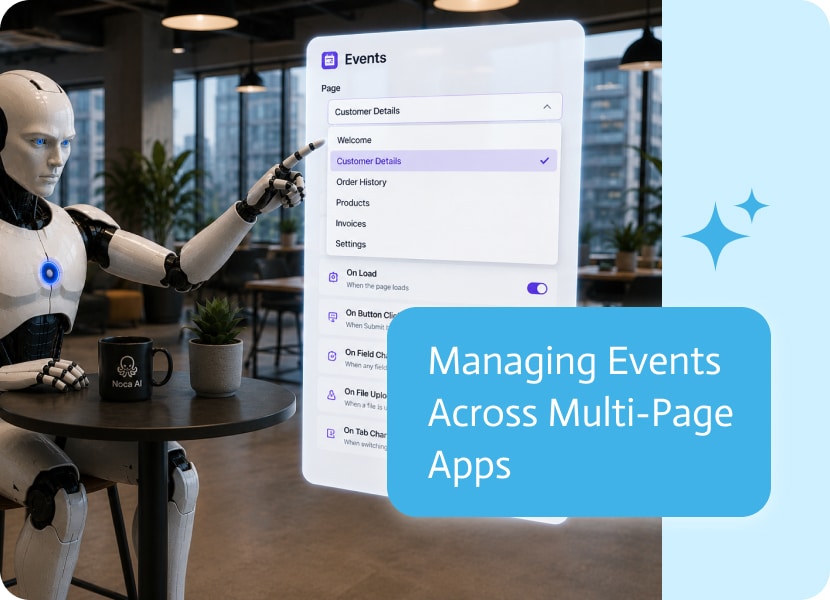
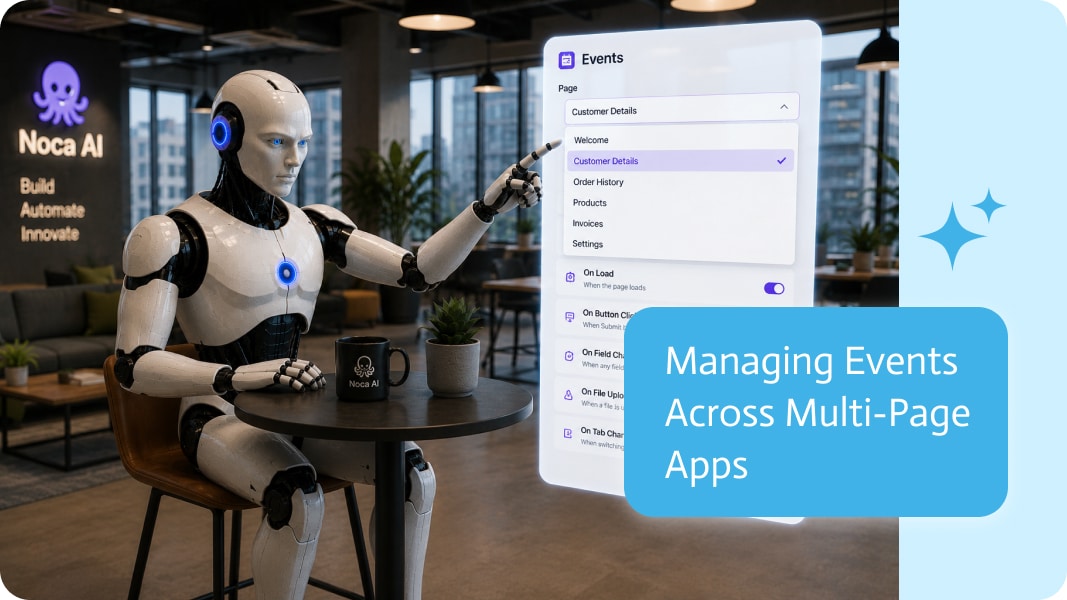
Managing Events Across Multi-Page Apps
As applications grow, so does the number of pages and the events attached to them. Buttons, forms, page loads, and user actions can each trigger different automations, making it important to quickly find and configure the right events.
The easier it is to move between pages while working with events, the faster you can build and maintain your application.
Styles Are More Than Visual Settings
A style typically defines visual elements such as colors, typography, spacing, and components.
However, visual settings alone don’t explain why those choices exist. Information about your company, industry, users, and brand personality gives AI the context needed to make design decisions that go beyond appearance.
Events Belong to Individual Pages
Each page in an application typically has its own set of events.
A dashboard may trigger data loading, a form page may submit information, while another page may launch approvals or integrations. Viewing events in the context of the page they belong to makes them much easier to understand and manage.
Reduce Navigation While Building
Switching between pages and then opening the corresponding events can quickly become repetitive, especially in larger applications.
Being able to change pages directly while working with events keeps your focus in one place and reduces unnecessary navigation throughout the builder.
Build Multi-Page Apps More Efficiently
Applications often evolve from a few pages into much larger solutions.
As the number of pages increases, small workflow improvements can save significant time. Faster navigation makes it easier to review events, update automations, and verify behavior across the entire application.
Keep Your Workflow Moving
Good development tools minimize interruptions.
Being able to navigate between pages while managing their events creates a smoother building experience, allowing you to focus on designing your application’s behavior instead of navigating the builder.
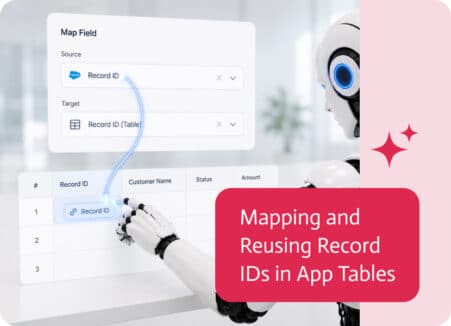
Tables are one of the most useful ways to display business data inside an app. They can show customers, opportunities, invoices, orders, tasks, service calls,…
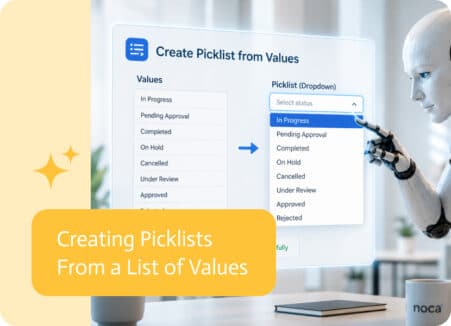
Picklists are supposed to make forms easier. Instead of asking users to type an answer manually, they can choose from a defined list of options….
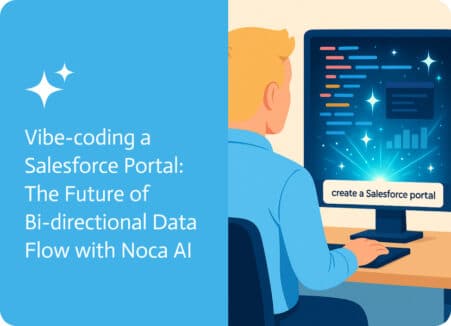
Let’s be completely honest, deploying a fully functional, user-friendly portal can be quite a complex and time-consuming job—especially when it involves integrating with a system…