
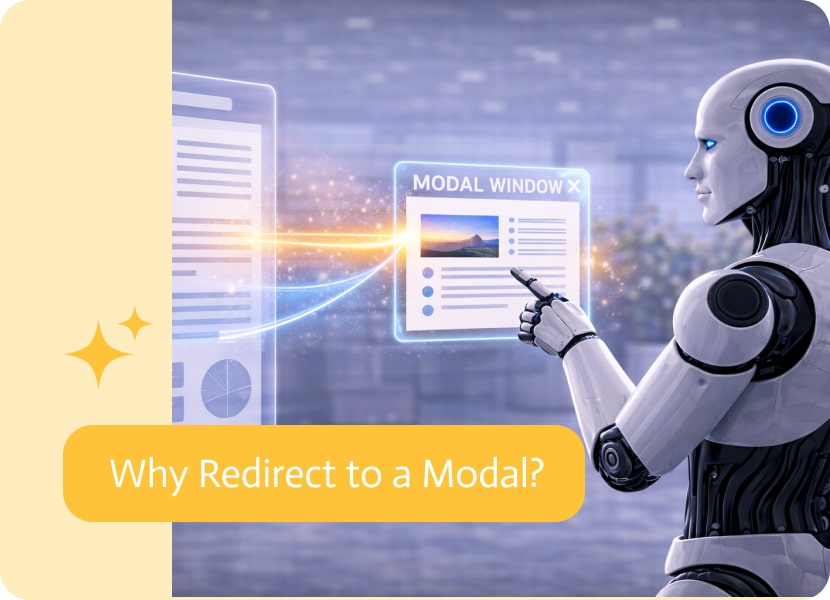

Why Redirect to a Modal?
Navigation is usually about moving from one place to another.
You click, and you’re taken to a new page. The context changes, the view refreshes, and the flow continues somewhere else.
But not every interaction benefits from that kind of transition.
When a Full Page Is Too Much
There are many moments in an app where users don’t actually need to leave what they’re doing.
They might want to:
- View additional details
- Confirm an action
- Complete a quick step
In these cases, redirecting to a full page can feel like overkill. It interrupts the flow and forces users to step out of their current context for something relatively small.
Keeping the User in Place
Redirecting to a modal offers a more lightweight alternative.
Instead of navigating away, the interaction opens directly on top of the current screen. The user stays exactly where they are, while focusing on a specific task or piece of information.
It’s still a redirect—but without the sense of “leaving.”
A Better Fit for Short, Focused Actions
Modal redirects are especially useful for interactions that are:
- Quick to complete
- Contextual to the current screen
- Not part of a larger, standalone flow
They allow users to take action without breaking their momentum.
Reducing Friction in Navigation
Every time a user moves to a new page, there’s a small cost—loading time, reorientation, and the need to navigate back.
By keeping interactions in a modal, that cost is reduced. Users can complete what they need and return instantly, without extra steps.
Choosing the Right Kind of Redirect
Not all navigation needs to follow the same pattern.
Sometimes, a full page is the right choice. Other times, a modal is the better fit.
Understanding when to use each approach helps create experiences that feel smoother, faster, and more aligned with how users actually interact.

Building an AI bot is rarely a one-and-done process. Even with carefully written instructions, you’ll often discover small improvements after seeing real conversations. Maybe the…
No one saw this coming, but the biggest fight in vibe coding isn’t about who can build apps faster, but more about whether you should…
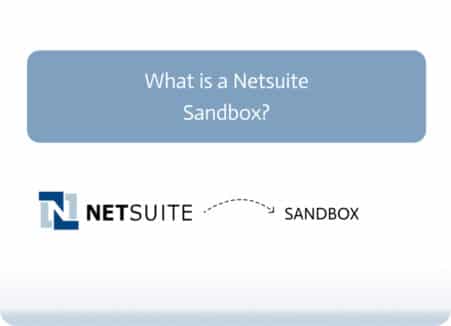
What is a Netsuite Sandbox? A Netsuite Sandbox is a trusted, isolated test environment that mirrors your production account. This tool is created to help…