
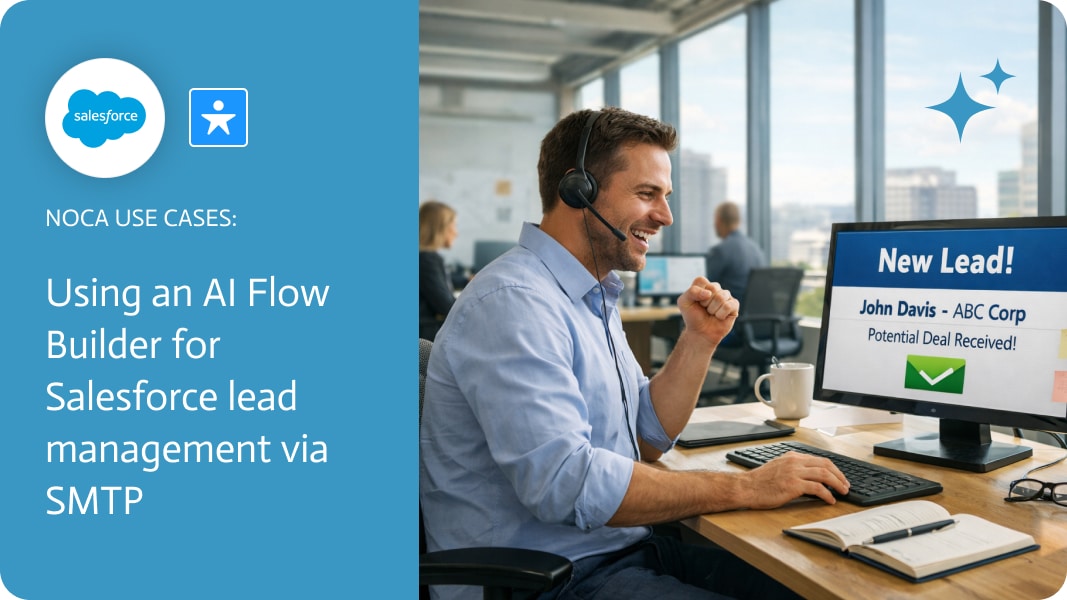
Using an AI Flow Builder for Salesforce Lead Management via SMTP
Lead management in Salesforce frequently involves deciding when a lead should move from internal tracking to external engagement. Marketing systems like Mailchimp operate on different timing and criteria than a CRM, which makes manual syncing or static list rules a poor fit for many teams. What matters is control: deciding when a lead should enter a campaign and why.
This workflow addresses lead management Salesforce by using Salesforce itself as the source of truth for campaign eligibility. When a lead is created, Noca evaluates a custom Salesforce field that indicates how the lead should be handled. Based on that value, the automation creates or updates a contact in Mailchimp and adds them to the appropriate campaign. Campaign enrollment is driven by Salesforce events and data, not by downstream guesswork.
Noca supports this setup through an ai automation agent that connects Salesforce triggers directly to Mailchimp actions. Teams can generate the flow using a prompt to flow experience or build it visually with the ai flow builder, mapping lead fields and defining campaign logic without changing Salesforce’s lead model. This prompt automation approach makes Salesforce the decision layer while Mailchimp remains focused on delivery.The result is a more deliberate lead management process. Salesforce controls when a lead enters marketing, custom fields enable precise targeting, and Mailchimp stays synchronized without manual intervention. It is a practical example of ai automation enabling cleaner handoffs between sales and marketing systems.
For an overview of the platform go to https://noca.ai/. For the prompt based workflow builder, take a look at https://noca.ai/prompt-to-flow/.
The customer relationship management (CRM) race has moved beyond gathering data, to rather, who can actually use it effectively. Traditional CRMs like Salesforce are powerful,…
Artificial Intelligence (AI) agents have transformed document management, shifting it from a time-intensive process to an automated, intelligent system that enhances efficiency, accuracy, and security….
Visualize your Salesforce setup like a well-planned city, but with traffic lights that never change. Noca’s vibe-coding approach, combined with its AI agents, empowers teams…