
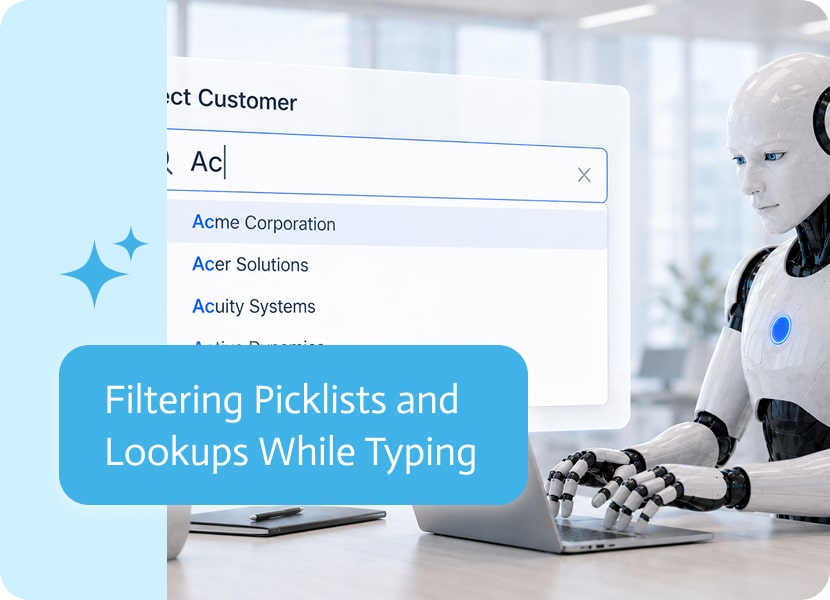

Filtering Picklists and Lookups While Typing
Picklists and lookup fields are supposed to make things easier. Instead of typing everything manually, users can choose the right option from a list.
That works beautifully when the list has five options. It works less beautifully when the list has hundreds of customers, products, records, branches, statuses, or names. At that point, scrolling becomes less of a user experience and more of a punishment.
That is where filtering while typing becomes useful.
Why Long Lists Are Hard to Use
Many business apps rely on lists of values or records.
A user may need to choose a customer, account, product, employee, project, branch, region, service type, case, or order. These lists can get long very quickly, especially when they come from real business systems.
Without filtering, users often need to scroll, search with their eyes, or guess where the right value appears in the list. Which is fine, assuming the goal is to make people quietly lose patience.
Finding the Right Value Faster
Filtering while typing allows users to start typing part of the value they are looking for, and the list narrows down as they type.
For example, if a user needs to choose a customer, they can type part of the customer name instead of scrolling through the full list. If they need a product, they can type part of the product name or code. If they need a record, they can quickly filter the available options.
The result is a much faster and cleaner selection experience.
Useful for Picklists and Lookups
Filtering is helpful for both picklist fields and lookup fields.
Picklists usually contain a defined list of options. Lookups often point to records from another system or data source. In both cases, typing to filter helps users find the right option without digging through everything manually.
This is especially useful when lists are dynamic, large, or connected to real business data.
Fewer Mistakes, Better Experience
When users can find values faster, they are less likely to choose the wrong option or give up and enter something manually somewhere else.
Filtering also makes forms feel lighter and easier to use. The field still contains all the available options, but users do not need to deal with the full list all at once.
Small improvement? Maybe. But anyone who has scrolled through 900 records to find one account knows this is not small. This is civilization.
A Better Way to Work With Large Lists
Business apps often need to work with long lists and large sets of records. That should not make the app harder to use.
Filtering picklists and lookups while typing makes it easier to find the right value quickly, especially when the list is long or pulled from connected business systems.
In simple terms: type a little, find the right option faster, move on with your life.

Four Ways to Connect NetSuite to AI Without Writing Code Most companies running NetSuite know the data is there. The problem is getting it out,…

Artificial Intelligence (AI) has been shaking up creative industries for years now, and storytelling is no exception. Writers of all kinds—whether novelists, content marketers, or…

In the rapidly changing digital world, businesses are always looking for ways to optimize operations and boost efficiency. Although Boomi has been a trusted integration…