
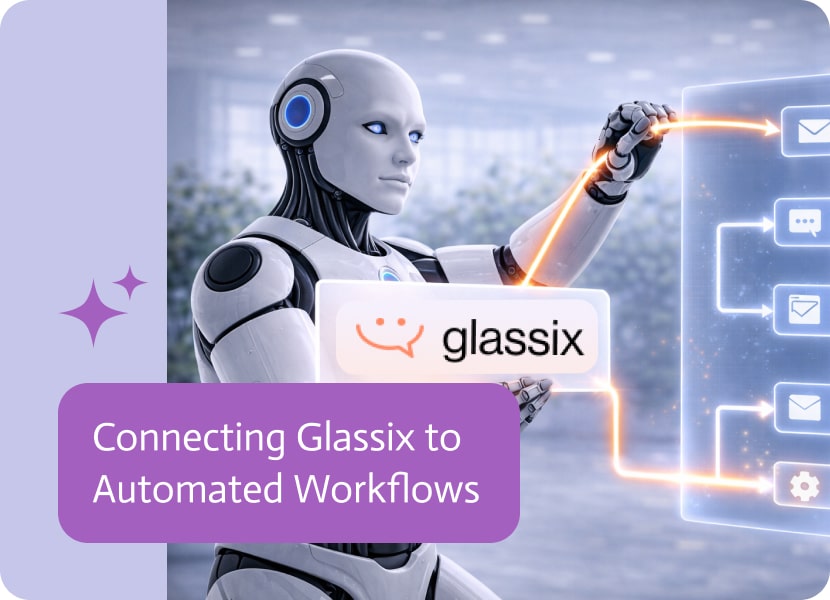

Connecting Glassix to Automated Workflows
Communication channels are a core part of many digital processes, especially when handling customer interactions, support requests, or messaging across multiple platforms. As workflows become more automated, there is a growing need to bring these communication tools directly into the same flow logic that powers business operations.
Bringing Glassix into Workflow Automation
With support for Glassix, communication channels can now be integrated directly into automated workflows.
This allows messages and interactions from Glassix to become part of a larger, connected process—rather than being handled separately from other business actions.
Managing Communication Inside Flows
By integrating Glassix into workflows, messaging and interaction handling can be embedded within automation logic.
This makes it possible to respond to events, process messages, and trigger actions as part of a unified flow, keeping communication closely aligned with the rest of the system.
Why This Matters
Connecting Glassix to automated workflows helps streamline communication processes:
- Messaging becomes part of end-to-end automation
- Interactions are handled within a single connected system
- Less need to switch between tools or platforms
- More consistent handling of communication events
A More Unified Communication Experience
By embedding Glassix into workflows, communication is no longer separated from business logic. Instead, it becomes part of the same automated system, making processes more efficient, responsive, and easier to manage at scale.
Frequently Asked Questions
What does connecting Glassix to workflows allow?
With support for Glassix, communication channels can be integrated directly into automated workflows. Messages and interactions from Glassix become part of a larger connected process instead of being handled separately from other business actions.
What can a workflow do with Glassix messages?
Messaging and interaction handling can be embedded within automation logic, so a workflow can respond to events, process messages and trigger actions as part of one unified flow. This keeps communication aligned with the rest of the system.
Does Noca support Glassix?
Yes. Noca workflows support Glassix, so messaging becomes part of end-to-end automation. Interactions are handled in a single connected system, with less need to switch between tools or platforms.
Can AI agents help automate customer communication with Noca?
Yes. Noca includes chatbots and AI agents, and AI assistants such as Claude and ChatGPT can connect through the Noca MCP server to build and manage workflows and bots from the chat. This can bring communication channels into the same automation logic.
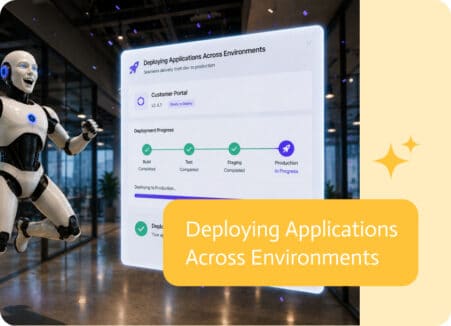
Moving an application from development to testing or production is more than copying the app itself. Behind every application are automations,…

Multi-page applications often need to share information as users move from one page to another. Customer IDs, selected products, search results, shopping…
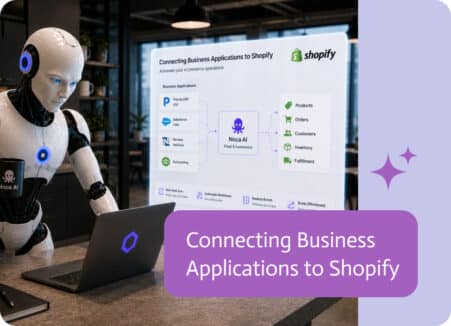
For many businesses, Shopify is more than an online store—it’s the system that manages products, customers, orders, inventory, and the overall shopping…
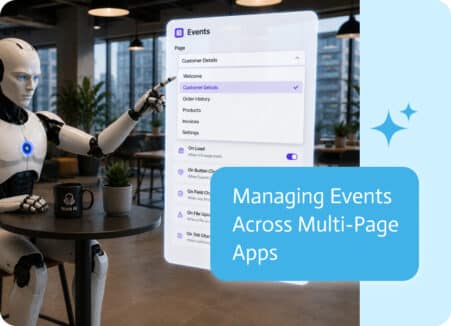
As applications grow, so does the number of pages and the events attached to them. Buttons, forms, page loads, and user actions can each trigger different…