
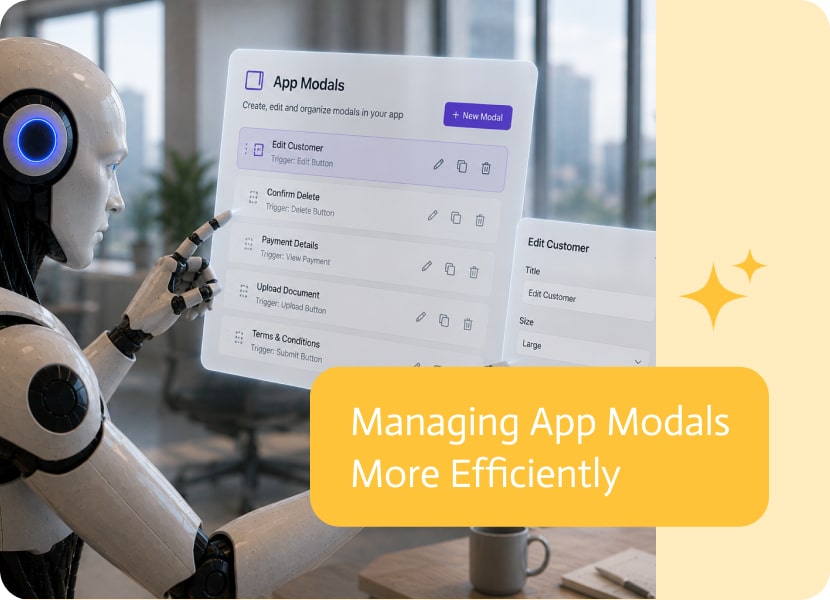

Managing App Modals More Efficiently
Modals are much more than simple pop-up windows. In modern business applications, they often contain their own layouts, forms, validations, integrations, and business logic.
For developers and designers, a modal is essentially another page—just one that’s displayed differently. It should be just as easy to find and edit.
Modals Are Pages Too
A modal may appear as an overlay to users, but behind the scenes it requires the same level of design and development as any other screen.
Whether you’re building a record selector, a confirmation dialog, a data entry form, or a multi-step wizard, modals deserve the same editing experience as the rest of the application.
Keep Navigation Consistent
Builders naturally expect to navigate to every editable part of an application from one central location.
When pages and modals are managed from the same navigation area, it’s easier to understand the structure of the application and jump directly to the component you want to work on.
Spend Less Time Searching
As applications grow, so does the number of pages and modals.
Being able to access both from the same place eliminates unnecessary searching and keeps your attention on designing and building instead of locating components.
A Better Way to Build Applications
Good development tools treat every editable part of an application consistently.
Making modals accessible alongside pages creates a more intuitive builder experience, helping developers and designers work faster while keeping even complex applications easy to manage.
In today’s fast-paced business environment, effective collaboration is essential for success. As organizations grow and evolve, they often adopt various tools to support teamwork, communication,…
Cross team communication usually fails for the least dramatic reason possible: everyone is in a different system, and nobody wants another meeting to answer a…
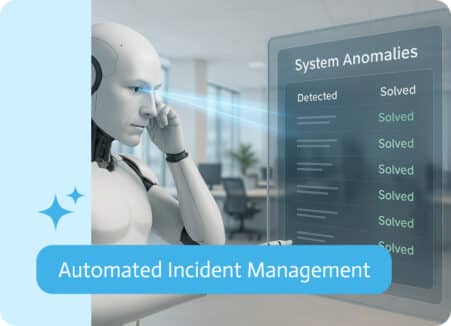
Automated Incident Management is the use of software tools and artificial intelligence to detect, respond to, and resolve IT or system incidents (like outages, bugs,…