
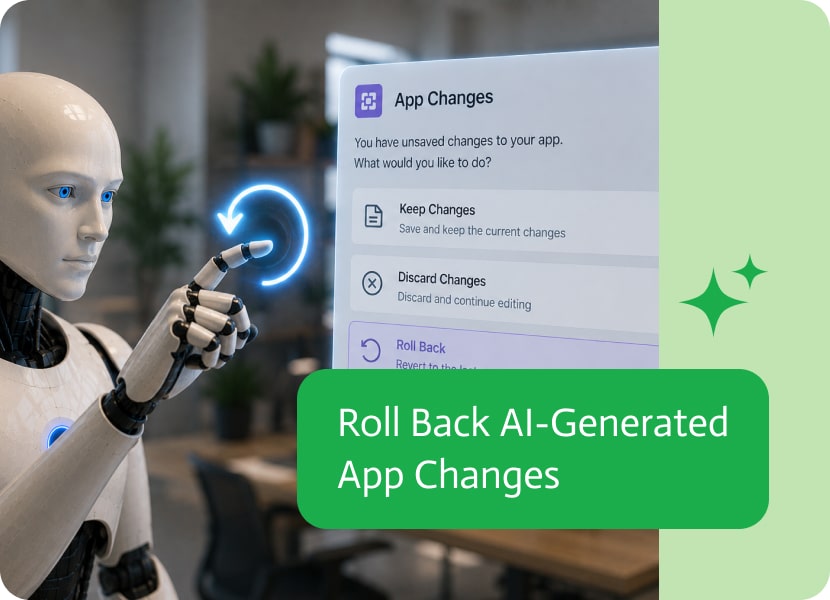

Roll Back AI-Generated App Changes
AI is making it easier than ever to build and modify applications using natural language. Instead of manually updating layouts, components, or logic, builders can simply describe what they want and let AI perform the work.
But with that convenience comes an important question: What happens if you don’t like the result?
Roll Back with Confidence
One of the biggest barriers to using AI for development is the fear of making unwanted changes.
When builders know they can easily roll back an AI-generated update, they’re far more willing to experiment with new ideas, explore different approaches, and let AI take on larger editing tasks.
Review Before You Commit
AI-generated changes shouldn’t have to become permanent the moment they’re created.
Being able to review the result and then choose whether to keep or roll back the changes gives builders complete control over the editing process. If the outcome isn’t exactly what they expected, it’s easy to return to the previous version and try again.
Encourage Exploration
Some of the best ideas come from experimentation.
When rolling back changes is effortless, builders can ask AI to redesign layouts, update components, or modify application behavior without worrying about making irreversible changes. It transforms AI from a risky tool into a safe environment for creative exploration.
Build with Confidence
The most effective AI development tools don’t just help you make changes—they help you recover from them when needed.
Giving builders the ability to roll back AI-generated edits encourages experimentation, shortens the feedback loop, and creates a more confident, productive development experience.

SAP MES Integration bridges the gap between SAP’s Enterprise Resource Planning (ERP) systems and Manufacturing Execution Systems (MES), creating a unified ecosystem that is pivotal…

Not long ago, if you wanted to put together any kind of software, a snazzy mobile game, a customer service portal, or even a simple…
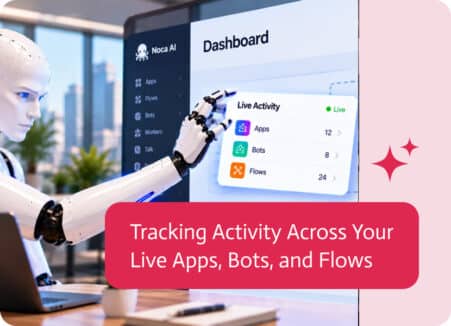
Building applications, chatbots, and automated workflows is only part of the process. Once they’re live, it’s just as important to understand whether they’re actually being…