
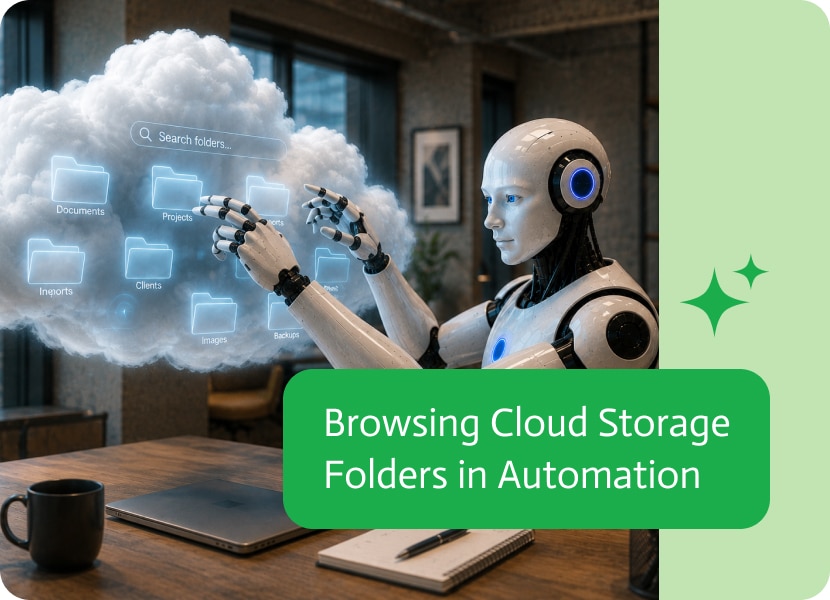

Browsing Cloud Storage Folders in Automation
Many automation workflows begin with finding the right location before processing any files. Whether you’re importing documents, generating reports, or synchronizing data, understanding the folder structure is often the first step.
Being able to retrieve folders directly from cloud storage makes these workflows more flexible and easier to build.
Navigate Storage Dynamically
Cloud storage is rarely organized as one large collection of files.
Most businesses use folders to separate customers, projects, departments, dates, or document types. Accessing the folder structure allows automations to discover where files are stored instead of relying on hard-coded paths.
This makes workflows far more adaptable as storage grows over time.
Build More Flexible Automations
Folder information can be just as valuable as the files themselves.
An automation might retrieve a list of customer folders before processing invoices, identify project directories before generating reports, or let users choose which location to work with. Dynamic folder discovery enables workflows that can adjust to changing storage structures without requiring manual updates.
Simplify Cloud Storage Integrations
Cloud storage providers often contain thousands of files spread across hundreds of folders.
Being able to browse folders programmatically helps builders understand the storage hierarchy and create automations that work with organized content instead of fixed locations.
Scale with Your Business
As storage grows, maintaining static folder paths becomes increasingly difficult.
Building automations that can discover and work with folders dynamically reduces maintenance, improves flexibility, and helps ensure workflows continue to operate as your cloud storage evolves.
The NetSuite customer center is great at being an authoritative ledger, and terrible at being a lightweight place for teams to scan what changed today….

Chat conversations can reveal a lot about what users need, what confuses them, and what they are trying to accomplish. But when those conversations are…
AI coding is all about using artificial intelligence, think big language models, code-creating tools, and machine learning, to make building software faster and easier. Recently,…