
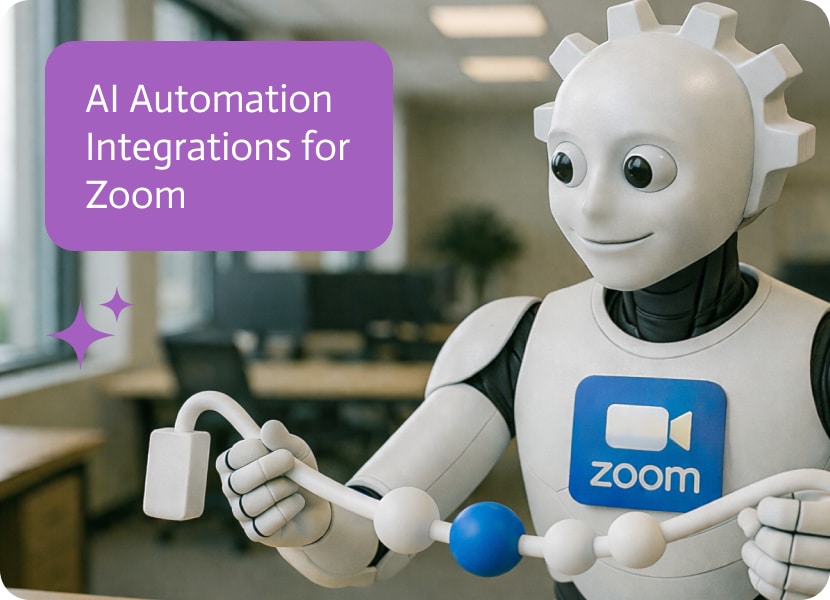

AI Automation Integrations for Zoom
Meeting transcripts are the kind of “valuable data” everyone swears they want, right up until they have to move them from Zoom into Salesforce manually. Then they mysteriously stop mattering. The real problem is not transcription, it is attachment. If the transcript is not sitting on the opportunity where the deal is being run, it might as well be in somebody’s downloads folder. AI automation that connects Zoom to Salesforce is basically a way to stop losing context to gravity.
The use case is triggered the moment a Zoom meeting transcript is completed. Noca detects that completion event, updates the Salesforce opportunity stage, and then creates a Salesforce Content Version so the transcript is stored as a file and attached directly to the opportunity. In the demo, ending the Zoom meeting is enough to kick off the flow, and after a refresh in Salesforce you can see the opportunity moved to a new stage like Negotiation Review and the transcript file sitting right there on the record. If you are searching for Zoom transcript to Salesforce automation or an ai automation agent that links meeting notes to pipeline, this is the exact workflow teams end up wishing they had after the third “where did that call summary go” moment.
In Noca, you can build this with prompt to flow or assemble it in the visual builder if you want the steps spelled out. The trigger is a Zoom transcript completed event, with a condition that filters for the right meeting type or matches the meeting to the correct opportunity based on metadata you choose, like a deal ID in the meeting title or an attendee mapping rule. Mapping takes the transcript content plus identifiers like meeting name, date, participants, and the opportunity reference, then the destination actions in Salesforce update the opportunity stage and create the Content Version file. Routing is where you keep it from getting messy: if an opportunity match is missing, route it to a review queue or notify an owner in Slack, and if the transcript is blank or incomplete, stop the flow instead of attaching junk. The outcome is a pipeline that keeps its own receipts. Reps do not have to remember to upload anything, managers can review the actual conversation without hunting, and Salesforce becomes a better deal workspace instead of a place you update after the fact. To learn more about Noca, check out https://noca.ai/ and then explore prompt to flow here https://noca.ai/prompt-to-flow/ .
Introduction Hello, finance professionals! Are you overwhelmed by the multitude of tools you use daily? Imagine having a single platform that seamlessly integrates them all,…

The NetSuite customer center is great at being an authoritative ledger, and terrible at being a lightweight place for teams to scan what changed today….
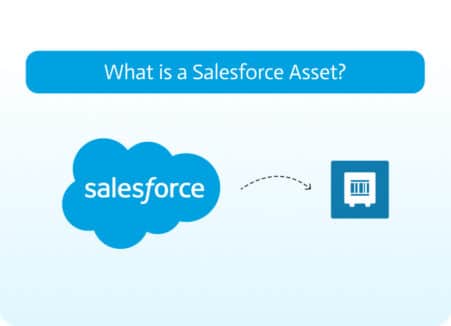
Assets are crucial for tracking warranties, service agreements, and product performance. They help businesses maintain visibility into which customers own which products and their current…