
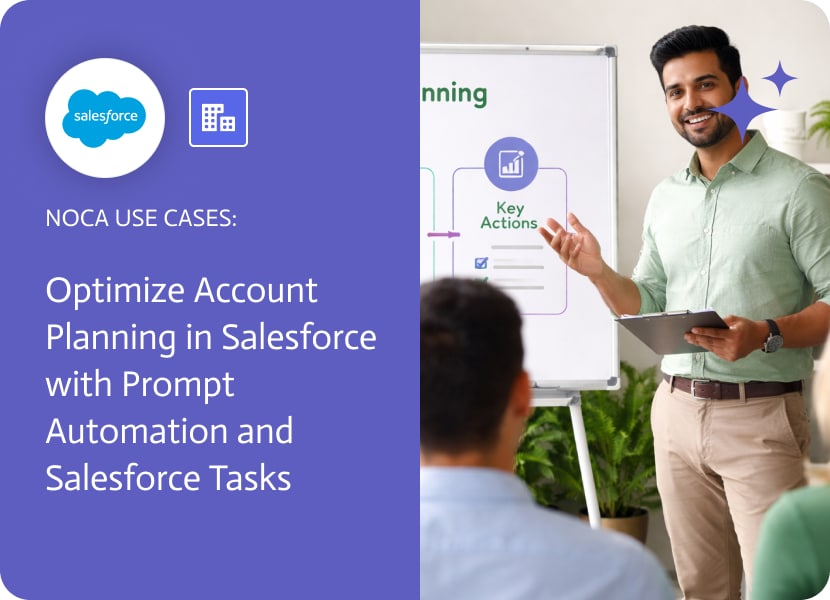

Optimize Account Planning in Salesforce with Prompt Automation and Salesforce Tasks
Account planning in Salesforce usually fails for a boring reason: nobody turns a new account into a next action. The record exists, the fields look fine, and then it sits there until someone remembers it during a meeting. If account planning is supposed to be deliberate, it needs a built in first step.
This use case supports account planning in salesforce by creating that first step automatically. When an account is created in Salesforce, an automation creates a related Salesforce Task assigned to the right owner. The task can carry practical planning context such as account segment, region, tier, onboarding status, or any custom fields your team uses to decide what to do first. Instead of hoping someone creates the task later, the workflow guarantees it exists immediately.
In Noca, you can generate this workflow using prompt to flow or assemble it in the ai flow builder. Choose the Salesforce account created trigger, add a create task action, then map account fields into the task subject, description, priority, and due date. If your planning process relies on information beyond the account record, you can also reference related Salesforce data so the task includes the context that normally gets lost. Learn more at https://noca.ai/ and see the prompt based builder here: https://noca.ai/prompt-to-flow/
The outcome is a cleaner account planning motion. New accounts arrive with an assigned task, the owner has a clear starting point, and Salesforce remains the system of record while ai automation handles the routine follow up.

Today’s businesses never stop moving forward, which is why linking all your systems and apps is a must. SAP Cloud Platform Integration (CPI), part of…

In today’s digital-first world, businesses are constantly seeking innovative ways to streamline operations. Improving efficiency and fostering collaboration across systems are essential goals. The SAP…
Understanding Workato Workato is a leading integration platform as a service (iPaaS) that empowers businesses to automate workflows across various applications and systems. By utilizing…