


Prompt to Flow for monday Sales CRM with Salesforce
Monday sales CRM is popular for a simple reason: teams can move fast without waiting on admins, page layouts, or permissions debates. The downside is predictable. New accounts get captured as monday.com items, and then someone has to recreate the same account in Salesforce so reporting, ownership, and downstream processes stay consistent. That manual handoff is where data gets lost and duplicates get born.
This use case automates that handoff from monday.com to Salesforce. When an item is created in monday.com on the relevant board, Noca creates a new account in Salesforce and maps the monday.com columns into Salesforce account fields. You can map basics like account name, website, industry, region, phone, and owner, plus custom fields you use for segmentation. This creates a clean monday.com to Salesforce integration for account creation without forcing teams to change how they work in monday.com.
In Noca, start with a monday.com item created trigger and point it to a Salesforce create account step. Then map each monday.com column to the corresponding Salesforce field. Add guardrails if needed, such as only creating a Salesforce account when a status column indicates approved, or when required fields are present. If duplicates are a concern, add a lookup step to search Salesforce for an existing account by domain or external ID before creating a new one. Noca platform overview: https://noca.ai/. Prompt to Flow workflow builder: https://noca.ai/prompt-to-flow/.
The result is a faster path from intake to CRM truth. monday.com stays the collaborative front end, Salesforce stays current as the system of record, and account creation stops depending on copy paste discipline.
Keeping track of important meetings and other events is crucial for ensuring your business runs smoothly. The Salesforce Event object represents scheduled calendar events such…

Stop fighting with syntax and start building with vibes. We are now in the golden age of Vibe Coding, a time when your ability to…
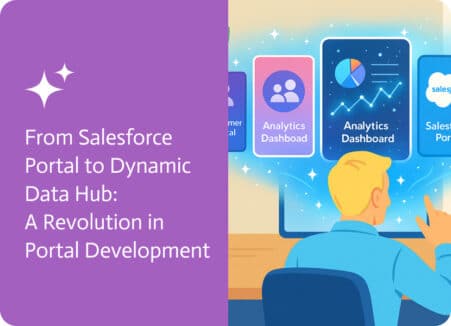
Building a portal that lets users create, read, and update data is a fundamental need for many businesses, but this has always had the potential…