
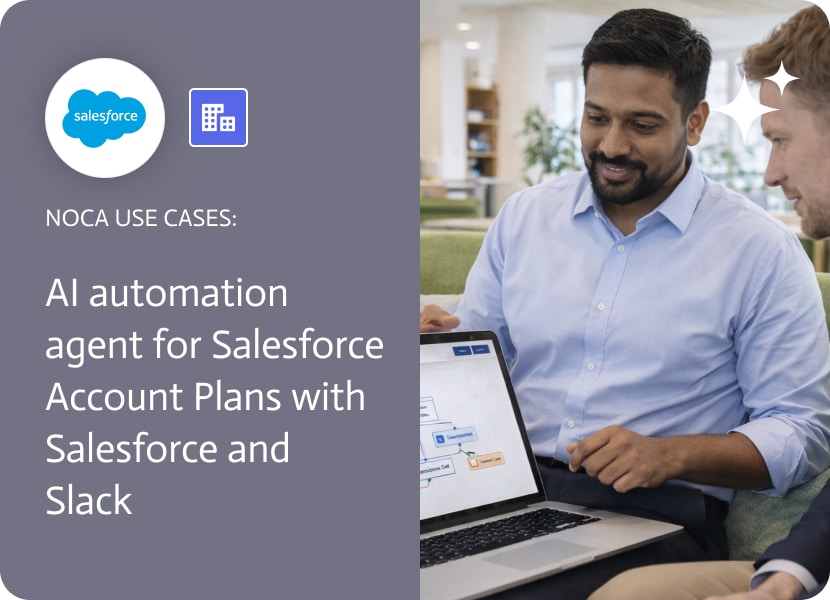

AI Automation Agent for Salesforce Account Plans with Salesforce and Slack
Salesforce account plans are supposed to create clarity, but updates to an account plan can be invisible to the people who need to react. An important field changes, a status advances, an owner adds next steps, and the right person still finds out days later during a check in. That is not planning, that is archaeology.
This use case makes salesforce account plans actionable by treating account updates as signals. When an account is updated in Salesforce, an automation sends a Slack message to the account owner or to the team responsible for the next action. The message can include what changed and the account context needed to respond, such as plan status, renewal date, health indicators, priority, or any custom planning fields your org uses. The goal is simple: the next step gets triggered by the update itself, not by someone remembering to forward it.
In Noca, you can create this workflow using prompt to flow or build it in the ai flow builder. Select a Salesforce account updated trigger, add a condition to focus on the planning fields that matter, then route the Slack message to the owner, a channel, or both. Map the relevant account fields into the Slack message so the recipient has context without opening Salesforce. If you want the platform overview, start at https://noca.ai/. If you want the prompt driven workflow builder, use https://noca.ai/prompt-to-flow/.
The outcome is tighter account execution. Updates to the account plan become visible immediately, responsibility stays clear, and teams move faster without relying on manual notifications. This is ai automation that keeps account plans from becoming a document nobody reads.
Most monday.com rollouts hit the same wall: the people who need the information are not the people who should live inside monday.com all day. Giving…
Welcome to our digital workforce battle, Emergent vs. Relevance AI. This comparison is a little more complicated than the last one, which was between a…
If you’ve chatted with a website at midnight and got a helpful response in seconds, chances are you weren’t talking to a human; you were…