
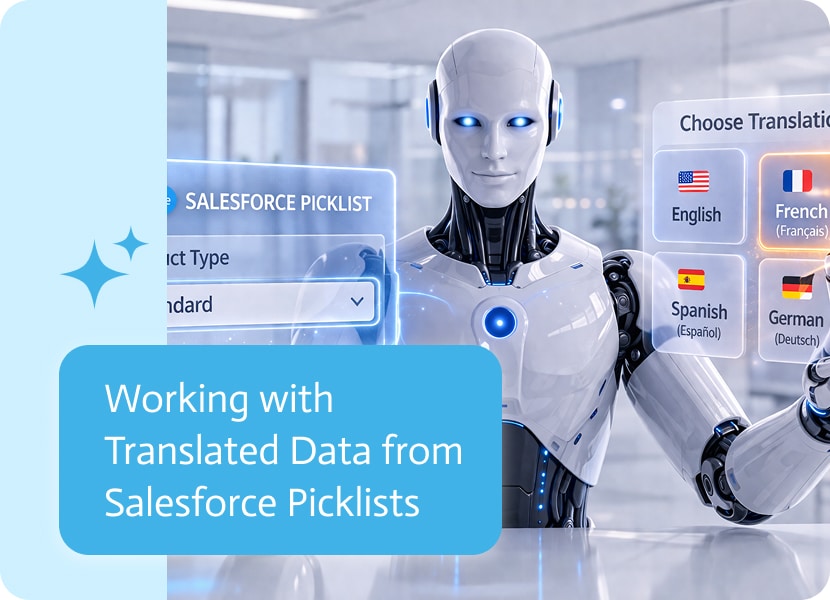

Working with Translated Data from Salesforce Picklists
Data coming from systems often carries more than just values.
In many cases, those values also exist in multiple languages—especially when working across different regions, users, or locales. What looks like a simple field in one language can have a completely different meaning in another.
When One Value Isn’t Enough
Salesforce picklists are a common example of structured data that can exist in multiple translations.
While the underlying value remains the same, the way it is displayed can vary depending on the language or region of the user.
This creates an important question: which version of the value should be used?
Defining Your Own Variables in a Flow
Now, variables can be defined directly within the flow that prepares the data for the document.
Instead of only relying on external or system-level values, you can create your own variables during the flow execution and pass them forward into the document generation step.
These variables behave just like any other dynamic value—but they are fully defined by the flow itself.
Choosing the Right Translation
Instead of being limited to a single representation of a picklist value, you can now choose which translation to use when working with Salesforce data.
When selecting a picklist field, it’s possible to define the translation that should be brought along with it.
This ensures that the value shown is aligned with the intended language or locale.
Why This Choice Matters
In multilingual environments, the same value can carry different meaning depending on how it is displayed.
Choosing the correct translation is not just a formatting preference—it directly affects clarity, understanding, and user experience.
Without this control, users may see values that don’t match their language or expectations, which can lead to confusion or misinterpretation of data.
Keeping Data Consistent Across Languages
When systems operate across different regions, consistency in how data is displayed becomes important.
The same field might need to appear differently depending on who is viewing it, without changing the underlying structure of the data itself.
By controlling which translation is used, the data stays accurate while adapting to its audience.
Making Multi-Language Data Easier to Handle
Instead of manually adjusting values or handling translations separately, the translation becomes part of how the data is retrieved.
This keeps multilingual data aligned from the source, reducing the need for extra handling later on.
When Meaning Depends on Language
Data is not always just about structure—it’s also about meaning.
And meaning can change depending on language, context, or user.
By working with picklist translations directly, the same data can serve different audiences without losing clarity or consistency.

Artificial Intelligence (AI) agents have transformed document management, shifting it from a time-intensive process to an automated, intelligent system that enhances efficiency, accuracy, and security….

Data is precious in today’s digital Wild West, but what about APIs? They are the railways responsible for transferring your precious data from one software…
The ‘Product’ object in Salesforce represents the products or services that a company is selling. Also sometimes called Product2, this object serves as the foundation for product catalogs, pricing, and…