

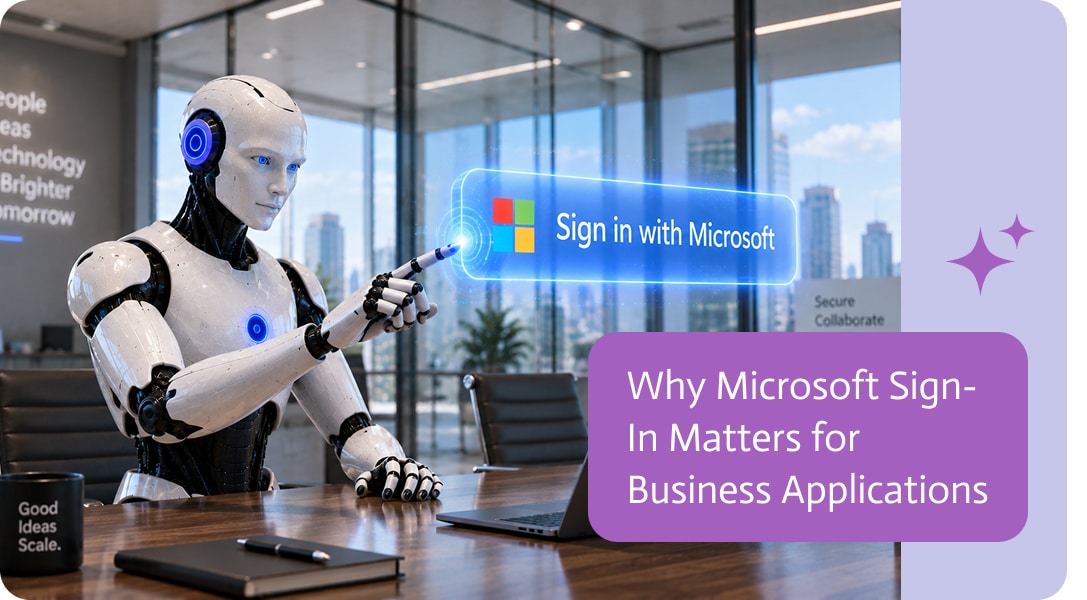
Why Microsoft Sign-In Matters for Business Applications
For many organizations, Microsoft is already the foundation of everyday work.
Employees use Microsoft 365 for email, documents, collaboration, identity management, and access to business systems. When a new application becomes part of that environment, the login experience matters more than it may seem.
Using Microsoft sign-in allows users to access business applications with the account they already use across their organization.
One Less Account to Manage
Every additional username and password creates more friction.
Users need to remember another credential. IT teams may need to support password resets. New employees have another account to activate, and former employees have another account that may need to be disabled.
Microsoft sign-in reduces that overhead by using an identity that already exists within the organization.
Instead of creating a separate set of credentials, users authenticate with their existing Microsoft account.
A More Familiar User Experience
People are more comfortable with login flows they already recognize.
For organizations that work primarily with Microsoft 365, signing in with a Microsoft account feels natural because it is already part of the user’s daily workflow.
That can make access to new business applications simpler, especially for employees who are not highly technical.
The fewer unfamiliar steps involved, the easier it is for users to start working.
Better Alignment with Enterprise Identity Management
For business applications, authentication is not only about convenience.
Organizations often manage user access centrally through Microsoft Entra ID and related identity tools. This allows IT teams to apply security policies across multiple applications and services from one place.
Depending on the organization’s configuration, those policies may include:
- Multi-factor authentication
- Conditional access
- Password policies
- Account lifecycle management
- Centralized user provisioning and deactivation
- Access restrictions based on device or location
Using an existing enterprise identity provider helps applications fit into those established security practices.
Easier Employee Onboarding and Offboarding
Identity management becomes especially important when people join or leave an organization.
With separate application credentials, IT teams may need to manage access individually across many different systems.
When applications use the organization’s existing Microsoft identity, access can be more closely connected to the employee’s main account.
That can simplify onboarding and help reduce the risk of old accounts remaining active after an employee leaves.
Choosing the Right Sign-In Experience
There is no single authentication method that fits every organization.
Some companies are built around Google Workspace. Others rely heavily on Microsoft 365. Many larger organizations use Microsoft identity as the standard way employees access internal and external applications.
The best sign-in experience is usually the one that fits naturally into the organization’s existing environment.
For Microsoft-based teams, allowing users to sign in with their existing Microsoft account can make business applications easier to access, easier to manage, and better aligned with existing security practices.
The issue with looking for automated document generation software is that each vendor makes the same claims about how “easy to use” or “enterprise-ready” their…
NetSuite EDI Integration is a powerful solution that connects Electronic Data Interchange (EDI) systems with NetSuite’s cloud-based ERP. It enhances data exchange processes by making…

Communication channels are a core part of many digital processes, especially when handling customer interactions, support requests, or messaging across multiple platforms. As workflows become…