
Using URLs as App References
Sometimes the easiest way to explain what you want is not to describe it from scratch.
It is to point at something and say:
“Make it like this.”
Very advanced product specification method. Surprisingly effective.
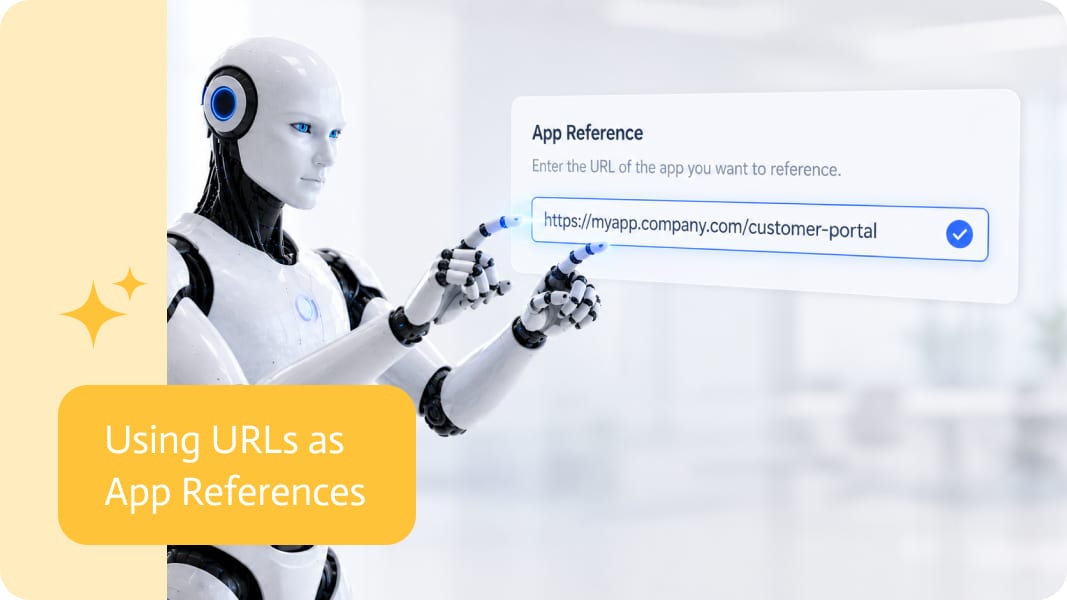
When creating an app, a URL can be used as a reference to help explain the structure, style, layout, or behavior you want. Instead of manually describing every page, field, section, button, and visual detail, users can provide a link to an existing app, form, page, or example and use it as context.
Why References Help
Describing an app from a blank prompt can be difficult.
A user may know exactly what they want when they see it, but explaining it in detail is another story.
- They might want a form that looks like an existing customer intake page.
- They might want an internal app that follows the structure of a current portal.
- They might want a landing page with similar sections and flow.
- They might want a dashboard that behaves like another page they already use.
A URL reference helps bridge that gap.
Instead of writing a long explanation, the user can provide an example and describe what should be similar, different, or improved.
Structure, Style, and Behavior
A URL reference can help communicate several parts of the app idea.
It can show the structure of the page, such as headers, sections, fields, steps, tables, or forms.
It can show the visual direction, such as colors, spacing, typography, layout, and overall design style.
It can also help explain behavior, such as how a form is organized, how users move between sections, or how information is presented.
The reference does not need to be copied exactly. It can simply act as a starting point.
For example:
- “Use this page as a reference, but make it shorter.”
- “Create a similar form, but for supplier onboarding.”
- “Use this layout, but change the style to match our brand.”
- “Create an app with the same structure, but include these fields.”
That is much clearer than trying to describe everything manually and hoping the result does not come back looking like a committee designed it during lunch.
Less Manual Explanation
Without references, users often need to explain every detail themselves.
That can mean describing the page layout, field order, content sections, user actions, buttons, labels, visual style, and logic.
This works, but it is slow. It also leaves room for misunderstanding.
A URL reference gives the creation process more context from the beginning. The user can then focus on what matters most: what the app should do, what should be changed, and what business process it needs to support.
Useful for Real App Creation
URL references are useful in many situations.
- A team may want to modernize an old form.
- A business user may want to recreate an internal process as an app.
- A customer may send an example of what they want.
- A product manager may use a live page as inspiration.
- A consultant may use an existing portal to explain the required structure.
In all of these cases, the URL becomes a shortcut for communication.
Not a replacement for requirements. Just a much better starting point than “please imagine this very specific thing I am bad at explaining.”
A Faster Way to Get Closer
The main benefit of using a URL as a reference is speed.
The first version of the app can start closer to the user’s intention because the reference provides visual and structural context.
That means fewer missing sections, fewer unclear layouts, and less back-and-forth trying to explain something that was already visible in the example.
Turning Examples Into Direction
Good app creation often depends on good context.
A URL reference gives users a simple way to provide that context using something that already exists.
The user can point to an app, form, or page and say what they want to reuse, change, or avoid.
It makes app creation feel more natural, because sometimes the best instruction really is:
“Use this as a reference.”
And honestly, it is nice that software is finally catching up to how people already explain things.
Sales order automation NetSuite workflows usually exist because the business process does not stop at the ERP boundary. A sales order edit might change delivery…

Zoom Salesforce Integration merges the leadingvideo conferencing tool with a great customer relationship management (CRM) solutions. This integration improves communication, collaboration, and data management. It…
In today’s fast-moving business world, smoothly integrating Enterprise Resource Planning (ERP) systems with other essential applications is key to success. SnapLogic’s ERP integration solutions offer…