
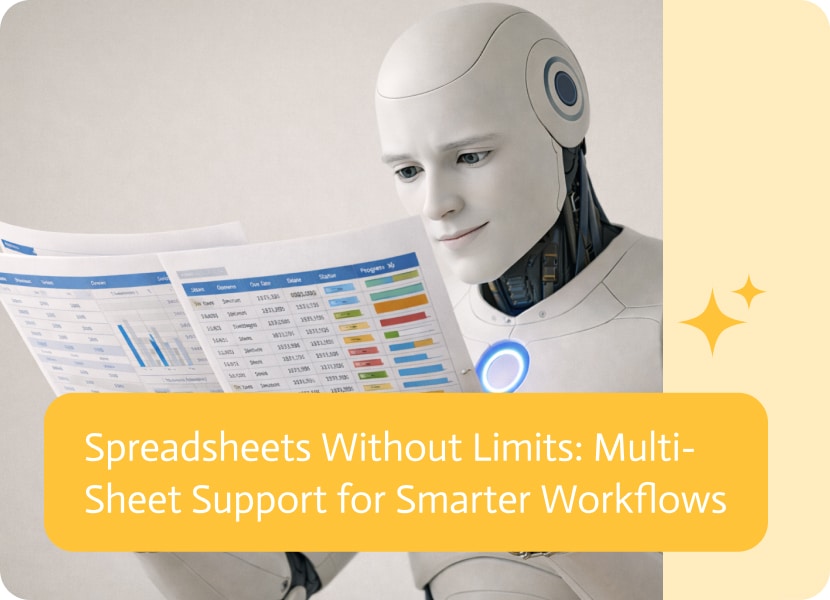

Spreadsheets Without Limits: Multi-Sheet Support for Smarter Workflows
Spreadsheets are the backbone of many businesses, but as projects grow, a single tab is rarely enough to hold the whole story. Whether you are using Google Sheets or Excel 365, your data is often spread across different sheets—one for “Sales,” another for “Inventory,” and maybe a third for “Client Details.”
The ability for an AI agent to interact with multiple sheets within a single file is a game-changer for anyone looking to automate complex tasks without the headache of constantly switching between files.
One File, Unlimited Possibilities
In the past, many automation tools were limited to looking at just the first page of a spreadsheet. Now, an AI worker can navigate through your entire workbook. This means your platform can read data from one tab, process it, and write the results into a completely different tab—all within the same file.
Imagine the possibilities:
- Centralized Data Management: You can keep your raw data on one sheet and have your AI agent generate a clean “Dashboard” or “Summary” on another.
- Smart Cross-Referencing: A bot can look up a price on your “Catalog” sheet and then automatically update an order on the “Transactions” sheet.
- Better Organization: You no longer have to create separate files for every step of a process. Keep everything in one place, neatly organized by tabs, and let the AI handle the navigation.
Why This Matters for Your Productivity
The goal of a modern AI platform is to adapt to how you work, not the other way around. Supporting multi-sheet workflows provides:
- Less Clutter: Stop managing dozens of different files. You can keep your data consolidated in one workbook.
- Enhanced Accuracy: By mapping data across different sheets, your web app can ensure that every piece of information is placed exactly where it belongs.
- More Powerful Flows: Whether you’re building a complex financial tool or a simple inventory tracker, your AI can now see the “big picture” across your entire spreadsheet.
Simple, Seamless, and Scalable
Whether you are a Google Sheets power user or a Microsoft 365 veteran, this flexibility ensures that your AI agents are more capable than ever. By removing the “one sheet” barrier, the platform allows you to build deeper, more meaningful automations that handle your data just as a human would—only much faster.
Today’s businesses never stop moving forward, which is why linking all your systems and apps is a must. SAP Cloud Platform Integration (CPI), part of…

In today’s digital landscape, businesses rely heavily on cloud platforms to manage operations, with Salesforce leading the pack in customer relationship management (CRM). However, the…
Ensuring Seamless System Integrations and Workflow Efficiency In today’s fast-paced digital landscape, enterprises rely on complex integrations and automated workflows to maintain operational efficiency. However,…